Automate web, mobile, and API testing with Zoho QEngine. AorBorC helps businesses build reliable test automation workflows, reduce manual QA effort, and release faster with confidence.
Automate web, mobile, and API testing with Zoho QEngine. AorBorC helps businesses build reliable test automation workflows, reduce manual QA effort, and release faster with confidence.
Zoho QEngine gives teams one place to plan, automate, execute, and review tests across web applications, mobile apps, and APIs. We help you turn that platform into a practical QA process: test strategy, QEngine configuration, reusable test cases, business-flow validation, CI/CD checks, reports, and ongoing test maintenance.
QEngine Setup
We configure Zoho QEngine around the way your team ships: applications, test environments, user roles, browsers, mobile paths, API endpoints, reporting, and approvals. The goal is a QA workflow your team can run every release, not a disconnected test demo.
Environment and access setup for web, mobile, and API testing
Test case structure for reusable regression coverage
Reporting views that show release readiness clearly
Capability 01
Zoho QEngine
QEngine Setup
Journey Tests
We automate complete workflows: login, forms, approvals, reports, validations, customer portals, CRM processes, Creator applications, mobile workflows, API handoffs, and error paths. The test suite follows the work people actually do.
Web application tests across forms, approvals, reports, and browser journeys
Mobile workflow tests for Android and iOS paths
API validation for authentication, payloads, responses, and integration behavior
Capability 02
Zoho QEngine
Journey Tests
Release Gates
Automated testing matters most when it protects a release. We connect QEngine results to your build and deployment process so critical flows are checked before production changes go live.
CI/CD testing integration for release validation
Regression suites that run before production deployment
Result review paths for failures, warnings, and retest decisions
Capability 03
Zoho QEngine
Release Gates
Managed QA
A test suite needs ownership after launch. We maintain test cases, fix broken tests, add coverage for new workflows, monitor results, and help your team keep release validation current as your Zoho and custom systems evolve.
QEngine assessment, automation sprint, QA transformation, or managed QA engagement
Ongoing test maintenance and coverage improvement
Business-first automation for complete journeys, not isolated screens
Capability 04
Zoho QEngine
Managed QA
Team Fit
Teams releasing Zoho Creator, CRM, portal, mobile, or custom app changes without enough regression coverage
Operations leaders who want critical approvals, forms, customer portals, and integrations validated before release
Product and QA teams moving from manual test checklists to reusable automated test suites
Businesses that need web, mobile, and API testing tied into their release process
Outcomes
We do not stop at "shipped". Here is the kind of impact our clients actually see.
A QEngine setup matched to your environments, users, application architecture, and release process
Automated tests for the business workflows that carry the most operational risk
Release validation that covers web, mobile, API, data, and integration paths
Managed QA support to maintain tests, add coverage, and review results as your system changes
“Ruben, Abdul, and Isaiah — I cannot say enough good things to describe the level of your professionalism. We were looking for someone with your level of expertise and service orientation for 3 years. From the first call, when Ruben was able to solve a problem that 10 experts before him could not solve, we have been using AorBorC services for over 4 years now. Every project is done in the most efficient manner, and we get support on the spot when something goes wrong. 100% recommendation — guys, THANK YOU.”
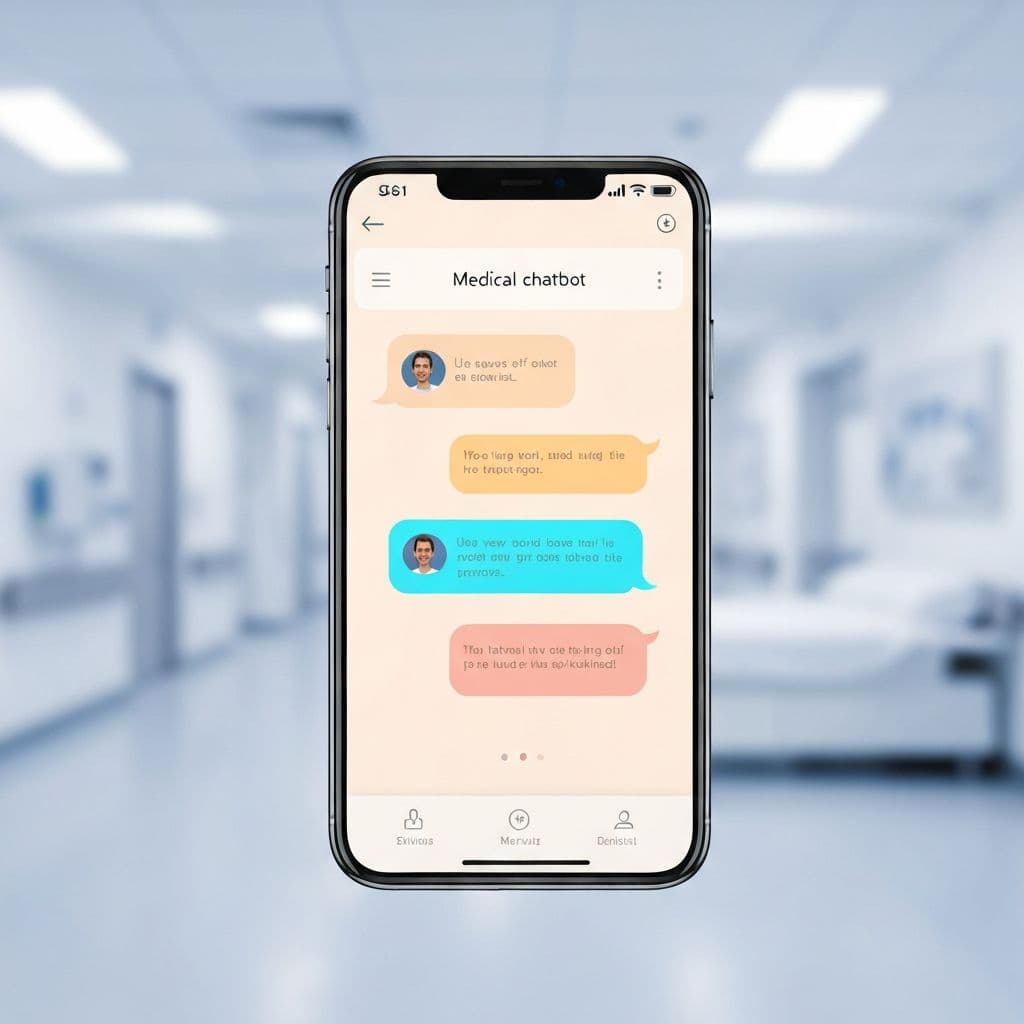
A US senior-care network was triaging incoming patient calls the way most clinics still do - a human at a front desk, an Excel sheet, and a printed escalation tree on the wall. Urgent cases sometimes waited; routine cases sometimes got prioritised. They wanted an AI assistant that could listen to the symptoms a patient described in plain English, ask a few clarifying follow-ups, score urgency against the clinic''s own protocol, and surface a recommended next step (book GP, refer to specialist, send to ED) to the front-desk nurse for confirmation. We built it on a fine-tuned Llama-2 reasoning layer wrapped in a strict guardrail policy: the model never tells the patient a diagnosis, never overrides a clinician, and always defers to a human on the borderline cases. Every interaction is logged with the model''s confidence so the medical director can audit, retrain, and tighten the protocol.
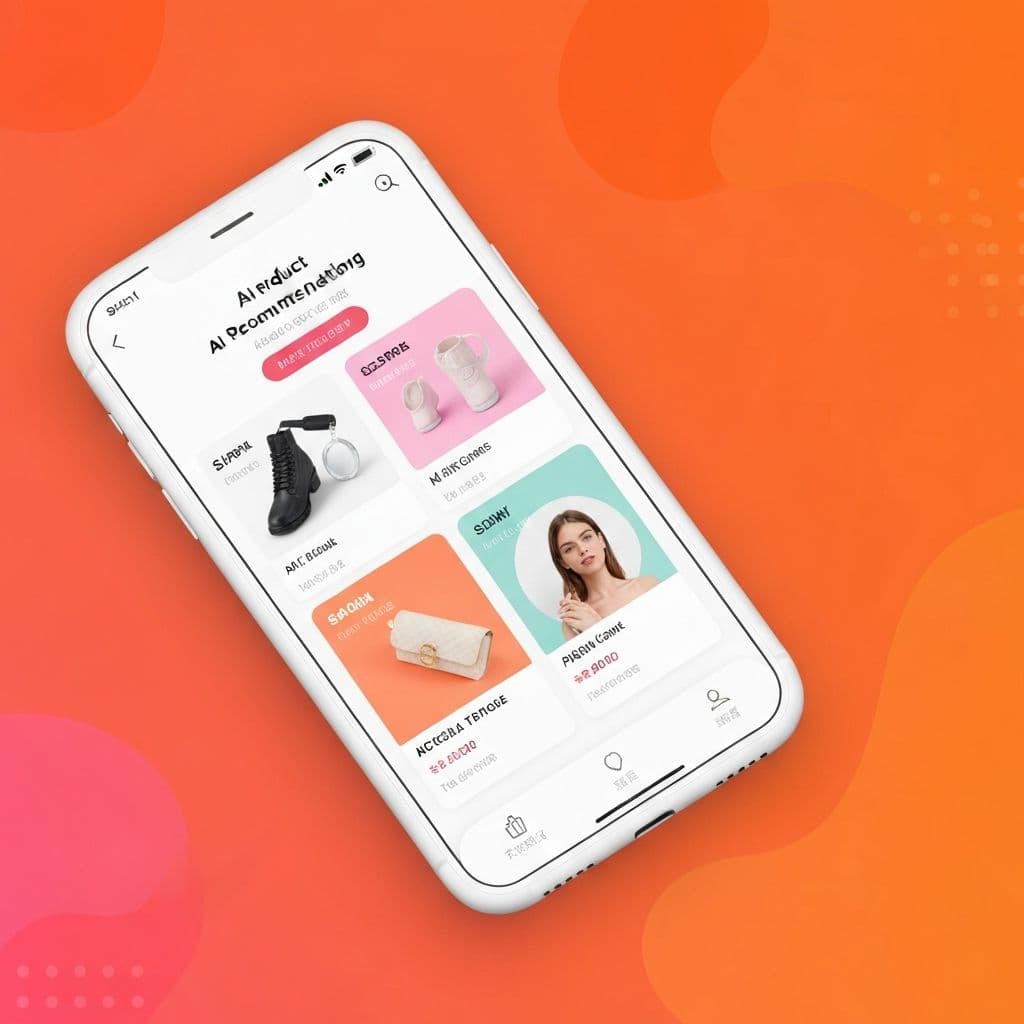
A national online retailer''s product catalogue had grown to over 50,000 SKUs across home, electronics, and apparel - and the storefront was still running the same vanilla collaborative-filtering recommender it had launched with five years earlier. Two-thirds of "Recommended for you" slots were either out-of-stock items or things the customer had already bought. We rebuilt the recommendation layer as a hybrid model: collaborative filtering on the long-tail of behavioural data, a transformer model for session-level intent, and a real-time inventory + margin signal layered on top so the storefront never recommends something we cannot actually ship. The model is served from a managed feature store with sub-50ms latency, and a daily evaluation job watches CTR, conversion, and revenue-per-session before promoting any new model version into production.
Remote Production & Client Portal Platform for a Photography Studio Group
A photography studio group running remote, on-camera shoots across geographies needed a single platform for clients, photographers, admin, and finance. We built a Zoho Creator app that unified the entire shoot lifecycle: a leadership dashboard showing project progress and embedded video previews; a client section with intake forms, payment tracking, shoot stages, photo uploads, and automated email at every milestone; an admin layer for employee, background-image, and coupon management; configurable background reports with auto-email; studio image management; and a library of customizable email templates. Remote shoots stopped being a coordination nightmare.
This keeps the recommendation practical: Zoho where it fits, custom where it helps, and AI only where it removes real review work.
01
Map Workflows
We map the web, mobile, API, Zoho, and portal workflows that matter most to releases.
02
Prioritize Coverage
We choose the flows that should be automated first: access control, forms, approvals, integrations, reports, and data validation.
03
Configure QEngine
We configure users, environments, test structure, devices, browsers, and reporting so QEngine matches your release process.
04
Build Tests
We create reusable automated tests for the priority journeys and document how your team should run and review them.
05
Stabilize Suite
We run the tests against real release paths, review failures, tune unstable cases, and confirm coverage is useful.
06
Gate Releases
We connect automated test execution to the release rhythm, including CI/CD checks where the team needs them.
07
Maintain Coverage
We maintain tests, add coverage for new workflows, and keep the test suite aligned as the application changes.
Questions
What is Zoho QEngine used for?
Zoho QEngine is used to automate software testing for web applications, mobile applications, and APIs. It helps teams reduce manual testing effort and improve release quality.
Can AorBorC automate testing for Zoho Creator applications?
Yes. We can automate testing for Zoho Creator forms, reports, workflows, approvals, customer portals, and integrations.
Can QEngine support API testing?
Yes. QEngine can validate APIs, authentication, request payloads, responses, error handling, and integration flows.
How is QEngine implementation priced?
We price it by scope and phase. A small assessment or automation sprint is scoped differently from a complete QA framework or managed QA retainer. We confirm the first phase after reviewing your applications, environments, and priority workflows.
How long does a QEngine implementation take?
A focused QEngine assessment can take about a week. A test automation sprint usually takes two to four weeks. A broader QA transformation depends on the number of applications, test cases, environments, and release integrations.
What if our workflows change halfway through?
We handle changes through the agreed backlog. If the change fits the current phase, we rebalance coverage. If it changes the scope, we document the trade-off and agree the next phase before expanding the work.
Do you provide ongoing test maintenance?
Yes. We can maintain test suites, fix broken tests, add new coverage, and support release validation as part of managed QA services.
Who owns the QEngine setup and test cases?
Your team owns the QEngine workspace, test cases, data, and documentation inside your Zoho tenant. We configure and maintain it with you; we do not lock it behind an AorBorC account.
Is QEngine only for Zoho applications?
No. QEngine can be used for Zoho applications as well as custom web apps, mobile apps, portals, and APIs.
Will this work for our industry or team size?
Usually, yes, if your team releases software or changes business workflows often enough for regression testing to matter. We start by identifying the highest-risk journeys, then build coverage around those first.
Books configured so finance can trust the numbers - invoice flows, vendor reconciliation, approval automation, and clean handoffs from CRM and Creator.