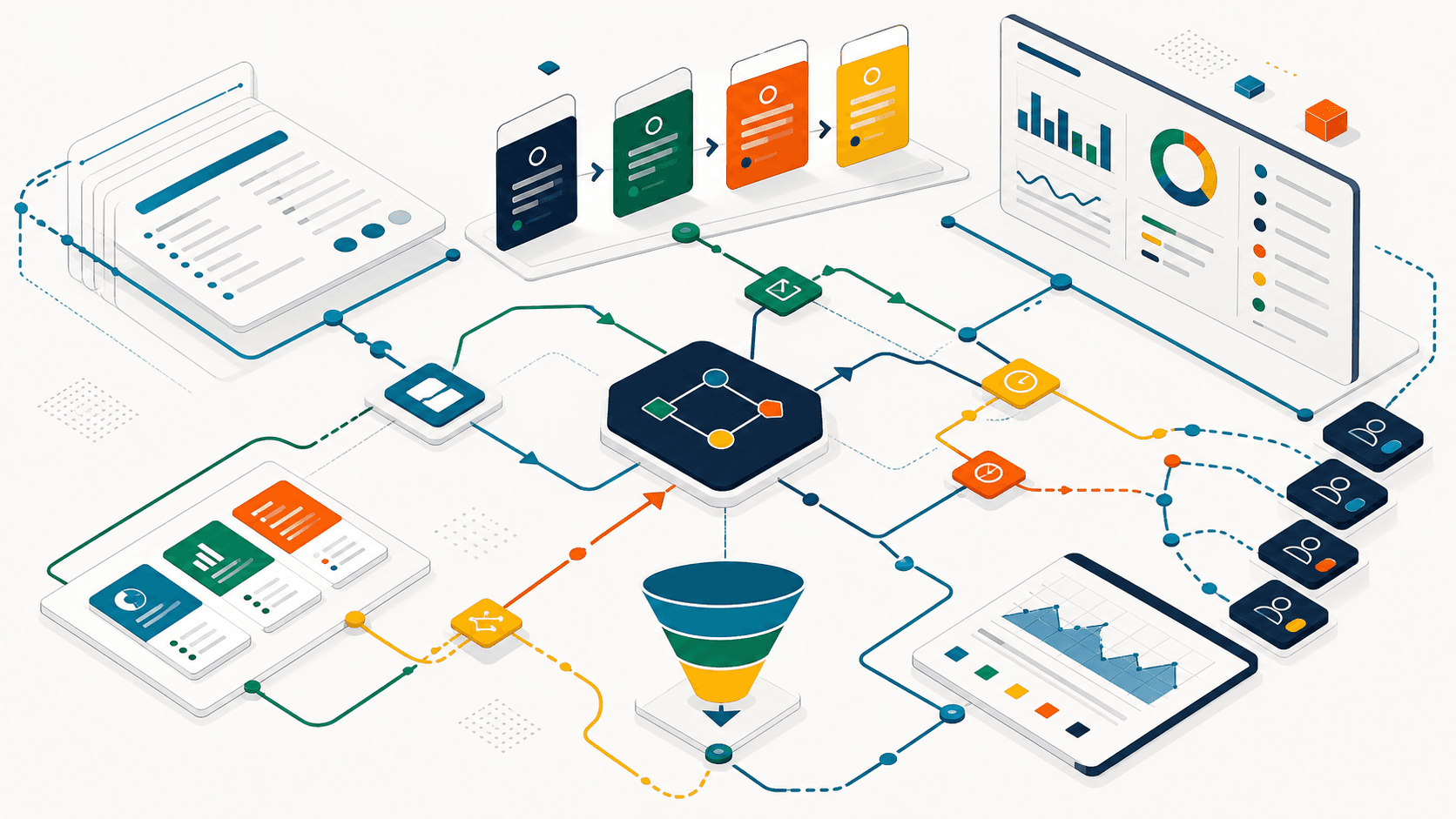
Zoho Creator's new Advanced Metrics update is not just another dashboard. It is a prompt for a more disciplined app review: which parts of the system are actually being used, where users slow down, and what should be simplified before teams add more automation or AI on top.
AorBorC's view: usage analytics are useful only when they lead to system decisions. If Advanced Metrics becomes a monthly screenshot, it will not fix a slow approval process, a crowded form, or a disconnected finance handoff. If it becomes part of an operations review, it can help teams decide where to redesign a Creator app, adjust permissions, train users, add Deluge automation, connect CRM or Books, or escalate a deeper rescue audit.
What changed
Zoho's Creator team says Advanced Metrics extends the existing Metrics feature with feature-level behavior across forms, reports, pages, and blueprints. The announced views include Home, Activity, Trends, Funnel, Popularity, Frequency, and User Analytics.
The practical shift is this: admins can move from "the app is busy" to "this workflow step is where adoption or throughput is breaking." That is a better starting point for implementation work than generic complaints about a Creator app being slow, confusing, or underused.
For teams running procurement, service requests, sales operations, inventory movements, product catalog updates, or approval-heavy back-office processes, that distinction matters. A high-usage app can still hide broken handoffs between Creator, Zoho CRM, Zoho Books, Zoho Inventory, Odoo, Shopify, or reporting tools.
Why operational leaders should care
Most internal apps do not fail in one dramatic moment. They drift. Users stop opening a report. A finance approval sits outside the system. A manager exports data because the dashboard does not answer the real question. A warehouse or support user keeps a spreadsheet because the form asks for too much.
Advanced Metrics gives leaders a better inspection point, but it does not replace judgment. The work is to connect the data back to the operating model:
- If a form has traffic but a funnel step drops off, check whether the form design, role permissions, required fields, or approval routing is the problem.
- If a report is rarely used, decide whether it should be redesigned, retired, or replaced with a clearer Zoho Analytics view.
- If only a few users touch a critical workflow, review training, backup ownership, and access design.
- If a Creator app triggers ERP, e-commerce, inventory, or finance updates, verify whether the downstream handoff still matches the actual workflow.
This is where AorBorC typically sees the gap: analytics are collected inside one app, but the business problem lives across systems. Creator may be the operating layer, CRM may own the customer record, Books may own invoicing, Shopify may own checkout and catalog activity, and Odoo may own deeper ERP modules. App metrics should feed the whole-system review, not stay trapped in the admin console.
A practical Advanced Metrics review checklist
Use Advanced Metrics as a standing review, not a one-time curiosity.
- Pick one business workflow, not the whole app. Start with procurement, support intake, order processing, catalog updates, onboarding, or finance approvals.
- Map the intended path. List the forms, reports, pages, blueprints, integrations, and approval steps that should be used.
- Compare usage to the workflow map. Look for high-friction forms, unused reports, overloaded users, repeated drop-off points, and steps that happen outside Creator.
- Check permissions before redesigning. Low usage can be a training issue, but it can also mean the wrong people have access or the right people do not.
- Review integration handoffs. Confirm that CRM, Books, Inventory, Flow, Analytics, Odoo, Shopify, or custom APIs receive the right records at the right point.
- Separate design fixes from automation fixes. Do not automate a step that users avoid because the form is confusing or the approval rule is wrong.
- Create a short improvement backlog. Label each item as simplify, train, permission, automate, integrate, report, or retire.
- Recheck after changes. The point is not to prove the app is busy; it is to see whether the workflow became easier to run.
For a deeper cleanup pass, pair this with AorBorC's Zoho rescue audit checklist. It gives stakeholders a clearer way to review app health, ownership, integrations, and operational risk before approving more build work.
Where the hype is not useful
Advanced Metrics will not tell you the right process by itself. It can show where users engage, slow down, or stop, but it cannot decide whether the workflow should exist, whether an approval policy is outdated, or whether an ERP handoff is designed correctly.
It also should not become surveillance theater. User analytics can be helpful for training and support, but teams need a clear purpose for reviewing behavior. The healthier use is system improvement: remove unnecessary fields, improve access, clarify reports, and reduce manual work.
The same caution applies to AI. If you are using Zia, MCP-connected assistants, or external LLMs around Creator, usage metrics can help identify where AI might assist. But AI should not be used to mask a broken workflow. Fix the operating path first, then add AI where it has a clear review boundary and a human owner.
Related AorBorC service paths
AorBorC helps teams turn these findings into practical implementation work:
- Zoho Creator development for app redesign, Deluge workflows, roles, portals, dashboards, and operational forms.
- Zoho integrations for CRM, Books, Inventory, Flow, Analytics, Shopify, Odoo, and custom API handoffs.
- ERP and Zoho solutions when Creator usage exposes finance, inventory, procurement, approval, or reporting gaps across the operating system.
- Plan my project if you want to turn an app review into a scoped improvement plan.
Business takeaway
Advanced Metrics is strongest when it becomes a governance habit. Review the workflow, not just the chart. Tie usage patterns to form design, permissions, training, integrations, ERP/e-commerce handoffs, and reporting decisions.
A Creator app that is measured but never improved is just another admin screen. A Creator app reviewed with operational discipline becomes a better long-lived business system.