Category: Odoo, ERP Access Control & Warehouse Operations
Author: AorBorC Technologies
Published: September 21, 2026
Here, “light user” means a role and configuration visible in pre-release public Odoo 20 code. It does not establish current licensing, pricing, entitlement, or customer-ready availability. The commit references related Enterprise work, but its companion Enterprise diff is unavailable for review.
On September 20, 2026 (UTC), commit b0329e9 landed on Odoo’s upstream 20.0 branch. “Landed” describes source control here—not a release, rollout, or commercial promise.
The practical point is straightforward: a smaller menu changes navigation. Only role, action, and record tests prove the operating scope.
What the public code changed
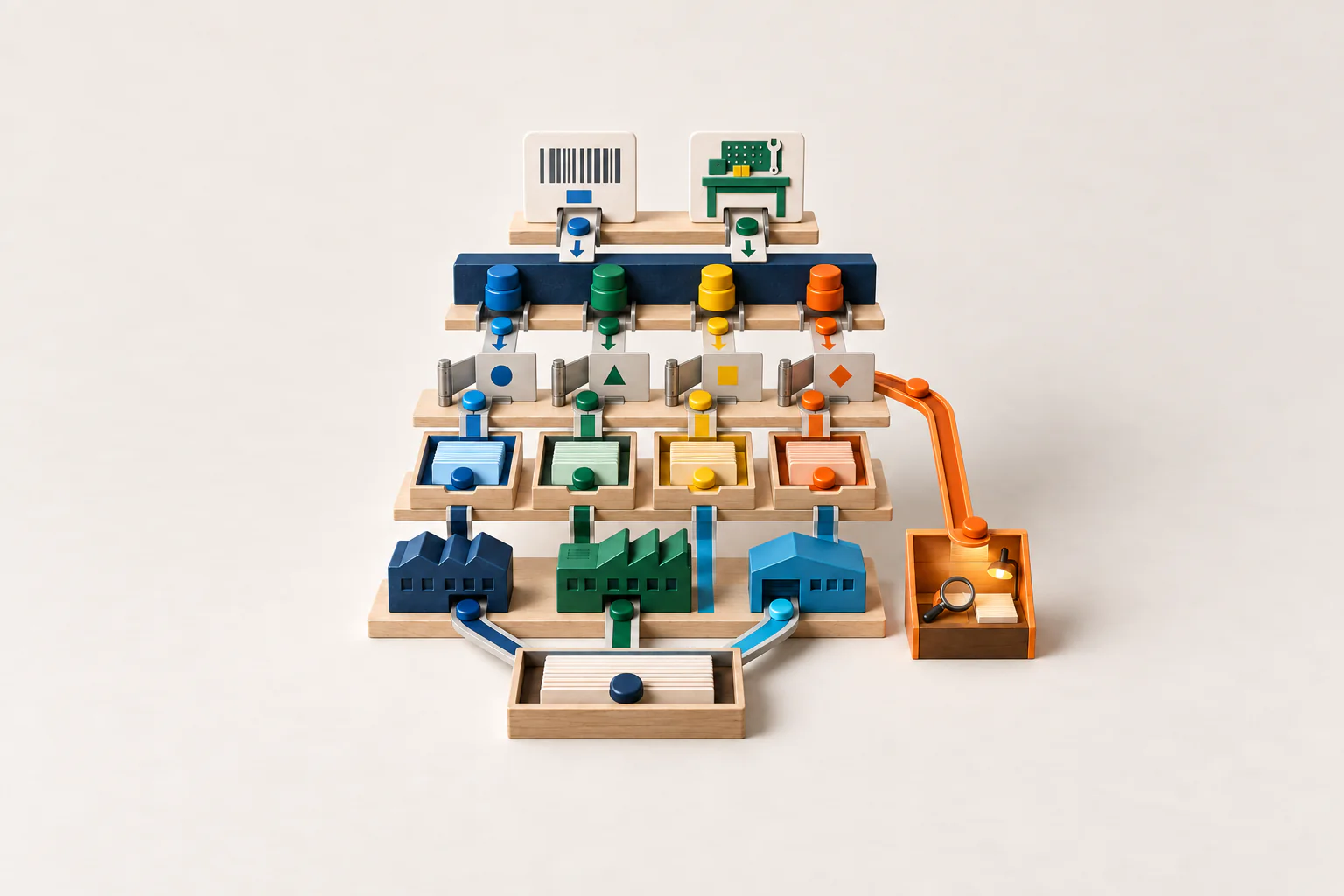
The commit makes stock.group_stock_user and mrp.group_mrp_user part of the light-user-compatible group set. Its demo data links the sample base.user_light to both groups; that demo assignment is not proof that every production light user will receive them. In the same public diff, non-regular users no longer see the top-level Inventory, Manufacturing, Maintenance, and Repair roots.
The diff also hides three more specific pieces of interface for non-regular users: the Purchase Orders empty-state button, the Sales Orders empty-state button, and the production_id field on the scrap form.
Those edits suggest a narrower route through Barcode and Shop Floor instead of broad back-office navigation. They do not prove that every action, direct URL, linked record, automation, import, or integration has the intended boundary.
Why this is timely, but not a release announcement
Odoo’s official event page places Odoo Experience 2026 on September 24–26. A material access-control commit on the pre-release 20.0 branch just before that event is relevant to implementation teams deciding what to inspect and test.
Timing is not release evidence. The public code can still change, the unavailable Enterprise diff may add important behaviour, and a source-tree role does not establish how Odoo will describe, package, price, or entitle it. Teams should use the commit as an early test-design input, not as a procurement statement or go-live approval.
The commit message says light users can do “every action” normal users can do within the stated stock scope. That sentence records implementation intent. It is not a verified guarantee for a configured database, installed modules, customisations, multi-company rules, or the private Enterprise changes.
Four access layers need separate evidence
Treat the change as four connected layers:
- Groups: Which explicit and implied groups does the test user actually receive, including the added Stock User and Manufacturing User groups?
- Menu visibility: Which application roots and child menus are absent from navigation?
- View and action visibility: Which fields, empty-state buttons, server actions, smart buttons, and deep links remain reachable?
- Record and company scope: Which records can the user read or change in each active-company combination, including companyless shared records?
Passing one layer does not prove the next. A hidden menu may sit in front of a callable action; model access may still be narrowed by record rules; company selection may change the result. Test business actions and inspect resulting records.
The group change expands capability before navigation narrows it
Adding stock.group_stock_user and mrp.group_mrp_user matters because groups sit underneath much of Odoo’s access model. Odoo 19’s access-rights documentation explains that roles use groups and that model rights and record rules remain separate.
For this pre-release change, the implementation question is not simply whether the user sees fewer apps. It is whether the expanded group membership provides the exact create, read, update, and operational action scope needed for Barcode and Shop Floor without opening unintended back-office work.
Installed add-ons, custom modules, inherited views, automations, and integrations can attach more behaviour to the same groups. Test the target build with its real module set.
The hidden interface is precise, not universal
The public diff hides the Inventory, Manufacturing, Maintenance, and Repair application roots for users who are not regular users. It also removes the Purchase Orders and Sales Orders empty-state shortcuts from that audience and hides the manufacturing-order reference field, production_id, on the scrap form.
That is a defined interface perimeter. It should not be paraphrased as “no access to Stock,” “no access to Manufacturing,” or “cannot reach sales and purchase records.” The public change makes those groups light-user-compatible for intended operational work through a narrower interface.
Acceptance is two-sided: can the worker complete the approved task, and does the same identity avoid unrelated actions and records? A blocked shift is a failure; so is avoidable finance, procurement, sales, or cross-company exposure.
Equipment visibility widens on a separate axis
The same commit changes the equipment read rule for base.group_user. Previously, the rule shown in the public diff limited equipment reads to equipment the user followed. The new domain allows equipment assigned to companies activated in the switch-company menu, plus companyless equipment.
That affects regular internal users as well as the light-user discussion, because the edited rule is attached to base.group_user. It also makes multi-company context part of the test: the activated company set and companyless equipment can produce a wider result set than a follower-only rule.
The maintenance-request rule is not edited by this public commit. Do not assume that broader equipment visibility automatically widens maintenance-request visibility, ownership, or edit rights. Test equipment and requests as different models with different rules.
Warehouse and manufacturing leaders should care
Access defects do not stay on a permission screen. They can affect catalogs, receipts, transfers, picking, packing, adjustments, scrap, manufacturing orders, component consumption, repairs, procurement, fulfilment, and finance reconciliation.
A light-user design could reduce distraction and make handheld or workstation flows easier to govern. The business value comes only when the narrower route still preserves correct approvals, lot and serial traceability, company boundaries, exception ownership, and reporting.
For e-commerce, test store order to warehouse action and back to order status. For manufacturing, test order to Shop Floor execution, inventory movement, scrap, quality, and costing.
A ten-case expected-versus-observed staging checklist
Use a non-production database, synthetic records, the intended Odoo 20 build, and the same Community, Enterprise, custom, and integration modules planned for deployment. Each team must record the observed result; the fields below are deliberately not pre-filled.
Light-user group composition. Expected from public code: Stock User and Manufacturing User are light-user-compatible, and the demo light user is linked to them; a production assignment is not established. Observed in staging: team must record the actual explicit and implied group set for its configured role. Evidence: export or screenshot the groups with build and module versions.
Application-root navigation. Expected from public code: Inventory, Manufacturing, Maintenance, and Repair roots are hidden for a non-regular user. Observed in staging: team must record what is present after login and refresh. Evidence: capture desktop and intended device navigation under the test identity.
Approved Barcode and Shop Floor work. Expected from public code: the group additions and commit intent support the intended operational route, but completion is not guaranteed by the diff. Observed in staging: team must record each successful and blocked step. Evidence: retain action logs and resulting stock or manufacturing record IDs.
Purchase Orders empty state. Expected from public code: the Purchase Orders button is hidden from the relevant empty-state view for a non-regular user. Observed in staging: team must record the rendered state. Evidence: capture the empty state and the view/build identifiers.
Sales Orders empty state. Expected from public code: the Sales Orders button is hidden from the relevant empty-state view for a non-regular user. Observed in staging: team must record the rendered state. Evidence: capture the empty state and the view/build identifiers.
Scrap manufacturing reference. Expected from public code:
production_idis hidden on the scrap form for a non-regular user. Observed in staging: team must record field visibility and the completed scrap behaviour. Evidence: capture the form plus the resulting scrap and inventory-movement records.Direct action and linked-record reachability. Expected from public code: menu hiding alone does not establish whether a copied URL, smart button, notification, search, RPC, API, or integration can invoke underlying read, create, write, delete, or action behaviour. Observed in staging: team must record every result. Evidence: keep the attempted routes, response, access error, and affected record IDs.
Equipment in an activated company. Expected from public code: a
base.group_useridentity can read equipment belonging to a currently activated company even when the user is not a follower. Observed in staging: team must record the returned records. Evidence: retain the user’s allowed set, active selection, and equipment company/follower fields.Companyless and inactive-company equipment. Expected from public code: companyless equipment is readable, while equipment limited to a company outside
company_idsshould remain outside this edited rule’s domain. Observed in staging: team must record both queries. Evidence: capture active companies, allowed companies, record company values, and search results.Maintenance-request separation. Expected from public code: the equipment rule changes, but the maintenance-request rule is not edited in this commit. Observed in staging: team must record request read and edit behaviour separately. Evidence: retain request ownership, follower, assigned-user, company, and access-result details.
Risks and limits before release
The biggest risk is treating navigation as security. Hidden roots and buttons improve focus, but they do not prove what a user can call through another route.
The second risk is testing only the happy path. Partial quantities, backorders, damage, scrap, cancellations, cross-company transfers, and repairs often expose different links and records.
The third risk is using the Odoo 19 documentation as an Odoo 20 contract. The access-rights and multi-company pages cited below explain the current public model: roles, groups, model permissions, record rules, company access and selection, and companyless records. They are background for designing tests, not proof that pre-release Odoo 20 will preserve every behaviour.
Finally, the unavailable companion Enterprise diff is a material evidence gap. Do not approve a production role until the complete target build is available and the same checklist passes there.
Where AorBorC fits
AorBorC’s Odoo implementation work connects role design to warehouse, manufacturing, finance, reporting, integration, and e-commerce operations. Where native configuration does not express the required boundary, ERP module development can add a governed workflow without confusing menu design with access control.
QEngine test automation is relevant to repeatable role regression: expected access, denied access, resulting records, and evidence can become a maintained test pack instead of a one-time screenshot exercise. Rescue and audit work starts from the same evidence when an existing Odoo database has accumulated custom groups, inherited permissions, or unexplained cross-company visibility.
The AorBorC company profile explains the wider approach: founder-led delivery, practical business-system implementation, and human review around consequential actions.
Business takeaway
The pre-release Odoo 20 code points to a narrower interface for operational users while making Stock User and Manufacturing User groups light-user-compatible. That combination may be useful. It also makes superficial testing especially risky.
A smaller menu changes navigation. Only tests across groups, menu visibility, views and actions, records, and company scope show what the role can really do.
Your next move
Build the expected-versus-observed matrix now, then run it again when the complete target build—including the relevant Enterprise code—is available. If your team needs to map warehouse and manufacturing roles, isolate cross-company exposure, or turn the matrix into a repeatable QEngine regression pack, plan an Odoo access review with AorBorC.
Sources checked
Checked September 21, 2026.