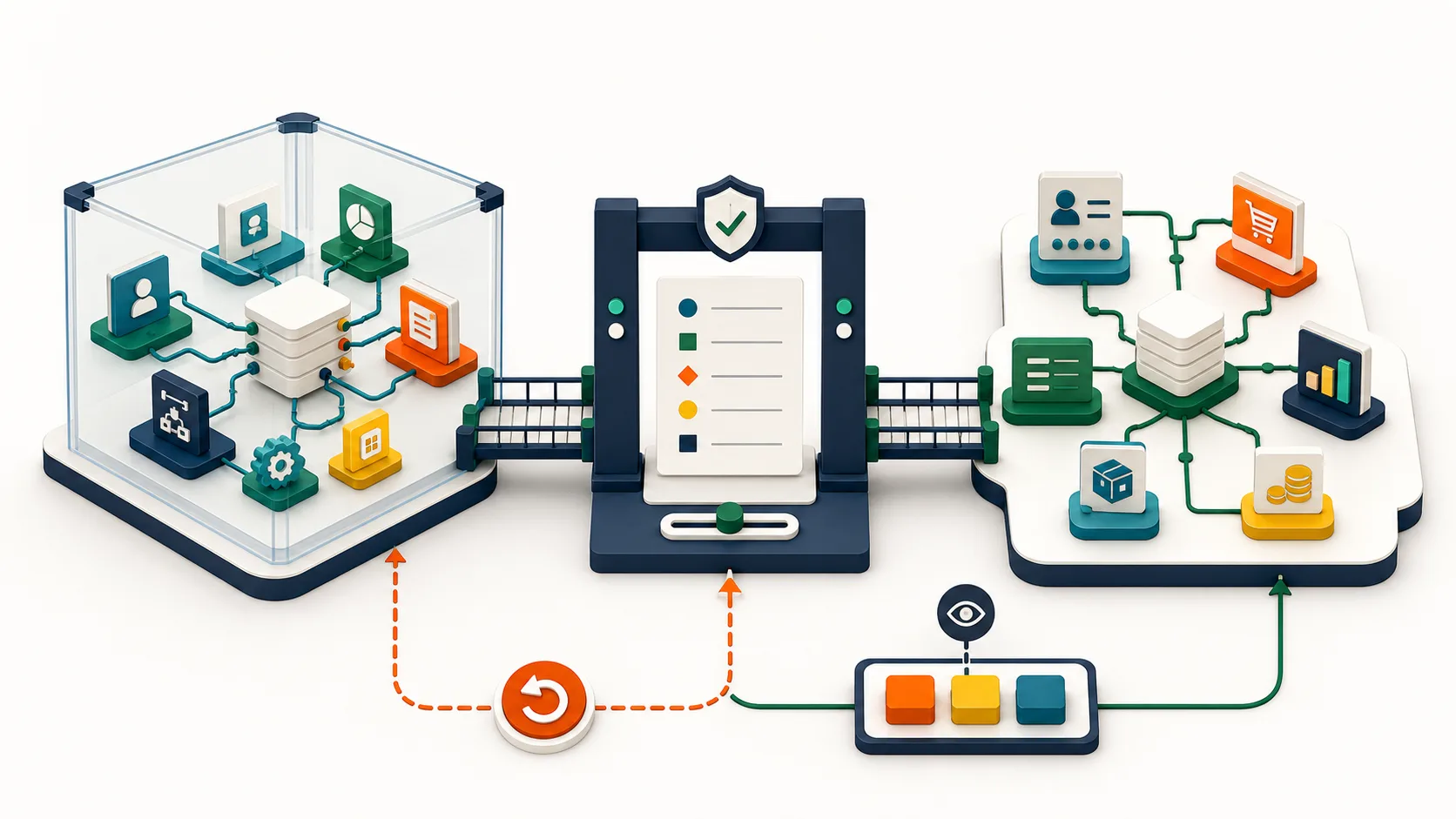
Zoho CRM Sandbox Can Test Integrations—But Not Deploy Them
Slug: zoho-crm-sandbox-integrations-release-plan
Excerpt: Zoho CRM Sandbox now supports key Zoho integrations, but those integration configurations cannot be deployed. Here is the test, production setup, and rollback plan teams need.
Category: Zoho CRM and integrations
Author: AorBorC Technologies
Publish date: 2026-07-22
PR angle: Zoho's integration support makes CRM Sandbox a better release rehearsal, not a release pipeline. Operational teams still need to rebuild or verify each connection in production and reconcile the first live records.
AorBorC point of view: Testable integrations are not deployable integrations.
In July 2026, Zoho announced that CRM Sandbox can connect and validate more of the Zoho systems around CRM without changing live records. The newly supported list covers Zoho Campaigns, Backstage, Analytics, Finance, Forms, Flow, Creator, and Circuits.
That is useful progress for teams whose CRM is no longer a standalone database. It is also easy to overread. Zoho's documentation says deployment support is not available for these integrations. Teams can configure and test the connections in isolation, but they still need a controlled production setup and cutover.
The operational value is specific: more of the real workflow can now be rehearsed before customers, sales teams, finance staff, or operations teams depend on it.
What changed—and what did not
There are several important boundaries in the current release:
- Zoho Finance support in CRM Sandbox currently means Zoho Books. Zoho Inventory, Expense, Billing, and Invoice are not included in this phase.
- A production Finance integration is not copied automatically into Sandbox. Teams configure a separate test connection.
- Sandbox Finance modules and records do not appear in the production deployment log, and the integration configuration cannot be deployed to production.
- Email templates containing Zoho Forms sandbox links cannot be deployed as-is. The sandbox link must be removed before deployment and the production link added afterward.
- Only environment-based Zoho Creator apps can be imported into CRM Sandbox.
- Zoho Projects, SalesIQ, and Mail Merge integration support is listed for a later release.
Some standard CRM configurations can move through CRM's normal change-set process. That does not turn the newly supported integrations into push-button deployments. A successful test can still be followed by a failed release if production credentials, connections, record IDs, environment values, or manual configuration steps are wrong.
Why operational leaders should care
Integration defects cross application and team boundaries. A missed Flow branch can leave work unassigned. A bad CRM-to-Books mapping can create finance cleanup. A Forms link can work in a test email and fail after release. A Creator app can pass functional testing while its production environment values or permissions remain wrong.
The same caution applies when a workflow continues beyond Zoho. Shopify, Odoo, and other ERP or e-commerce systems are outside this native CRM Sandbox integration release. If they participate in catalog, checkout, order, inventory, warehouse, procurement, finance, support, or reporting flows, their boundaries need separate non-production tests and controlled production verification.
For leaders, four questions matter more than “Did it connect?”
- Did the expected record arrive with the right ownership, identity, and field values?
- Did duplicates, missing data, timeouts, retries, and out-of-order events behave safely?
- Can an operator see and recover a failed handoff without editing data blindly?
- Can the team recreate the tested setup in production and prove the first live transactions afterward?
Build a test-to-production matrix
A useful release artifact puts the sandbox proof and the production proof side by side.
| Workflow boundary | Prove before go-live | Prove in production |
|---|---|---|
| CRM to Zoho Flow | Trigger criteria, branches, duplicate handling, failure path, and owner | Production connection, credentials, enabled flow, and first-run monitoring |
| CRM and Zoho Books | Record identity, field mapping, tax and currency rules, and rejected-record handling | Production organization binding, opening reconciliation, and finance sign-off |
| CRM and Zoho Creator | Environment-aware configuration, lookup keys, roles, and permissions | Production environment values, IDs, permissions, and smoke tests |
| Zoho Forms to CRM | Validation, routing, field mapping, and template behavior | Production form link replacement and a verified live submission |
| CRM to Zoho Analytics | Field availability, refresh behavior, filters, and metric definitions | Production data connection, refresh, and reconciliation to source records |
| External ERP or e-commerce system | Separate test connection or representative test records, duplicate-safe processing, and exception handling | Production connection, queue monitoring, rollback path, and order/finance reconciliation |
This matrix keeps teams from confusing a green sandbox test with production readiness. It also creates a shared handoff between the CRM owner, application builders, finance, e-commerce operations, ERP administrators, and the person approving release.
Implementation checklist
Use this checklist before approving a connected CRM change:
- Name one release owner and one business approver. Make the stop/go decision explicit.
- Map the full record path and assign a source of truth for customer, product, price, order, inventory, invoice, payment, and reporting fields that cross it.
- Choose the Sandbox type and test data deliberately. Use representative records, protect sensitive data, and document what the test environment does not contain.
- Test normal, rejected, duplicate, missing-field, permission, timeout, retry, and out-of-order cases.
- Confirm the exact current product limits: Books-only Finance support, manual Forms link replacement, environment-based Creator apps, and no deployment support for the newly supported integrations.
- Keep test and production credentials, connections, service accounts, IDs, and environment values separate. Record who can change each one.
- Write the production build sequence before release, including connection ownership, dependencies, smoke tests, human approvals, and the point at which rollback is still safe.
- Test Shopify, Odoo, custom ERP, payment, and warehouse boundaries separately. A successful CRM-to-Flow test does not prove an external handoff.
- Monitor and reconcile the first live records across CRM, Books, the ERP, the store, and reporting. Preserve the evidence and obtain human sign-off.
Risks and limits
- Sandbox access and available Sandbox types depend on the CRM edition and account setup. Confirm current eligibility before building the release plan.
- Test records and integration-created records cannot be deployed as production business records.
- The newly supported integration configurations still require production-side setup or verification.
- CRM Sandbox emails are recorded for testing but are not delivered to recipients, so customer notification paths need a separate controlled check.
- External APIs and production systems may behave differently from fixtures or non-production endpoints.
- Security, privacy, finance, and compliance decisions still belong to accountable people.
A sandbox produces evidence about a release. It does not replace the release process.
AorBorC's implementation view
AorBorC treats this update as a release-readiness improvement, not a reason to add more connections without control. As a founder-led Zoho + AI business-systems partner, we use sandbox work to produce concrete operating artifacts: a system map, test matrix, exception paths, production runbook, rollback decision, and reconciliation owner.
That approach also supports rescue and audit work. A visible CRM failure may originate in Flow, Creator, Books, a Shopify store, an Odoo or custom ERP module, or reporting. The goal is a long-lived operational system that teams can change safely.
Related AorBorC service paths
- Zoho integrations for CRM, Books, Flow, Creator, and external-system handoffs.
- Zoho QEngine implementation for repeatable regression and release evidence.
- Zoho Creator development for environment-aware custom applications and workflow controls.
- Plan your project to map the test scope, production setup, and ownership before changing live systems.
Business takeaway
Zoho's update makes earlier and safer end-to-end testing possible. It does not make go-live automatic. Treat every connected product as a separate release boundary, rehearse the manual production setup, and reconcile the first live transactions across CRM, finance, ERP, e-commerce, and reporting.