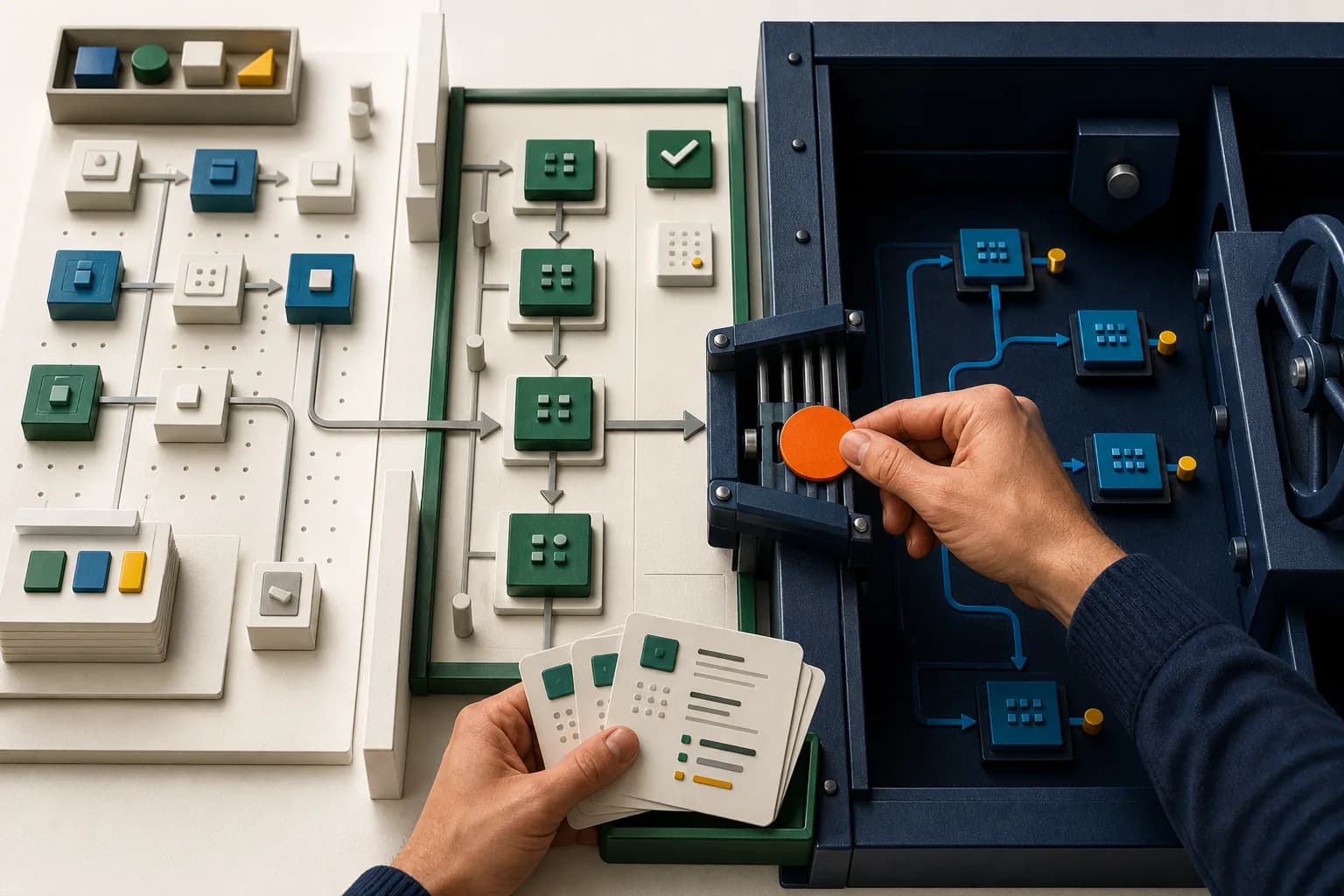
Once an AI-connected tool can invoke publication of an application version, it is no longer only a productivity aid. It has a path to production deployment through the authorization and Creator permissions behind that MCP server. Zoho Creator's July 28 MCP expansion is useful, but the final production decision still needs narrow access, test evidence, and a named human owner.
Category: Zoho Creator, AI, release management, integrations, and QA
MCP, or Model Context Protocol, is a standard way for an AI assistant to discover approved tools and ask connected applications to perform supported operations. In Zoho Creator, an MCP administrator chooses which actions to expose, and an authorized AI client can invoke those actions from a natural-language request.
That makes the tool boundary the story. If the available actions stop at reading status or preparing a report, the assistant is an observer. If they can change records or run configured processes, it is an operator. If they can publish an application version to production, it has access to the release path.
What changed—and what did not
On July 28, Zoho Creator expanded the actions available through Zoho MCP. The new list covers adding and removing applications from environments, checking environment status, retrieving stage and production changes, publishing changes to stage or production, reviewing environment version history, monitoring usage, working with report data, executing configured report actions, and interacting with chat agents.
The significant additions include publishStageChanges and publishProductionChanges. They move MCP beyond reading application information or updating business records. A configured AI assistant can now participate directly in the application release process.
That capability is conditional. An MCP administrator must select the relevant tool. Valid authorization must exist. The authenticated account still needs the required Zoho Creator access. Environment publishing is available only in Creator 6 and is limited to super admins, admins, and developers with assigned environment permissions.
Enabling Zoho MCP does not automatically let an assistant publish. Zoho says its MCP server validates requests and authorization and allows only operations within the permissions granted by the application. Creator permission settings can also restrict which forms, reports, and data are accessible.
Authorization also matters. Zoho supports two models:
- Authorization on Demand, the default, where each user completes OAuth authorization with their own account.
- Authorization via Connection, where an administrator establishes an organization-level connection in advance so trusted members can invoke authorized tools without completing individual authorization each time.
Those models create different accountability and access risks. With Authorization via Connection, verify which Creator identity and permissions govern the operation and how the prompting member is attributed. Do not assume the member's individual Creator permissions remain the enforcement boundary.
The update also does not turn a prompt into an application builder. Zoho's documentation says MCP cannot create or modify forms, fields, reports, pages, workflows, integrations, connections, connectors, or other application structures. It can execute supported actions and processes that have already been configured.
Creator's environment rules still apply. Application changes move from development to stage for testing, then from stage to production. Creator runs pre-validation, packages dependent changes together, and temporarily locks the selected applications and their dependent applications in the relevant environments during publishing. The new interface changes who or what can request an action; it does not remove the underlying release sequence.
Why operational leaders should care
Publishing a Creator application is an operational change, not a content update.
A production release may affect approval routes, field validation, customer portals, reports, finance handoffs, service workflows, or integrations with CRM, Books, inventory, ERP, and e-commerce systems. A technically successful publish can still create a business problem if the wrong dependency is included, a warning is accepted without review, or a downstream team is not ready.
Consider a Creator app that receives e-commerce exceptions, routes stock decisions, creates a finance handoff in Books or an ERP, and opens support work in Desk. A release that changes a required field, permission, workflow, or integration payload can cross several teams in one move. The application may be available while a data migration is still running, so a green screen immediately after publishing is not proof that the operating chain is healthy.
The new actions are useful because they can shorten the mechanical part of release management. An assistant can retrieve environment status, summarize stage changes, inspect production changes, and help assemble a release brief without forcing an administrator to collect each detail manually.
The risk appears when that convenience is mistaken for release authority. Natural language is a faster interface. It is not evidence that a change is safe for production.
The release path now includes more than the Creator app. Teams need named owners for the AI client, MCP server, exposed tools, authorization method, Creator account, application permissions, target environment, and release evidence. If any part is unowned, the production gate is incomplete.
The AorBorC view: AI may prepare the release, but a person owns production
Our position is simple: use MCP to improve release preparation, not to remove accountable ownership.
Zoho provides technical controls through tool selection, authentication, permissions, Creator environments, pre-validation, and application locks. AorBorC's human gate is an additional operating policy. The official pages checked do not say that every MCP production publish requires a separate human approval, so teams should not assume that control exists unless they have verified and enforced it.
A practical release path looks like this:
Development → stage publish → workflow testing → named human review → production publish → post-release verification
Using returned environment, change, and version-history data—and test evidence supplied by the team—the AI assistant can help assemble a release brief. Verify whether the tenant's tool responses expose dependencies and warnings before relying on them. The release owner should review the complete evidence, accept or reject non-blocking warnings, confirm timing, and authorize the final action.
For general-purpose AI access, we would normally withhold publishProductionChanges. If a team has a justified automation case, production publishing should sit behind a tightly controlled MCP server or tool set, restricted authorization, a named human go/no-go step, and a documented release procedure.
It helps to separate three lanes:
- Observe: environment status, change lists, version history, usage, and report reads.
- Operate: approved record changes, blueprint or approval actions, and configured report actions.
- Deploy: environment changes and stage or production publishing.
Do not give every assistant all three lanes. Human-reviewed AI in this context is not a person casually watching an agent. It is a named owner reviewing defined evidence before a consequential action.
An implementation checklist
Name the production release owner and evidence owners. Assign one person who can approve, defer, or reject the release. Then assign the evidence: the application owner supplies the version and dependency bundle; the test lead supplies results and unresolved defects; the integration owner supplies downstream and reconciliation checks; and the business process owner confirms operational readiness and timing. "The admin team" is not accountability.
Inventory every MCP route into Creator. List MCP servers, connected AI clients, server owners, exposed Creator tools, authorization methods, authorized users, target apps, and environments. Include temporary vendor, developer, and support access.
Expose only the tools the use case needs. A reporting assistant does not need environment removal or production publishing. Keep high-impact actions out of general MCP configurations and separate observe, operate, and deploy access where practical.
Choose authorization deliberately. Use on-demand authorization when user-level identity and access boundaries matter. If using a preconfigured connection, document its owner, scope, trusted users, review cycle, revocation process, and what evidence preserves individual accountability.
Verify Creator permissions and identity separately. Review environment permissions, application roles, form and report access, and dependent-app access. Identify the Creator identity actually used by the chosen authorization model and test that exact path. With a preconfigured connection, do not assume the prompting member's own Creator permissions govern the operation.
Make stage evidence mandatory. Require the environment status, stage changes, version details, dependency list, test result, unresolved warning list, and proposed release time before production approval. Store that evidence in a change ticket the operations team can find later.
Review the complete dependency bundle. Creator can require related components and dependent applications to be published together. Applications packaged into one stage version move to production as a single version package, so review the whole bundle rather than the originally requested component alone.
Distinguish errors from warnings. Creator runs built-in pre-validation. Errors block publishing and must be resolved. Warnings can cover issues such as data loss, permission changes, or post-publish processing and do not block the release. A named human should decide whether each warning is acceptable.
Test the business transaction, not just the screen. Run the complete workflow through roles, approvals, notifications, integrations, reports, and downstream reconciliation. Include one expected path and meaningful exceptions: rejected approval, duplicate request, failed integration, missing permission, changed field, and retry. A form loading correctly is not proof that the operating process still works.
Plan the release window and post-release watch. Creator temporarily locks affected applications during stage or production publishing, and some data migrations may continue after the app becomes accessible. Warn support teams, avoid overlapping changes, monitor the documented status to completion, then trace real or approved synthetic transactions through connected systems.
Preserve evidence and define recovery before approval. Invoking Creator tools through MCP consumes Developer API calls, while the AI platform may consume its own tokens. Record the request, selected version, tool result, human approval, validation output, and post-release checks. Zoho states that published application versions cannot be rolled back to earlier versions. Prepare a tested corrective-release, data-reconciliation, access-revocation, and communication plan; that limitation does not mean every form of recovery is impossible.
Risks and limits
The most serious risk is overbroad tool exposure. An assistant connected for record lookup or reporting should not quietly inherit application lifecycle controls.
Connection-based authorization needs particular care because trusted members may invoke tools through authorization established by an administrator. Review who can reach that MCP server whenever roles, vendors, or project teams change. Because Zoho embeds the MCP API key in the server URL, treat exposure of that URL as credential exposure. Regenerating the key changes the URL and invalidates existing connections; include that step in the access incident runbook.
Non-blocking warnings are another weak point. Creator's pre-validation can return data-loss, permission, or post-publish warnings without blocking publication. Passing validation is not the same as obtaining release approval.
Dependency packaging can widen the impact of a release. A small requested change may travel with related components or another application. Release evidence must describe the complete version package.
Treat removeAppFromEnvironment as a separate high-risk action. Removing an app from environments disables multi-stage deployment rather than deleting the application itself, but Zoho warns that data outside the retained version and unpublished changes in removed environments can be permanently lost. If the application has reached production, only its production version can be retained. Verify the MCP action's tenant behavior and confirmation path before exposing it; do not assume an AI client presents the same warning as the Creator interface.
The release notes establish that the new actions exist, but the official pages checked do not document their input and output schema, warning handling, confirmation behavior, or prompt-level audit guarantees. Verify the exact client, tenant, data center, tool list, authorization, responses, and logs before making them part of the control design.
Finally, the prompt is not the source of truth. The configured tools, authorization, permissions, selected version, validation output, and Creator's actual response determine what can happen.
Where the hype is not useful
MCP cannot create or modify Creator application structures or configure workflows, integrations, or connections; it can invoke supported tools and configured processes. It also cannot supply the business judgment needed to accept a warning, confirm that an integration contract still holds, reconcile a finance change, or decide whether operations can absorb a release today.
"Autonomous deployment" is therefore the wrong prize for most operational systems. AorBorC's useful target is a controlled release with less administrative work: the assistant can inspect, prepare, and execute approved actions through a consistent interface, while people retain accountability for evidence, exceptions, and production impact.
An MCP connection is an integration interface, not a governance model.
Related AorBorC service paths
AorBorC can help teams design the application and its environment strategy through Zoho Creator development, define practical human-reviewed agent use through AI solutions, and build repeatable workflow checks through Zoho QEngine implementation.
Our founder-led work also covers integration audits, inherited Creator applications, failed CRM, finance, ERP, e-commerce, and support handoffs, and release processes that need to be made supportable before more automation is added.
Business takeaway
Zoho Creator's MCP publishing actions are valuable because they bring release operations closer to the AI-assisted workspace. Their value depends on disciplined access, staging evidence, and ownership.
Let AI prepare the change. Let a named person own the production decision.
Your next move
Before enabling a publishing action, inventory your MCP tools, authorization model, Creator environment permissions, release evidence, and recovery procedure.
If the application is business-critical or inherited from another team, plan a Zoho Creator project around an environment and release audit first. The safest automation starts with a release process that already works.
Sources checked
Checked August 3, 2026.