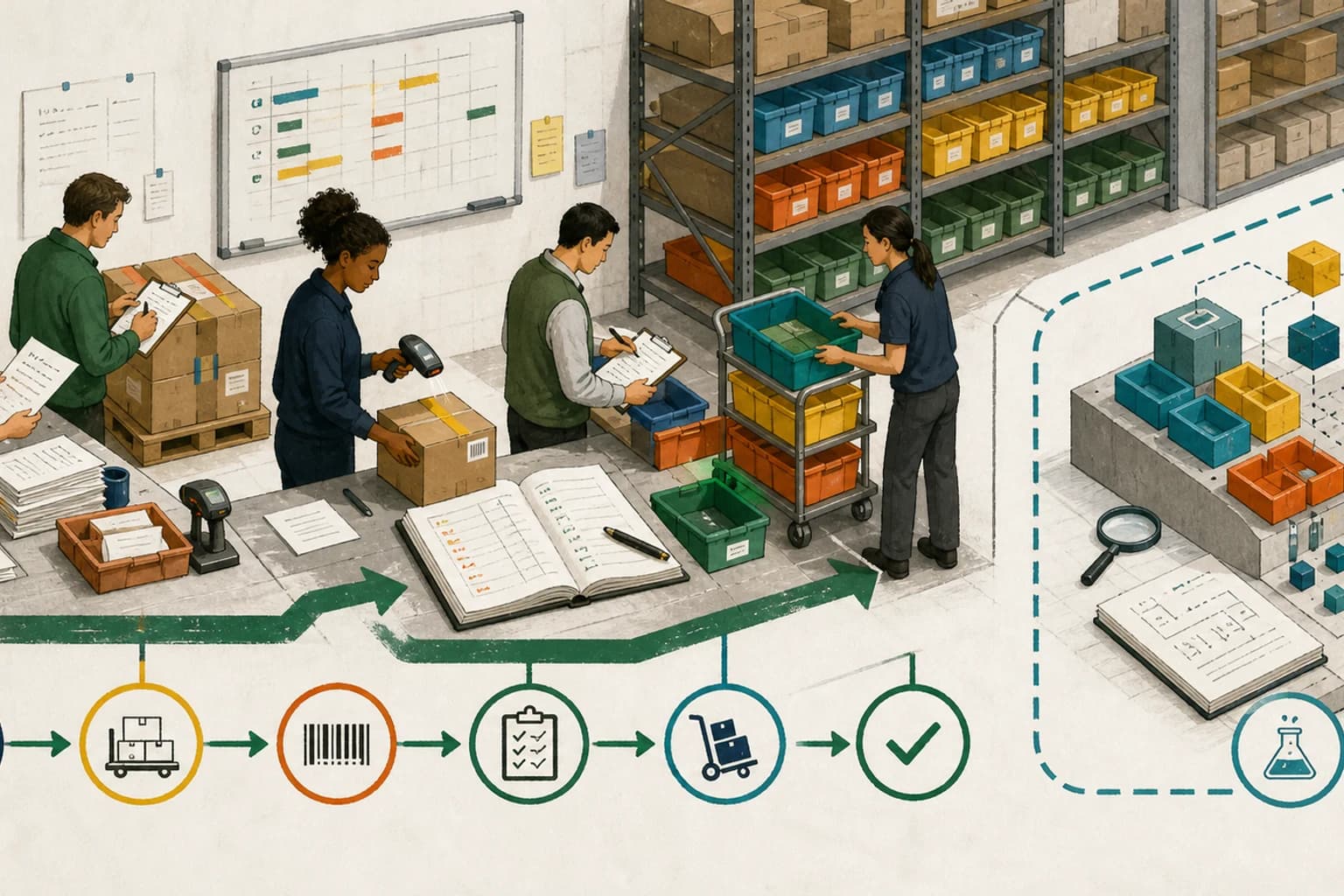
A feature preview is roadmap evidence, not a production cutover dependency. Shopify Stocky stops being available after August 31, 2026. Shopify's newer physical-inventory APIs are useful to explore, but they are still an unstable feature preview available only on development stores. Inventory teams need one plan for the production migration and another for the API experiment.
Category: Shopify, e-commerce, inventory, ERP, and integrations
Shopify's Stocky migration guide puts a firm date on an operational change for merchants that still use the app for purchasing and inventory workflows: after August 31, they can no longer use Stocky to manage inventory. Purchase-order creation and reporting move primarily to Shopify admin; supported receiving, transfer, adjustment, and counting tasks are also available in Shopify POS.
The difficult part is not finding the replacement menu. It is preserving the business evidence and operating rules around the inventory.
Shopify says old Stocky purchase orders and stocktakes will not move automatically. Historical purchase orders cannot be imported with their status, received quantities, or supplier links. Suppliers cannot be exported from Stocky. Stocky API integrations also stop working on August 31.
At the same time, Shopify's July 17 physical-inventory preview gives developers early access to APIs for bins, counts, and purchase-order data. That looks closely related to the migration, but Shopify is explicit: the preview uses the unstable GraphQL Admin API, works only on enabled development stores, and can change.
Those are two different workstreams. The production cutover must use stable, supported workflows. The preview can inform future integration design without becoming a dependency for September operations.
What changed—and what did not
Stocky's operating window now has an end
Shopify says Stocky will not be available for inventory management after August 31, 2026. A read-only period of at least 90 days is planned for exports, but that is a recovery window, not a migration strategy.
Stocky was delisted from the Shopify App Store on February 2, 2026 and cannot be reinstalled. Do not uninstall it before required exports are complete and the cutover has been verified.
The target operating surfaces are Shopify admin and Shopify POS. Shopify documents native workflows for purchase orders, transfers and partial shipments, inventory adjustments, receiving, history, reports, permissions, and in-store inventory tasks.
That does not mean every Stocky workflow maps one-for-one. Shopify also warns that some Stocky-specific capabilities work differently or may not yet exist in Shopify. Teams still have to compare their real process with the available replacement.
The history remains separate
Completed purchase-order reports, stocktake history, and historical cost data need to be exported if the business wants to retain them. Shopify says historical Stocky purchase orders cannot be recreated as historical Shopify purchase orders. The native CSV route can add product lines to a new draft purchase order, but it does not restore the earlier status, quantities received, or supplier relationship.
Supplier records create a second gap because Shopify says they cannot be exported from Stocky. Rebuilding a supplier master is therefore a controlled data exercise, not a download-and-upload step.
Stocky integrations have their own cutoff
Any app, script, warehouse tool, reporting job, or ERP connection that calls a Stocky API will lose that interface on August 31. The migration needs an integration inventory, a replacement contract, a cutover sequence, and reconciliation evidence.
For businesses that already own procurement and finance in Odoo or another ERP, Shopify's guide describes a stable pattern: keep the purchase order and financial ledger in the ERP, have Shopify record the warehouse movement as an incoming transfer with no origin location through the stable Transfers API, carry the ERP purchase-order reference into Shopify, and receive stock in Shopify admin or POS. That avoids duplicating the financial document while keeping the storefront's destination stock current.
Shopify says stable purchase-order APIs are not currently available. The preview's purchase-order access is read-only, development-store-only, and unstable; it is not a substitute for the supported Transfers API pattern.
The new API preview is not the production replacement
The physical-inventory preview introduces API-managed bins, bin-level quantities and counts, and read access to purchase orders, line items, and suppliers. It is additive, so existing location-level inventory integrations continue to work while developers experiment.
That preview is distinct from Shopify's current stable bin-location label: today, one label can be assigned per variant and location, and Shopify does not track moves between bins inside the same location. Teams should not design current warehouse controls as if the preview model were already live.
The boundary matters more than the feature list. Shopify says the preview is under active development, subject to change, enabled only on development stores, and queried through the unstable API version. A call from a store without the preview returns an access error.
That makes it a design and testing input. It is not a safe August migration dependency.
Why operational leaders should care
Inventory is not one number. It is a chain of records and decisions.
- The catalog defines the product, variant, SKU, unit, and selling status used by the online store and POS.
- The supplier record identifies where replenishment comes from and which purchasing terms, alternate SKUs, packs, or lead times apply.
- The purchase order records what was ordered, at what cost, for which destination, and what is still open.
- The warehouse record explains what was received, rejected, transferred, counted, damaged, reserved, or made available.
- The ERP and finance record owns valuation, landed cost, supplier invoices, payment, tax, and period close when Shopify is not the financial system of record.
- The integration record preserves identifiers and retries so the same receipt, transfer, or adjustment is not posted twice.
If one of these moves without the others, a merchant can show stock that is not physically available, reorder against the wrong supplier assumption, miss an in-transit quantity, or leave finance unable to reconcile a receipt with its supplier invoice.
The Stocky cutoff also changes daily work for store and warehouse teams. People need to know where to create a purchase order, how to receive a partial shipment, how to record a rejected quantity, which adjustment reason to use, where transfer work appears in POS, and who is allowed to change inventory. A configuration that technically exists but is not understood on the floor is not a completed migration.
The AorBorC view: separate the system cutover from the product roadmap
The right target depends on which system should own each record.
A Shopify-led operation may keep purchase orders, transfers, counts, and stock history in Shopify while sending finance-ready summaries or transactions to its accounting system. A more complex business may keep suppliers, procurement, costing, approvals, and the ledger in Odoo or a custom ERP, then synchronize controlled stock movements and availability with Shopify.
Neither pattern is automatically better. The decision should follow the operating model, required controls, channel mix, warehouse complexity, finance policy, reporting needs, and support capacity.
What should not happen is accidental ownership. If two systems can create the same purchase order, adjust the same quantity, or treat the same receipt as authoritative, reconciliation becomes the permanent workflow.
AorBorC's approach is founder-led and implementation-first: map the records and owners, select a system of record for each object, build the minimum reliable integration, test the exceptions, and leave the team with a runbook it can operate after the deadline. AI or platform assistance can help draft and investigate; consequential stock and finance changes still need named human review.
An implementation checklist
Items 1–9 and 11 are cutoff-critical. Item 10 is a preview-only learning track and must not delay production continuity.
Confirm the real Stocky footprint. List every store, location, POS device, user role, Stocky workflow, report, custom field, barcode process, and connected app. Include jobs that run without a visible Stocky screen: API scripts, exports, spreadsheets, warehouse tools, accounting imports, and scheduled reports.
Assign a system of record for each object. Decide where products and variants, suppliers, purchase orders, transfers, bin references, counts, available inventory, costs, supplier invoices, and financial journals will be created and governed. Name the owner for each decision and prohibit a second system from independently creating the same business record.
Export evidence before it becomes recovery work. Export completed purchase-order reports, stocktake history, and historical cost data. Store the files in a controlled archive with the export date, store or location, report parameters, file owner, retention rule, and a simple integrity check. Do this before August 31 even though Shopify plans a read-only window.
Rebuild the supplier master deliberately. Because suppliers cannot be exported from Stocky, identify the approved source for supplier name, contact, currency, payment terms, tax data, lead time, pack size, minimum quantity, supplier SKU, and active status. Shopify supplier profiles do not hold supplier-default currency or payment terms; those belong to individual purchase orders. Advanced supplier SKUs, lead times, minimums, and case packs need controlled metafields or metaobjects, an app, or the ERP. Remove duplicates, preserve the old identifier where useful, and review the mapping before the first new purchase order.
Close or split in-flight purchase orders. Shopify advises stopping new Stocky purchase orders about 14 days before the cutoff and closing open, in-transit orders before August 31. For anything that cannot close, record the ordered, received, rejected, invoiced, and remaining quantities, then recreate only the outstanding operational quantity in the target system. Keep a cross-reference to the archived Stocky record.
Map the stable target workflows. Prove how the team will create and approve purchase orders, receive full and partial deliveries, reject quantities, move stock between locations, make adjustments, perform quick counts or full stocktakes, and find the resulting history. Check both Shopify admin and Shopify POS where store staff use them.
Replace integrations on supported contracts. Inventory every Stocky API call and identify the stable Shopify, ERP, or app interface that replaces it. Preserve product, location, supplier, purchase-order, transfer, and receipt references. Add idempotency, retry handling, an exception queue, monitoring, and a reconciliation report. Do not silently switch a production job to the physical-inventory preview.
Plan an opening inventory reconciliation. Choose a controlled count window by location. Freeze or tightly manage receipts, transfers, sales, returns, and adjustments during the count. Compare physical quantity with the source system, investigate variances, approve the final quantity, update the target, and retain the before-count, counted, adjustment, and after-count evidence.
Test the full operational chain. Run a clean purchase and receipt, a partial delivery, a rejected quantity, an inter-location transfer, a damage adjustment, an online order, a POS sale, a cancellation or return that changes stock, and a replenishment decision. Trace the identifiers through Shopify, the warehouse process, the ERP or accounting system, finance reporting, and support history.
Keep the preview in a separate test lane. Enable the physical-inventory preview only on a development store. Test bin naming, counts, expected-versus-actual quantity behavior, purchase-order reads, permissions, errors, and contract changes. Define what must become stable before any preview capability is considered for production, and keep the current integration working until that gate is met.
Run the cutover as an owned release. Publish a dated runbook covering the final export, last Stocky transaction, open-order decision, first target transaction, integration switch, inventory reconciliation, POS tile or navigation change, staff communication, escalation route, and first-week monitoring. Set go/no-go criteria and name who can freeze receiving, transfers, and adjustments. Prepare temporary controlled logs for receipts and stock changes if the target or integration fails, plus the reconciliation needed before those entries are replayed. Assign one business owner, one warehouse or store owner, one integration owner, and one finance reviewer.
Risks and limits
This change matters to merchants that use Stocky. It is not a requirement for every Shopify store.
Shopify plans read-only Stocky access for at least 90 days after the cutoff. "At least" is not a permanent retention promise. Export the evidence the business is required to keep and verify that the archive can be opened independently.
Historical purchase orders, stocktakes, costs, and suppliers do not become equivalent live Shopify records merely because a file was retained. Decide whether the archive is evidence only, whether selected master data needs reconstruction, and which open transactions need to be recreated.
Some Stocky workflows differ from Shopify's built-in inventory tools. Full-location counts, complex supplier attributes, weighted-average or landed costing, approvals, barcode-label workflows, and procurement analytics may require a revised process, an app, an ERP, or a custom module. Validate the exact tenant, plan, location, permission, and POS behavior before committing to the target design.
The July physical-inventory APIs are a feature preview. They are not a promise of a stable release date, final schema, or production availability. Do not describe them as the official Stocky replacement API.
Inventory and accounting treatment vary by business and jurisdiction. Finance should approve valuation, landed-cost, supplier-invoice, adjustment, and period-close behavior in the chosen ERP or accounting system.
Where the hype is not useful
"Unified inventory" is a product benefit, not proof of a completed migration. It does not move historical evidence, reconstruct suppliers, close open purchase orders, replace Stocky API jobs, train store teams, or reconcile the first live count.
"New physical-inventory APIs" is also too broad. The current preview is valuable for learning about future bin, count, and purchase-order primitives. Its development-store and unstable-version limits are exactly why it should stay outside the production cutover.
The useful outcome is quieter: after August 31, staff can buy, receive, transfer, count, sell, return, reconcile, and explain inventory without depending on Stocky or an experimental interface.
Related AorBorC service paths
AorBorC works across the storefront, warehouse, ERP, and integration boundaries behind this migration:
- E-commerce store development for Shopify catalog, POS, checkout, inventory, order, return, and operational readiness.
- Odoo implementation when suppliers, procurement, inventory, valuation, finance, approvals, and reporting belong in a connected ERP.
- ERP module development when receiving, stocktakes, exception queues, costing, or warehouse controls need business-specific behavior.
Business takeaway
Shopify's August 31 Stocky cutoff is not just an app retirement. It is a data-retention, procurement, warehouse, integration, finance, and training cutover.
Run the migration on stable workflows. Export the evidence, rebuild what cannot be exported, close or split open orders, replace Stocky integrations, reconcile physical inventory, and give each record a single owner. Explore the new physical-inventory APIs in parallel, but do not let a preview decide whether the warehouse can operate in September.
Your next move
Bring five real records to the planning session: one supplier, one open purchase order, one partial receipt, one location transfer, and one completed order or return that changed stock. Use them to plan the inventory cutover with AorBorC before the final Stocky transaction.