
Zoho ERP simplifies business data analysis and reporting by integrating information from key areas like finance, sales, inventory, and HR into one platform. It offers features like real-time dashboards, customizable reports, and AI-driven insights, making it easier to monitor performance and make informed decisions. Compared to SAP ERP and Microsoft Dynamics 365, Zoho ERP is user-friendly and well-suited for small to medium-sized businesses.
Key highlights:
- Zoho ERP: Easy-to-use dashboards, predictive analytics, and seamless data integration. Ideal for SMBs.
- SAP ERP: Advanced analytics with SAP HANA, 3D visualizations, and robust tools for large enterprises.
- Microsoft Dynamics 365: Strong Power BI integration, AI tools, and CRM-ERP unification for diverse needs.
Quick Comparison Table
| Feature | Zoho ERP | SAP ERP | Microsoft Dynamics 365 |
|---|---|---|---|
| Ease of Use | High | Moderate | Moderate |
| Data Integration | Built-in, API support | SAP HANA, APIs | Common Data Service, APIs |
| Visualization | Drag-and-drop dashboards | SAP Analytics Cloud, Lumira | Power BI |
| AI Capabilities | Predictive analytics | Machine learning, generative AI | AI Builder, Copilot |
| Customization | Simple templates | Advanced, developer-friendly | Power Platform integration |
For SMBs prioritizing simplicity and quick insights, Zoho ERP is a practical choice. Larger organizations with complex needs may benefit more from SAP ERP or Microsoft Dynamics 365.
1. Zoho ERP
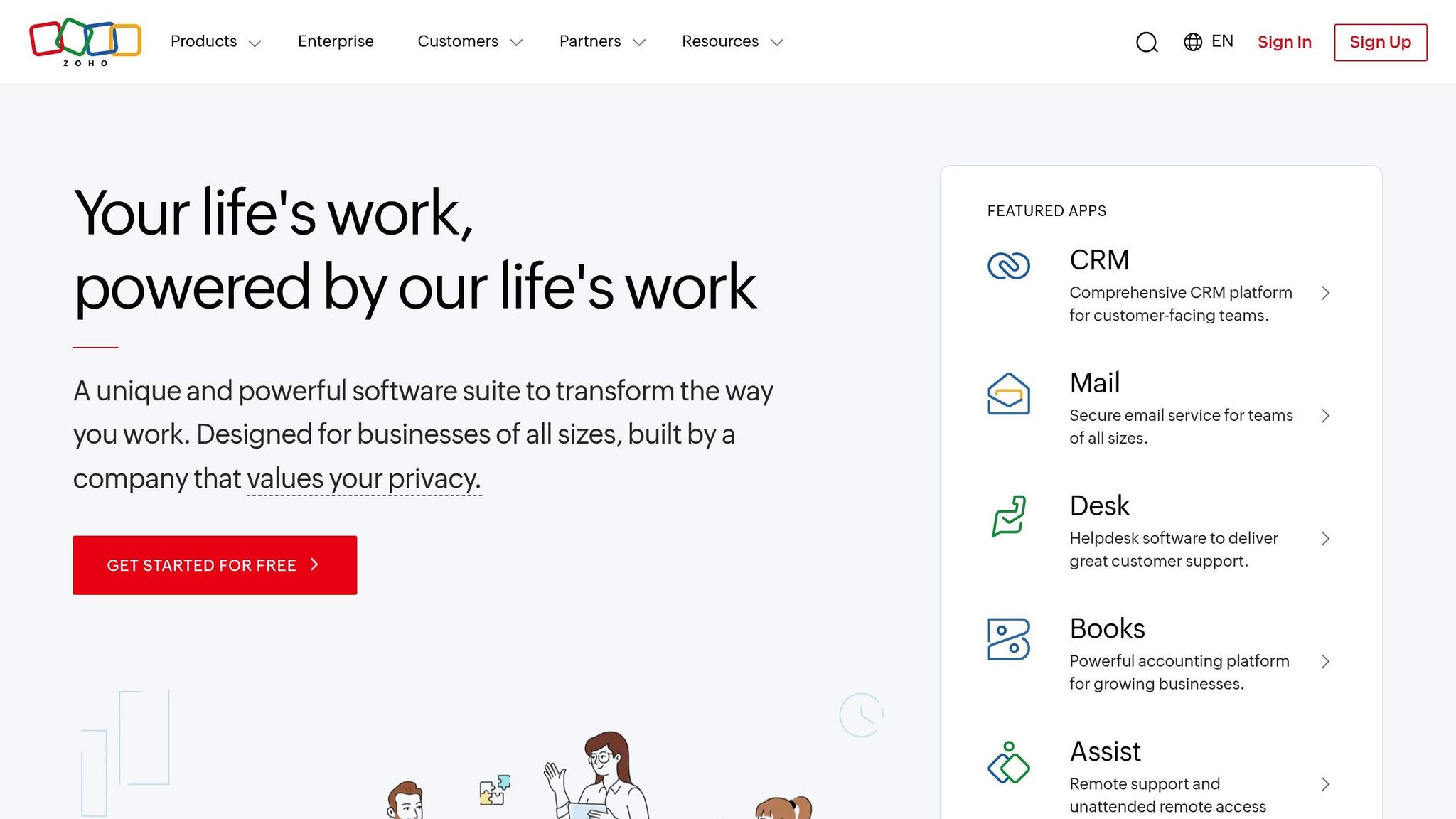
Zoho ERP simplifies analytics and reporting by integrating data from various business functions like finance, sales, inventory, and operations into one cohesive system. This unified approach makes it easier for businesses to analyze data, regardless of their size.
Data Integration
Zoho ERP connects data from multiple sources effortlessly. It automatically syncs information across all linked modules, creating a single, reliable source for your business data. For example, when a sales order is entered, all related modules update instantly.
This means finance teams can see real-time cash flow, while inventory managers can monitor stock levels as they change. By eliminating delays and inconsistencies common with disconnected systems, Zoho ERP ensures smoother operations.
Additionally, third-party integrations are made simple with Zoho’s robust API capabilities. The platform works seamlessly with tools like QuickBooks, Shopify, and various CRM systems, enabling automatic data sharing and reducing manual input errors.
Visualization Options
Zoho ERP builds on its strong data integration with powerful visualization tools. Its dashboard uses an intuitive drag-and-drop interface to create visuals like bar graphs, line charts, pie charts, and even heat maps. The system can even suggest the best chart type based on your data, making it easy for anyone to create meaningful reports.
With mobile accessibility, stakeholders can view dashboards and reports from anywhere. Whether you’re an executive reviewing metrics on the go or approving budgets while traveling, the mobile interface ensures full functionality.
AI Capabilities
Zoho ERP leverages predictive analytics to help businesses prepare for the future. By analyzing historical sales data, the system forecasts demand, helping inventory managers avoid overstocking or running out of items.
It also provides automated insights by flagging critical changes in your metrics. For example, it might alert you to a sudden drop in customer satisfaction or highlight slow-moving inventory items. These alerts help managers address issues before they escalate.
With natural language processing, users can interact with their data more intuitively. Instead of creating complex queries, you can simply ask, “What were our top-selling products last quarter?” and get immediate answers, complete with visualizations. This feature makes data analysis accessible to everyone, not just technical experts.
Customization
Zoho ERP allows you to tailor reports and fields to focus on the metrics that matter most to your business. You can also maintain brand consistency by customizing templates. User permissions ensure sensitive data stays secure, while department heads get access to the information they need. Additionally, automated scheduling sends reports to relevant stakeholders at set intervals.
These customization options ensure that every team member gets the insights they need to make quick, informed decisions.
2. SAP ERP
SAP ERP provides enterprise-level analytics by consolidating data from finance, supply chain, and HR into one unified view.
Data Integration
One of SAP ERP’s standout features is its ability to create a single source of truth. All integrated modules share the same database, ensuring that financial, supply chain, and HR data are seamlessly connected. This eliminates isolated data silos and promotes consistency across departments.
Beyond internal data, SAP ERP excels at connecting with external systems. It integrates smoothly with CRM tools, e-commerce platforms, and third-party applications through robust APIs. This means businesses can continue using their existing software while centralizing their analytics for better decision-making.
At the core of this integration is SAP HANA, a high-performance in-memory database. It enables real-time data processing, powering internal analytics and third-party visualization tools with speed and efficiency. This architecture supports a flexible and dynamic approach to data analysis.
Visualization Options
SAP ERP offers a range of visualization tools, starting with SAP Analytics Cloud (SAC). SAC provides a wide selection of charts, graphs, and dashboards, all designed with user-friendly principles like clear color schemes and intuitive layouts, making data insights easier to understand.
For more specialized needs, SAP Lumira delivers advanced analytics and visualization capabilities. It integrates seamlessly with SAP data and supports third-party visualization tools like Qlik, TIBCO, and Pyramid Analytics, giving businesses the freedom to choose the tools that work best for them.
Manufacturing and engineering companies will find the 3D Visual Enterprise suite particularly useful. This suite includes:
- Generator: Converts CAD files into lightweight formats for easier use.
- Author: Creates 3D animations for business applications.
- Viewer: A free tool that allows users to interact directly with 3D content.
Additionally, SAP ERP includes embedded analytics with simple point-and-click tools. This feature empowers non-technical users to generate reports and explore data without needing extensive training.
AI Capabilities
SAP ERP leverages AI and machine learning to provide real-time insights that help businesses adapt to changing market conditions. These technologies analyze historical data to uncover trends, spot anomalies, and predict future outcomes.
The platform’s embedded AI and machine learning are especially beneficial for enterprises managing large, complex data sets. It can automatically detect unusual patterns, forecast potential problems, and recommend solutions based on past performance.
With generative AI, users can interact with the system using natural language. This feature simplifies tasks, automates processes, and makes data insights accessible to employees across all departments, regardless of their technical expertise.
Customization
SAP ERP is designed to grow and adapt alongside a business. Users can create custom dashboards tailored to specific roles, ensuring that each team member has access to the information they need most. AI-powered search tools make it easy to locate relevant data quickly, even within vast data sets.
To maintain security, the platform includes role-based access controls, ensuring sensitive information is only accessible to authorized users. Customizable report templates help businesses maintain consistent branding and can be automated to deliver updates to stakeholders on a regular schedule.
For developers, SAP provides tools to extend the platform’s functionality, making it flexible enough to meet the needs of virtually any industry or organizational structure. This adaptability ensures that SAP ERP remains a key asset for businesses looking to streamline operations and enhance decision-making.
3. Microsoft Dynamics 365
Microsoft Dynamics 365 brings together CRM and ERP functionalities in a cloud-based platform designed to deliver actionable insights. It’s a versatile solution for businesses aiming to unify data analytics across departments like sales, finance, operations, and customer service.
Data Integration
Microsoft Dynamics 365 connects all business processes through a shared database, creating a centralized data ecosystem. It ensures smooth data synchronization across modules like Finance, Supply Chain Management, Sales, and Customer Service, streamlining information flow.
The platform integrates effortlessly with Office 365, Power Platform, and Azure, pulling data from tools like Outlook, Teams, and Excel. This tight integration allows businesses to maximize their existing Microsoft tools while expanding their analytics capabilities.
At the core of this system is the Common Data Service, which standardizes data across all Dynamics 365 applications. This eliminates the need for complex data mapping and drastically cuts down integration time. For external systems, the platform offers pre-built connectors and custom APIs, making it easy to incorporate third-party data sources.
Additionally, the dual-write functionality ensures real-time synchronization between Finance and Operations apps and Customer Engagement apps. This keeps financial data, customer details, and operational metrics aligned across the board, providing consistency and reliability.
This seamless data integration lays the foundation for advanced visualizations and analytics.
Visualization Options
The platform’s visualization capabilities are powered by Power BI integration, which allows users to create interactive, role-specific dashboards with drag-and-drop simplicity. These dashboards update in real time and are accessible on mobile devices, making it easy to stay informed on the go.
Dashboards are tailored to specific roles, so sales managers can monitor pipeline performance and conversion rates, while finance teams get insights into cash flow and budget variances.
For a cutting-edge experience, HoloLens integration enables Mixed Reality visualizations. For example, technicians can overlay equipment data and maintenance instructions directly onto machinery, enhancing efficiency.
The Dynamics 365 mobile app ensures that essential metrics and reports are always within reach. Its responsive design adjusts charts and graphs to fit any screen size, maintaining full functionality for data analysis, no matter where you are.
AI Capabilities
Microsoft Dynamics 365 enhances its data integration and visualization with powerful AI tools. AI Builder allows users to create custom AI models without needing to code. It also includes pre-built models for tasks like document processing, sentiment analysis, and object detection. These AI tools integrate seamlessly into workflows, enriching datasets with intelligent insights.
The platform employs predictive analytics to forecast trends such as sales performance, inventory requirements, and customer behavior. By analyzing historical data, it can anticipate issues like customer churn or future demand.
With Copilot integration, users can leverage conversational AI to interact with data. By asking questions in plain language – through text or voice – users can instantly access reports, track performance, or get recommendations for improvements.
The system’s anomaly detection feature identifies unusual patterns in business data. Whether it’s spotting operational inefficiencies or market opportunities, this functionality ensures businesses can act quickly and decisively.
Customization
Through Power Platform integration, Microsoft Dynamics 365 offers extensive customization options. Users can build custom apps, automate workflows, and design personalized reports using tools like Power Apps, Power Automate, and Power BI. This low-code approach makes customization accessible across the organization.
Personalized workspaces further enhance the user experience by allowing individuals to tailor their interface. The platform remembers commonly accessed reports, preferred chart styles, and frequently used filters, creating a more intuitive and efficient workflow.
For industries like manufacturing, retail, healthcare, and financial services, the platform provides pre-configured solutions. These include analytics templates with relevant KPIs, compliance reports, and industry-specific metrics, helping businesses implement best practices faster.
Organizations looking for advanced capabilities can use the platform’s API customization to extend functionality. Integration with Azure services unlocks even more possibilities, including machine learning models, advanced analytics, and custom data processing workflows.
sbb-itb-058cafb
Advantages and Disadvantages
Migrating legacy data into SAP ERP can be tricky, often leading to data quality issues. Since accurate reporting hinges on a smooth and error-free migration process, setting up analytics in SAP ERP can turn out to be more challenging than it initially seems.
On the other hand, the analytical strengths and weaknesses of Zoho ERP and Microsoft Dynamics 365 are not as well-documented. More detailed studies are necessary to better understand how these systems perform in real-world operations.
Conclusion
Zoho ERP stands out for its ease of use and effective data management, making it easier to make quick, informed decisions. Its straightforward reporting tools let users uncover insights without needing advanced technical skills. This simplicity sets it apart from platforms designed with more intricate customization options aimed at larger operations.
For small to medium-sized businesses in the U.S., Zoho ERP offers a powerful yet straightforward analytics solution. Compared to other ERP systems, its simplicity gives it an edge, especially for businesses that prioritize agility in decision-making.
However, larger enterprises with more complex needs should carefully evaluate whether Zoho ERP’s streamlined design aligns with their advanced reporting and integration requirements. Ultimately, Zoho ERP delivers a practical and accessible tool that helps businesses – from nimble SMBs to more complex organizations – leverage analytics for smarter, faster decisions.
FAQs
How does Zoho ERP’s data integration feature help small and medium-sized businesses streamline operations?
Zoho ERP’s data integration tool makes life easier for small and medium-sized businesses by ensuring information moves seamlessly across departments. This eliminates much of the manual data entry, cuts down on errors, and saves valuable time.
The platform also provides real-time access to critical KPIs through user-friendly dashboards and reporting tools. This means businesses can make quicker, smarter decisions. By simplifying workflows, boosting accuracy, and increasing productivity, Zoho ERP allows SMBs to fine-tune their operations and concentrate on scaling their business.
How do Zoho ERP’s predictive analytics and AI features improve business decision-making?
Zoho ERP’s predictive analytics and AI-powered tools enable businesses to make informed decisions with greater speed and accuracy. By providing precise forecasts and detecting anomalies in real time, these features allow organizations to anticipate changes in the market, fine-tune their operations, and allocate resources more strategically.
With these data-driven insights, businesses can tackle challenges head-on and seize opportunities as they arise. This not only boosts their ability to adapt in fast-changing markets but also improves overall operational efficiency.
Can Zoho ERP be tailored to fit specific business needs, and how does it compare to traditional ERP systems?
Zoho ERP is designed to adapt to the specific needs of your business. With its flexible structure, it supports customizations that require minimal coding, making it a practical choice even for companies without deep technical resources. This means businesses can adjust the system to fit their workflows and objectives seamlessly.
Unlike many traditional ERP systems that are often complicated and costly, Zoho ERP stands out as a cloud-based, easy-to-use, and cost-effective solution. Its simple customization features make it an ideal option for small and medium-sized businesses seeking a powerful tool to streamline operations – without the headaches associated with more complex platforms.