
Want to improve customer experience and retention? Omnichannel engagement is the key. It connects communication channels – email, social media, phone, and live chat – into a unified system, ensuring seamless customer interactions. Zoho offers tools like Zoho CRM Plus, Zoho Analytics, and Zoho Campaigns to simplify this process for U.S. businesses, helping them manage customer data, personalize communication, and improve service quality.
Key Takeaways:
- What is Omnichannel Engagement? A system where all customer interactions across channels are unified, avoiding repetitive questions and enhancing satisfaction.
- Why It Matters: U.S. customers expect smooth, connected experiences. Businesses that fail to deliver risk losing customers to competitors.
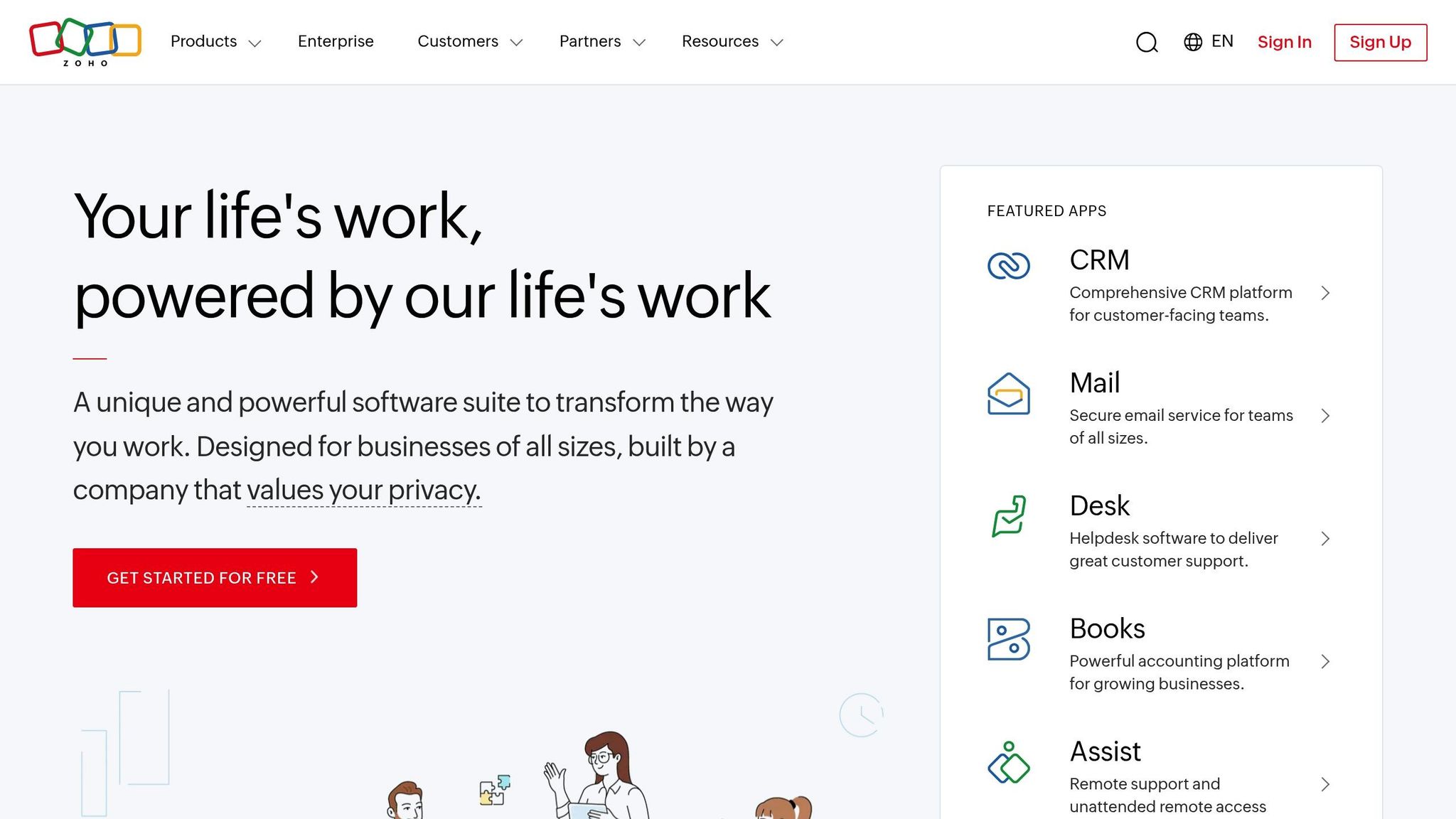
- Zoho’s Tools: Zoho CRM Plus centralizes interactions, Zoho Analytics provides actionable insights, and Zoho Campaigns streamlines targeted communication.
- For U.S. Businesses: Customize Zoho for local settings like time zones, currency, and compliance laws (e.g., CCPA).
Next Steps: Start with Zoho CRM Plus, analyze customer preferences, and refine your strategy using analytics and automation. Partner with experts like AorBorC Technologies for faster, more effective implementation.
Zoho Tools for Omnichannel Engagement
Zoho CRM Plus: Unified Omnichannel Management
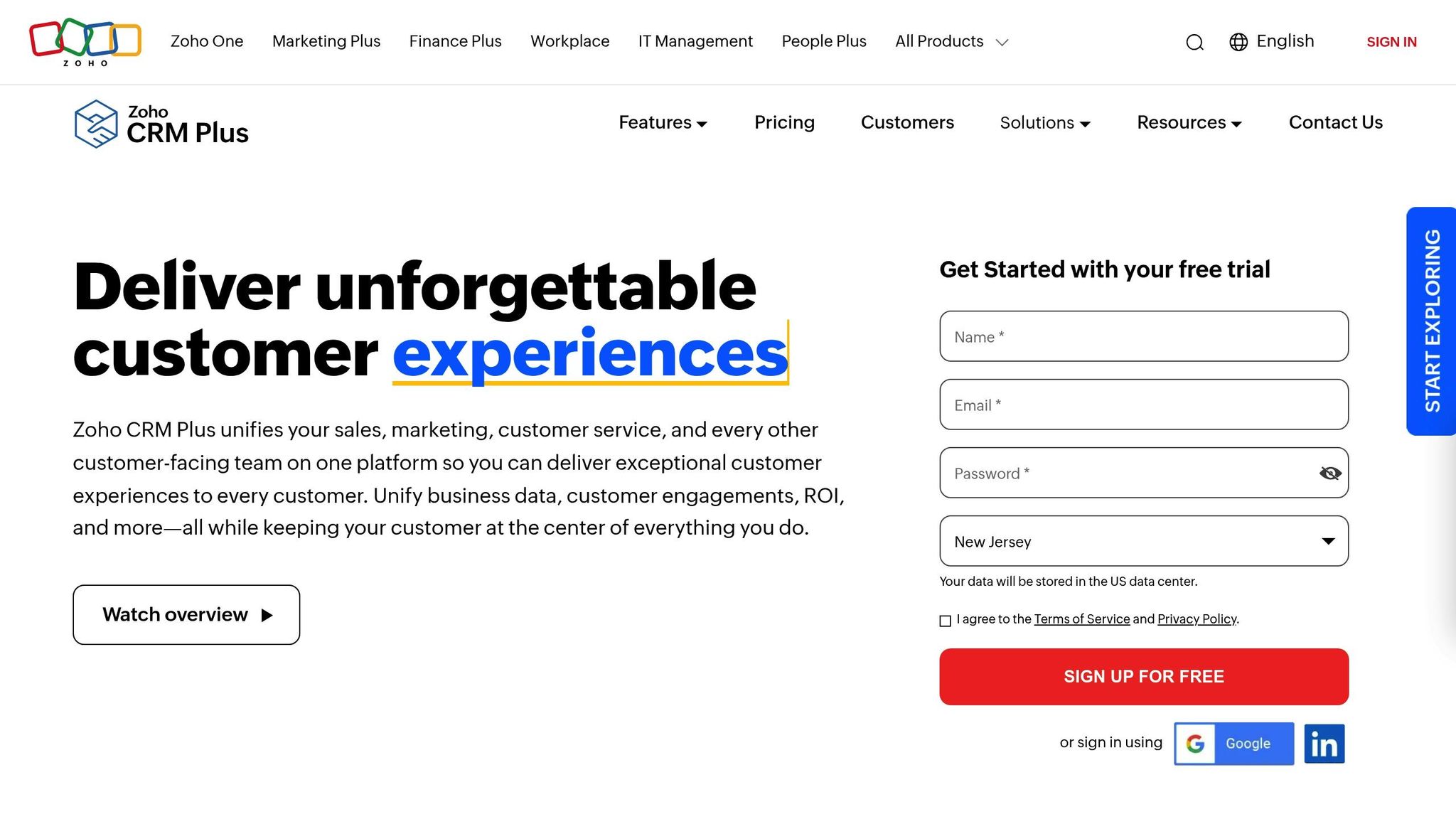
Zoho CRM Plus serves as the central hub for managing all your customer interactions across various channels. It consolidates touchpoints like email, phone calls, live chat, social media, and website visits into one unified view, making it easier for teams to stay on top of customer needs.
Its real-time notification system ensures no customer interaction slips through the cracks. For example, if a customer sends an email after chatting with support, the assigned representative immediately receives an alert, complete with the context of the earlier conversation. This eliminates the frustration of customers having to repeat themselves.
One of the strongest features is the centralized interaction timeline. Every customer profile includes a detailed history of interactions across all channels, giving your team a clear picture of the customer journey.
For U.S.-based businesses handling large customer volumes, the platform’s automated routing system assigns inquiries to the right team members based on factors like expertise, availability, or customer priority. This not only speeds up response times but also boosts customer satisfaction.
The integration across communication channels is seamless. A customer might start with a live chat on your website, continue the conversation via email, and wrap it up with a phone call. Throughout this process, every team member involved has access to the complete history, ensuring a smooth and consistent experience.
This unified approach creates the foundation for the data-driven insights discussed in the next section.
Zoho Analytics: Data-Driven Insights
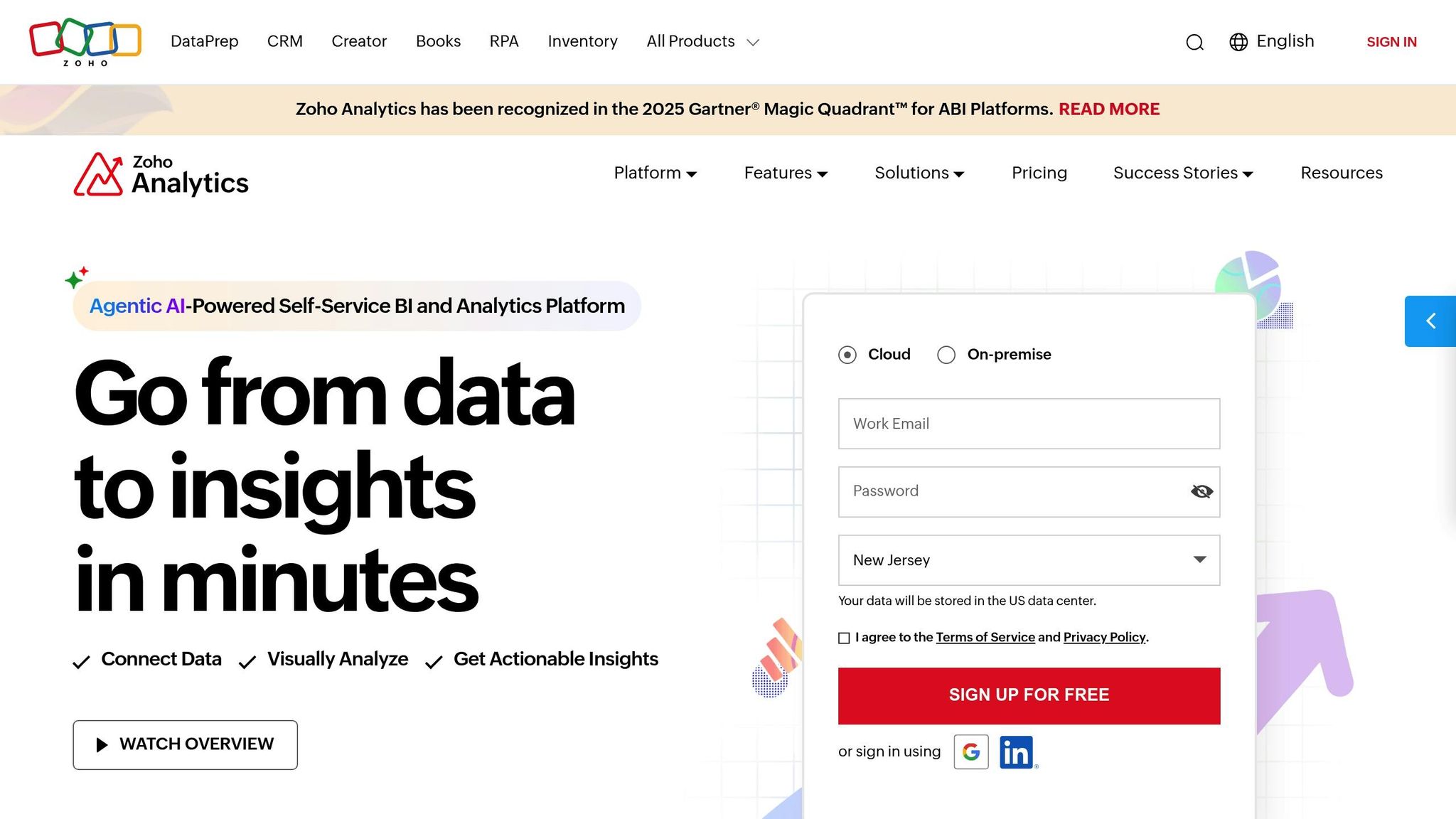
Zoho Analytics turns raw data into practical insights that help refine your omnichannel strategy. By leveraging unified data, its dashboards provide a clear view of key metrics, such as customer acquisition costs and channel performance comparisons.
The platform’s cross-channel performance analysis helps pinpoint which communication methods drive the best results. For instance, you can track how customers move between channels during their buying journey and identify patterns. You might notice, for example, that customers who first engage on social media tend to have a higher lifetime value compared to those who start with email campaigns.
With real-time reporting, your team can react quickly to shifts in customer behavior. The system automatically updates reports as new interactions occur, so you can spot trends as they emerge rather than weeks later when it’s too late to act.
The predictive analytics tools provide an added layer of foresight, helping you anticipate customer behavior based on historical data. This allows you to proactively engage customers who might be at risk of leaving or focus on prospects most likely to convert.
Creating custom reports is easy, even for those without technical expertise. The drag-and-drop interface allows you to tailor reports to your specific goals, whether you need a high-level overview or an in-depth analysis of customer journeys.
Other Zoho Tools for Engagement
Zoho SalesIQ enhances live chat functionality with features like visitor tracking, lead scoring, and automated chat triggers. For instance, if a visitor spends over two minutes on your pricing page, SalesIQ can automatically start a conversation, increasing the likelihood of conversion.
The platform’s co-browsing feature is particularly useful for industries like finance or software, where customers often require step-by-step guidance. Support representatives can navigate complex processes alongside customers in real time, creating a more hands-on experience.
Zoho Campaigns simplifies email marketing with automation tools. By integrating data from your CRM, it enables highly targeted email sequences. You can set up workflows that adjust based on customer actions, purchase history, or engagement levels.
The A/B testing feature allows you to optimize email performance by experimenting with different subject lines, send times, and content. This ensures your campaigns get the best possible results.
Zoho Social streamlines social media management by consolidating platforms like Facebook, Twitter, LinkedIn, and Instagram into one dashboard. You can schedule posts weeks in advance and monitor brand mentions and customer feedback in real time.
The tool’s sentiment analysis helps you stay ahead of potential issues. If a customer expresses dissatisfaction on social media, your team gets an immediate alert, enabling quick resolution before the problem escalates.
All these tools work together seamlessly through Zoho’s integrated data system. For example, a lead captured on social media is automatically added to your CRM, triggering relevant email campaigns and personalized chat options when they visit your website. This interconnected approach eliminates data silos and ensures a consistent experience across every customer interaction point.
Building an Omnichannel Strategy with Zoho
Understanding Customer Preferences and Channels
The foundation of a strong omnichannel strategy lies in understanding how your customers prefer to communicate. Zoho CRM acts as your command center for gathering this vital information, pulling together interactions from email, phone calls, social media, SMS, live chat, WhatsApp, web forms, and self-service portals into a single, easy-to-navigate dashboard.
By analyzing interaction history, you can uncover patterns – like whether a customer is more likely to respond to SMS or engage with your brand on LinkedIn – and adjust your approach accordingly. Zoho CRM automatically tracks these behaviors, building detailed profiles that include both communication preferences and purchase history.
It’s also important to consider how different demographics use channels. Younger audiences might lean toward Instagram or TikTok, while B2B clients often favor LinkedIn and email. Geography plays a role too: customers in tech-centric areas like San Francisco may expect digital-first interactions, while those in more traditional industries might still prefer phone calls.
Let the data guide your decisions. With Zoho’s tracking tools, you can pinpoint which channels deliver the best engagement, drive conversions, and boost customer satisfaction for your unique audience.
Consistent Messaging Across Channels
Once you’ve identified customer preferences, the next step is ensuring your messaging stays consistent across all platforms. This consistency goes beyond just using the same logo – it’s about maintaining a cohesive brand voice, values, and tone, whether the interaction happens via email, social media, or live chat.
Zoho’s integrated tools make this achievable. For example, campaigns created in Zoho Campaigns can be adapted for social media posts through Zoho Social and seamlessly integrated into chat responses via Zoho SalesIQ. Shared templates and centralized content management ensure every team member is working from the same playbook.
Consistency is especially critical in customer service. If your marketing promises friendly, helpful support, but your chat responses feel cold or robotic, customers will notice the disconnect. Training your team to use the same tone and language across all channels helps avoid these mismatches.
On the technical side, consistency also means keeping customer data up-to-date across all platforms. If a customer updates their preferences on one channel, that change should reflect everywhere. Zoho’s unified data structure handles this in real time, ensuring, for instance, that a customer who opts out of SMS marketing won’t receive texts from any department.
In short, every touchpoint – email, social media, or live chat – should reflect a unified brand identity.
Team Training and Setup
An omnichannel strategy isn’t just about the tools – it’s about how your team uses them. This often requires a shift in mindset. As Zoho SalesIQ emphasizes, moving away from traditional, siloed workflows can be challenging, especially for employees accustomed to working independently. Training and support are essential to help teams adapt to this new, collaborative approach.
Training begins with educating employees on the goals of the omnichannel strategy and equipping them with the tools they’ll need. Zoho offers tailored training programs for various roles, including Sales Representatives, Administrators, Developers, and Sales Managers. These courses are available in different formats – classroom, online, or onsite – to fit diverse learning preferences.
For sales representatives, the focus is on enhancing customer engagement using Zoho CRM’s omnichannel features. This includes mastering email, phone, and social media interactions, as well as tools like advanced filters, macros, workflows, and approval processes to streamline their daily tasks.
Breaking down departmental silos is another crucial step. Marketing, sales, and customer service teams need to collaborate seamlessly, sharing insights and coordinating responses. Zoho Marketing Plus facilitates this by keeping everyone aligned, making campaign planning and execution far more efficient.
Zoho’s unified interfaces also simplify teamwork and improve the customer experience. By eliminating the need to juggle multiple systems, employees can focus on delivering value, and new team members can get up to speed faster.
Investing in proper training pays off in spades. It leads to happier customers, more efficient teams, and smoother coordination across all touchpoints. This collaborative approach sets the stage for advanced personalization and analytics, taking your omnichannel strategy to the next level.
Personalization and Analytics for Better Engagement
With Zoho’s powerful tools, you can connect more deeply with your customers by using tailored strategies and real-time insights.
Using Zoho Analytics for Personalization
Zoho Analytics turns raw customer data into insights that help create more personalized experiences. Through custom dashboards, you can visually track key details like customer behavior, purchase history, and engagement metrics. For instance, you can quickly identify who prefers email over SMS, which customers are likely to make repeat purchases, and what type of content appeals to different groups.
The platform’s AI-driven insights make spotting trends easier. Zoho uses machine learning to analyze customer interactions across various channels, suggesting opportunities for personalized outreach. For example, it can trigger automated follow-up messages tailored to specific actions, like a customer abandoning their cart.
Zoho Analytics also makes it simple to create dynamic customer segments. These segments adjust automatically based on real-time behaviors, such as frequent buyers, social media engagers, or those who left items in their cart. This ensures your personalization efforts stay relevant as customer preferences evolve.
Predictive analytics adds another layer of personalization by forecasting customer needs. Zoho can identify when someone might be ready for an upgrade, at risk of leaving, or interested in complementary products. With this information, you can proactively offer tailored support or promotions, addressing needs before they even arise.
By combining these insights with real-time data, your team can respond to customer actions instantly.
Real-Time Data and Automated Reporting
Real-time data is essential for making quick, informed decisions that enhance engagement. Zoho’s live dashboards update instantly as customers interact with your brand. This provides immediate insights into campaign performance, customer satisfaction, and sales pipeline changes – critical for businesses in the U.S. managing multiple time zones or high volumes of interactions.
With automated reporting, you can skip the hassle of manually compiling data. Zoho consolidates performance metrics into detailed reports, which can be scheduled and distributed automatically.
The platform also uses role-based access controls to ensure each team member sees the data they need. Sales reps can access lead scoring and pipeline updates, marketing managers can review campaign metrics, and customer service teams can monitor satisfaction scores and resolution times. This targeted approach keeps everyone focused and avoids information overload.
Zoho’s live dashboards and alert systems notify you immediately of any significant metric changes, allowing for quick action.
Additionally, Zoho’s integration capabilities pull in data from tools like Google Analytics, social media platforms, and other third-party sources. This creates a complete view of customer interactions, ensuring decisions are based on accurate, comprehensive information. For those working remotely, mobile access makes it easy to stay connected and informed.
To maximize these analytics features, consider partnering with AorBorC Technologies for customized setups that focus on the metrics that matter most to your business.
sbb-itb-058cafb
Best Practices for U.S.-Based Businesses Using Zoho
To make the most of Zoho for omnichannel engagement, U.S. businesses need to align the platform with their specific operational needs. By following proven strategies, you can ensure Zoho works seamlessly for your business and delivers meaningful results.
Aligning with U.S. Market Preferences
Start by tailoring Zoho to meet U.S. standards for a smooth customer experience. For instance, adjust date and time formats to MM/DD/YYYY and the 12-hour clock with AM/PM indicators.
Financial data should reflect U.S. conventions, displaying the dollar sign ($) before amounts and using commas for thousands and periods for decimals (e.g., $1,234.56). Temperature settings should default to Fahrenheit (°F), and measurements should use imperial units like feet, pounds, and miles.
Managing time zones effectively is critical for businesses serving customers across the country. Set Zoho to automatically adjust for Eastern, Central, Mountain, and Pacific time zones. This ensures emails, follow-ups, and campaigns are sent at the right local times. For example, scheduling promotional emails to land at 9:00 AM in each time zone can significantly boost engagement.
When creating communication templates in Zoho, use clear, straightforward language and avoid overly formal tones. Be mindful of U.S. holidays and avoid scheduling campaigns during these times to maximize engagement.
Compliance is another key consideration. Configure Zoho to adhere to U.S. regulations, such as California’s CCPA, by implementing robust data retention policies and privacy safeguards.
Once these configurations are in place, working with experienced partners can take your system to the next level.
Leveraging Expertise with AorBorC Technologies
While setting up Zoho yourself is possible, partnering with experts like AorBorC Technologies can save time and ensure better results. This team specializes in Zoho CRM customization, Zoho Creator app development, and Zoho One implementation, tailoring solutions to meet your business needs.
Professional partners bring deep technical knowledge, helping you integrate Zoho with existing systems, design custom workflows, and even develop mobile apps to extend functionality. This expertise is especially valuable for complex omnichannel strategies where multiple Zoho tools need to work together seamlessly.
Speed is another advantage. While internal teams might take months to master Zoho’s features, experienced partners can configure and optimize your system in weeks. They know which features work best for your industry and can help you avoid common pitfalls.
Ongoing support is equally important. Partners like AorBorC Technologies provide continuous system updates, ensuring your Zoho setup evolves alongside your business. Whether it’s scaling your system for higher customer volumes or troubleshooting issues during peak periods, expert support keeps everything running smoothly.
Though there’s an upfront cost, professional implementation often saves money in the long run. By avoiding missteps, reducing downtime, and fully utilizing Zoho’s capabilities, you can achieve a better return on your investment. Plus, experts can guide you in selecting the right Zoho packages, avoiding unnecessary expenses.
By partnering with professionals, you not only accelerate your setup but also position your business for continuous improvement.
Refining Strategies with Zoho Tools
Once your system is up and running, ongoing refinement is essential to maintain success. Zoho’s analytics and automation tools provide the insights needed to fine-tune your approach over time.
Conduct monthly performance reviews to assess metrics like email open rates, social media engagement, customer service response times, and conversion rates. Zoho Analytics consolidates data from multiple sources into easy-to-read dashboards, helping you spot trends and areas for improvement.
Revisit your automated workflows every quarter. As you learn more about customer behavior, update triggers, adjust timing, and refine segmentation to better match their journey. Even small tweaks can make a big difference.
Use A/B testing to optimize communications. Try different email subject lines, send times, or content formats using Zoho Campaigns. Experiment with social media post timing and messaging through Zoho Social. These tests help you discover what resonates best with your audience.
Incorporate customer feedback to uncover insights that data might miss. Set up Zoho Survey to request feedback after purchases, service interactions, or campaigns. This qualitative input can guide meaningful improvements to your omnichannel strategy.
Keep your team up to date with training sessions. Monthly meetings to review performance metrics, share successful strategies, and introduce new Zoho features ensure everyone stays aligned and informed.
Finally, stay aware of industry trends and competitor performance. Use Zoho’s reporting tools to benchmark your results against others in your field. This helps you adapt your strategies and stand out with a superior customer experience.
Conclusion
Achieving success with omnichannel engagement using Zoho requires a solid understanding of your customers, the right tools, and consistent execution. Zoho’s integrated ecosystem empowers U.S. businesses to deliver seamless experiences that drive meaningful results. This guide has outlined key strategies to help you get started and prepare for the next steps.
Key Takeaways
- Omnichannel engagement is critical for staying competitive. Customers interact through various channels like social media, websites, and email. They expect a connected and personalized journey across all touchpoints.
- Zoho excels with its integration capabilities. For example, your sales team can view social media interactions, your marketing team can monitor service issues, and everyone has access to shared, real-time data.
- Personalization through data is a game-changer. Zoho Analytics allows you to segment customers by behavior, preferences, and purchase history, enabling targeted campaigns that outperform generic approaches.
- Adapting Zoho to U.S. standards builds trust. Using familiar formats like MM/DD/YYYY for dates, dollar signs for prices ($1,234.56), and local time zones creates a sense of reliability for your customers.
- Consistent improvements drive long-term success. Regularly reviewing performance, conducting A/B tests, and fine-tuning workflows will help you keep pace with evolving customer needs and market trends.
Next Steps for Your Business
Using the insights from this guide, start by evaluating your current customer touchpoints to identify gaps. Map out every interaction point to uncover areas where customers may experience disconnects or missed opportunities. This analysis will help you prioritize your Zoho implementation efforts.
- Use Zoho CRM Plus as your starting point. This unified platform provides essential tools for omnichannel management, such as customer data consolidation, communication tracking, and basic automation. As your strategy evolves, you can integrate additional Zoho tools.
- Work with experienced professionals. Partnering with experts like AorBorC Technologies can streamline your implementation process. Their knowledge of Zoho CRM customization, Creator app development, and Zoho One integration can help you avoid common mistakes and achieve results more efficiently.
- Plan for scalability from the start. Design workflows, data structures, and automation that can handle growth. Systems that work for 1,000 customers should also support 10,000 with minimal adjustments.
- Establish measurement systems early. Define key performance indicators (KPIs) for each channel and set up regular reporting schedules. While Zoho Analytics can automate much of this, it’s crucial to determine what success looks like for your business.
FAQs
How can U.S. businesses stay CCPA-compliant while using Zoho’s omnichannel tools?
U.S. businesses can align with the California Consumer Privacy Act (CCPA) while using Zoho’s omnichannel tools by taking advantage of Zoho’s integrated privacy and security features. These tools support managing consumer data access, handling deletion requests, and tracking consent preferences, helping businesses meet CCPA requirements.
To stay compliant, it’s also crucial for businesses to adopt robust data security practices, keep privacy policies up to date, and maintain thorough documentation of all consumer data management activities. Using these tools and strategies not only minimizes legal risks but also strengthens customer trust.
Why is Zoho CRM Plus a great starting point for building an omnichannel engagement strategy?
Zoho CRM Plus offers a unified platform that brings together all your customer interactions – whether they happen through email, social media, phone calls, or live chat. By consolidating these touchpoints, it ensures a smooth and personalized experience for your customers, helping to enhance both engagement and satisfaction.
Equipped with tools like workflow automation and seamless integration across sales, marketing, and support teams, Zoho CRM Plus simplifies processes, encourages better collaboration, and can lead to higher sales conversions. Its all-in-one approach serves as a strong foundation for building an effective omnichannel engagement strategy.
How does Zoho’s predictive analytics help businesses understand customer behavior and boost engagement?
Zoho integrates AI-driven tools like Zia to dive deep into historical customer data, uncovering patterns and predicting future behaviors, such as purchasing habits or engagement trends. These insights empower businesses to craft tailored customer experiences that adjust dynamically based on individual actions and preferences.
This forward-thinking strategy allows businesses to anticipate customer needs, boost engagement, and cultivate lasting relationships. It’s a powerful way to stay competitive and deliver meaningful value throughout the entire customer journey.