
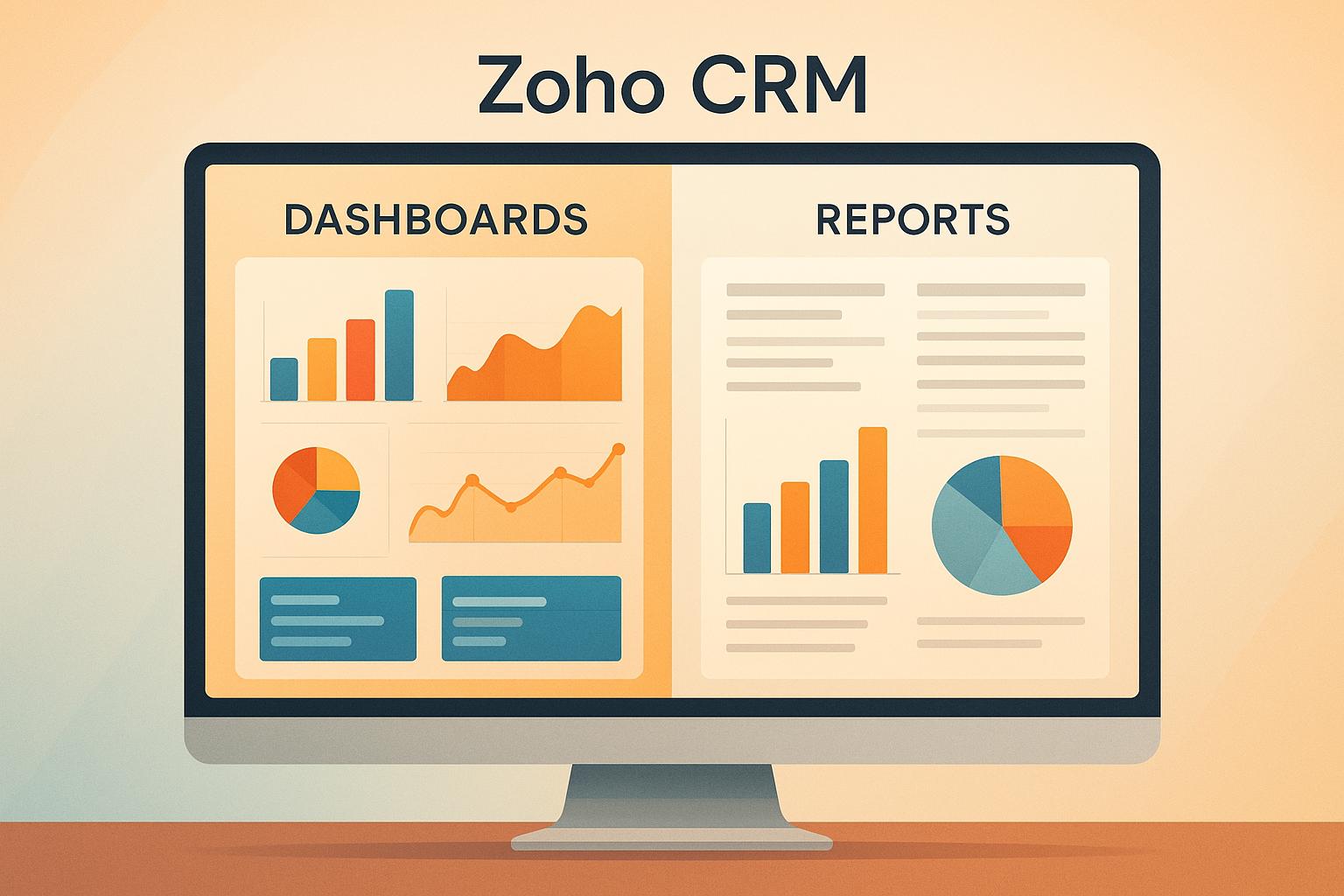
Dashboards and Reports in Zoho CRM are tools designed to help you make sense of your business data. While both aim to turn raw numbers into actionable insights, they serve different purposes:
- Dashboards: Offer real-time, visual snapshots of key metrics through charts, graphs, and widgets. Ideal for quick decisions and monitoring performance at a glance.
- Reports: Provide detailed, structured data analysis with tables, summaries, and pivot views. Best for deep dives into trends, patterns, and granular details.
Key Takeaways:
- Use dashboards for instant updates and high-level overviews.
- Use reports for digging into the "why" behind the data.
- Combine both for a balanced approach to decision-making.
Quick Comparison
| Feature | Dashboards | Reports |
|---|---|---|
| Purpose | Real-time overview | Detailed analysis |
| Presentation | Charts, graphs, widgets | Tables, summaries, pivots |
| Interactivity | Drill-downs | Filters and sorting |
| Best For | Quick decisions | In-depth exploration |
| Update Frequency | Real-time | Scheduled or on-demand |
Dashboards help you stay updated in real time, while reports give you the depth needed for long-term planning. Together, they create a complete data management toolkit in Zoho CRM.
What Are Zoho CRM Dashboards
Zoho CRM dashboards act as your business’s command center, turning streams of data into easy-to-digest visuals. Unlike static reports that quickly become outdated, these dashboards use interactive charts, graphs, and widgets that update automatically as your business evolves.
Zoho CRM’s Live Dashboards take this a step further by offering real-time insights. As Zoho Corporation explains:
"Live Dashboards provide real-time updates and instant insights, allowing users to monitor key metrics and performance indicators as they evolve."
For instance, when a sale is closed, the revenue dashboard updates instantly. This means you always have an up-to-the-minute view of your business performance – no need to wait for manual updates or reports.
Now, let’s dive into the specific features that make these dashboards so useful.
Dashboard Features
Zoho CRM dashboards are packed with tools that simplify the way you view and analyze data. Charts and graphs are the foundation, presenting details like sales pipelines, customer acquisition trends, and more through formats such as bar charts, pie charts, line graphs, and heat maps.
Customizable widgets add another layer of flexibility. These widgets let you focus on specific data points, such as tracking revenue spikes or monitoring lead conversion rates. You can mix and match widgets to create a layout that works for you – like placing monthly revenue targets next to customer service satisfaction scores. Plus, each widget updates independently, giving you a clear picture of different aspects of your business.
Another key feature is the automatic refresh capability, ensuring your data stays up-to-date. Dashboards can refresh at regular intervals or on-demand, so you’re always working with the latest numbers. Whether it’s a team meeting or a quick check-in, you’ll always have the freshest insights at your fingertips.
When to Use Dashboards
Dashboards shine in situations where quick, actionable insights are critical. Sales managers can use them during meetings to identify areas needing attention, while marketing directors can monitor campaign performance in real time.
They’re also ideal for executive oversight, offering C-level leaders a clear view of company-wide metrics without the need to sift through detailed reports. Trends like shifts in customer behavior or seasonal sales fluctuations become instantly noticeable through visual summaries.
During high-stakes moments – like product launches or major marketing campaigns – dashboards provide a continuous stream of performance data. This allows teams to make timely adjustments and stay ahead of potential challenges.
Dashboard Customization Options
Zoho CRM dashboards are highly adaptable, allowing you to tailor them to your business needs. You can organize widgets to align with workflows, set role-based views for team members, and adjust filters and timeframes for deeper insights. For instance, a sales team might prioritize metrics like pipeline status and conversion rates, while customer service teams focus on response times and satisfaction scores.
Individual team members can track their own performance metrics, while managers access a broader view of overall team analytics. Timeframe adjustments let you zoom in on daily activities or take a broader look at weekly, monthly, or quarterly trends, making it easier to align with planning cycles.
With real-time updates and extensive customization options, Zoho CRM dashboards are a powerful tool for making informed decisions. As Zoho Corporation puts it:
"Zoho CRM dashboards, especially Live Dashboards, are designed to display real-time or near real-time data."
What Are Zoho CRM Reports
If dashboards give you a bird’s-eye view of your data, reports dive deep into the details, offering a closer look at the numbers and trends shaping your business. These structured documents present data in tables and summaries, making it easier to uncover the "why" behind the "what." Reports can be generated on-demand or scheduled for regular delivery, ensuring you always have the information you need at your fingertips.
Reports are perfect for breaking down the factors driving your results. For instance, while a dashboard might show your overall sales growth, a report can pinpoint which products, regions, or teams are contributing most to that success. Let’s explore how Zoho CRM’s report formats and features help you dig into the data.
Report Features
Zoho CRM offers three main types of reports, each designed for specific analysis needs:
- Tabular Reports: Present data in straightforward rows and columns, ideal for simple lists or comparisons.
- Summary Reports: Group data based on specific criteria, providing totals, averages, and other aggregated metrics.
- Pivot Reports: Enable drag-and-drop functionality to create custom views and calculations, giving you the flexibility to analyze data from multiple angles.
What sets reports apart is their ability to filter data and schedule automated delivery. For example, you can set up reports to be emailed to key stakeholders on a regular basis, ensuring everyone stays up-to-date without manual effort. These features make reports an excellent complement to dashboards, offering the granular breakdowns you need for in-depth analysis.
When to Use Reports
Reports come into play when you need more than just a quick visual snapshot. They’re particularly useful for diving into detailed metrics, such as individual performance or specific customer interactions. Plus, with scheduling options, you can keep your team informed without lifting a finger.
Detailed Data Analysis
While dashboards provide a great starting point, reports take things a step further by transforming raw CRM data into meaningful insights. They help you uncover the reasons behind trends, giving you the clarity needed for both daily decisions and long-term strategies. With Zoho CRM reports, you’re equipped to make data-driven choices with confidence.
Main Differences Between Dashboards and Reports
Let’s dive into the key differences between dashboards and reports. Both tools are essential for organizing and presenting business data, but understanding their distinct roles will help you make the most of your CRM system.
At their core, dashboards and reports serve different purposes. Dashboards provide a quick, real-time snapshot of your key metrics, ideal for instant decision-making. Reports, on the other hand, are designed for deeper analysis, helping you uncover patterns and trends within your data.
Here’s a side-by-side comparison to clarify how these tools differ:
Dashboards vs Reports Comparison Table
| Feature | Dashboards | Reports |
|---|---|---|
| Primary Purpose | Real-time visual overview | Detailed data analysis |
| Data Presentation | Charts, graphs, widgets | Tables, summaries, pivot views |
| Interactivity | Click-through to drill down | Filter and sort capabilities |
| Customization | Drag-and-drop components | Field selection and grouping |
| Best For | Quick decision-making | In-depth investigation |
| Update Frequency | Real-time or near real-time | On-demand or scheduled |
| User Type | Executives, managers | Analysts, administrators |
| Data Depth | High-level metrics | Granular details |
Dashboards prioritize speed and simplicity, making them perfect for executives who need to assess performance at a glance. Reports, with their focus on detail and flexibility, are better suited for analysts or team members who need to dig into the data and create comprehensive presentations.
Overview vs Detailed Analysis
The main difference lies in how each tool approaches data. Dashboards provide an overview, displaying key metrics in an easy-to-digest format. In contrast, reports offer a deeper dive, breaking down data to reveal the underlying causes behind trends.
For example, a dashboard might show a drop in conversion rates. While this gives you a heads-up, a report can dig deeper to identify whether the issue stems from specific lead sources, sales reps, or product categories. This level of detail is essential for pinpointing problem areas and creating targeted solutions.
Dashboards are all about speed – offering insights in seconds to help you monitor multiple metrics in real time. Reports take more time but deliver actionable insights that can guide strategic decisions.
When used together, dashboards and reports create a powerful combination. Dashboards act as your early warning system, while reports provide the depth needed to address challenges and improve outcomes. Together, they form a balanced approach to data-driven decision-making in your CRM strategy.
Choosing Dashboards or Reports for Your Needs
Understanding when to use dashboards versus reports depends on your specific business needs and how quickly decisions need to be made. Your role, the urgency of the situation, and the type of decision all play a part. For example, executives tracking daily performance need quick, high-level insights, while analysts preparing quarterly reviews require more detailed data.
Best Uses for Dashboards
Dashboards shine when you need real-time insights. They’re perfect for situations where quick decisions can significantly impact outcomes.
- Sales Meetings: Dashboards are great for instantly identifying performance variations during sales meetings. Instead of waiting for detailed reports, you can address issues immediately.
- Daily Stand-Ups and Briefings: Start your day with a snapshot of yesterday’s results, your current pipeline, and upcoming deadlines. This clarity helps prioritize tasks and prevent minor issues from escalating.
- Campaign Tracking: Whether it’s a product launch or a seasonal promotion, dashboards let you monitor performance as it unfolds. Spot trends early and tweak strategies before it’s too late.
- Executive Reporting: Dashboards provide senior leaders with high-level metrics like overall business health, key performance indicators, and critical alerts – all in just a few minutes.
Best Uses for Reports
Reports are your go-to for detailed analysis and documentation. They’re essential for scenarios requiring deeper insights and thorough explanations.
- Quarterly Business Reviews: Reports help you dive into trends, compare performance across periods, and understand the factors driving results. They allow for detailed analysis of segments, territories, or product lines.
- Sales Performance Analysis: While dashboards highlight declining conversion rates, reports uncover the root cause – whether it’s specific lead sources, sales reps, or product categories. This level of detail is crucial for targeted improvements.
- Compliance and Audits: Many industries require detailed documentation of activities, outcomes, and processes. Reports provide the historical data and specific points needed for compliance.
- Strategic Planning: Whether setting budgets or evaluating market opportunities, reports deliver the comprehensive analysis needed for informed decisions.
- Customer Behavior Analysis: Understanding customer patterns often requires examining multiple data points over time. Reports can reveal seasonal trends, purchasing habits, and lifecycle insights to guide your marketing and sales strategies.
These in-depth insights are invaluable for long-term planning and decision-making.
Using Dashboards and Reports Together
The best CRM strategies use dashboards and reports together. Dashboards act as an early warning system, while reports dig into the details behind the data.
- Monthly Performance Reviews: Start with dashboards to identify successes or concerns, then switch to reports for deeper analysis of key metrics.
- Sales Coaching: Dashboards highlight which team members need attention, while reports provide the data to guide personalized coaching sessions. This approach helps you pinpoint opportunities and track progress over time.
- Campaign Optimization: Use dashboards to catch issues in real time, then analyze reports to understand which campaign elements are performing well and why. This combination allows for immediate tweaks and long-term improvements.
Dashboards help you stay alert to changes, while reports provide the context to understand and act on them effectively.
sbb-itb-058cafb
Zoho CRM Customization for Dashboards and Reports
Standard dashboards and reports in Zoho CRM are useful, but they often fall short when it comes to meeting the specific needs of a business. Customizing these tools can redefine how your team interacts with data, turning generic insights into actionable information tailored to your unique operations. This is where customization becomes the bridge between standard features and your business’s specific requirements.
AorBorC Technologies specializes in tailoring Zoho CRM dashboards and reports to fit your operations perfectly. Their focus is on creating CRM solutions that streamline processes and provide ongoing support to ensure long-term success.
Custom dashboards go far beyond simply rearranging widgets. They involve crafting visualizations that align with the metrics driving your industry. For example, a manufacturing company might need dashboards tracking production schedules alongside sales forecasts, while a service-oriented business might prioritize project milestones and customer satisfaction metrics.
When it comes to reports, the limitations of standard templates can be a barrier. Custom reports address this by pulling data from multiple sources, applying intricate filtering, and presenting information in formats that align seamlessly with your workflows. This ensures that the reports you rely on are as dynamic and detailed as your business demands.
The customization process begins with a deep dive into your workflows to pinpoint where the default Zoho CRM features fall short. This could include integrating external data, setting up automated report delivery, or creating role-specific views. AorBorC Technologies takes a consultative approach, working closely with your team to understand your needs before implementing tailored solutions. Their support doesn’t stop at setup – they provide ongoing assistance to ensure your dashboards and reports evolve with your business.
Custom solutions also simplify complex reporting tasks. For instance, you can automate reports that segment customers based on behavior, generate performance summaries by region, or compile compliance documentation aligned with industry standards. This level of detail not only saves time but also reduces the risk of errors and misinterpretations.
Another key aspect of customization is mobile optimization. Standard mobile views often lack the depth needed for actionable insights, which can be a challenge for field sales teams and remote workers. Custom mobile dashboards solve this by prioritizing critical metrics while maintaining usability on smaller screens, ensuring that your team has the information they need, wherever they are.
For businesses exploring Zoho CRM customization, AorBorC Technologies also offers guidance on finding the right Zoho Partners and provides complete Zoho One implementation services. This ensures that your custom dashboards and reports integrate smoothly with other systems and processes, creating a cohesive and efficient business environment.
Conclusion: Selecting the Right Tool for Your Business
Dashboards and reports serve different but complementary purposes in managing and analyzing your business data. Dashboards are ideal for quick, visual snapshots, giving you real-time insights to track performance and stay on top of key metrics. On the other hand, reports provide the in-depth analysis you need for strategic planning, compliance, and understanding long-term trends.
Think of dashboards as your go-to for monitoring daily activities and team productivity. They’re perfect for checking on real-time progress and ensuring everyone stays aligned. When it’s time to dive deeper – whether it’s analyzing quarterly trends, preparing for board meetings, or exploring customer behavior – reports are your best bet. They deliver the detailed insights necessary for making informed, strategic decisions.
For the best results, use both tools together. Dashboards help you stay reactive to immediate changes, while reports allow you to be proactive in long-term planning. This combination ensures you’re covering both the "what" and the "why" behind your business data.
Customizing these tools to fit your specific business needs takes their utility to the next level. While standard dashboards and reports work well for general purposes, tailored solutions adapt to your unique workflows and processes. Customization not only fills in gaps where standard features fall short but also ensures the tools align perfectly with your operational goals.
AorBorC Technologies specializes in creating these customized solutions. They don’t just tweak existing features – they dive deep into your workflows, identify areas where standard tools fall short, and build solutions that evolve alongside your business. With their expertise in Zoho CRM customization and ongoing support, they transform off-the-shelf dashboards and reports into powerful tools that drive meaningful results.
FAQs
When should I use dashboards versus reports in Zoho CRM to meet my business needs?
Dashboards vs. Reports in Zoho CRM
In Zoho CRM, dashboards and reports play distinct roles based on the type of insights you’re looking for.
Dashboards are all about real-time visuals. They provide quick, at-a-glance snapshots of key metrics, like how your sales team is performing or the status of your marketing campaigns. These are perfect for keeping tabs on ongoing activities and making decisions on the fly.
Reports, meanwhile, dive deeper. They’re built for analyzing specific trends or tracking progress toward goals, such as monthly lead generation stats or long-term sales growth. When you’re planning strategies or need detailed data to back up decisions, reports are your go-to tool.
To sum it up: dashboards are for instant updates, while reports are your tool for deep-dive analysis and strategic planning.
What customization options do Zoho CRM dashboards and reports offer, and how can they improve business insights?
Zoho CRM offers robust customization options for dashboards and reports, giving businesses the ability to shape them around their specific needs. Whether it’s tweaking modules, adjusting workflows, or tailoring visualizations, you can focus on the metrics that matter most to your operations. This turns raw data into meaningful insights, empowering smarter decision-making.
With custom dashboards, you get real-time data visualization, making it simple to keep an eye on key performance indicators (KPIs) and track progress at a glance. On the other hand, custom reports dive deeper, allowing for detailed analysis of sales, marketing, and customer data. This helps you pinpoint trends and refine strategies with precision. Together, these tools help simplify processes and drive business success.
What are Zoho CRM’s Live Dashboards, and how do they help businesses make better decisions?
Zoho CRM’s Live Dashboards
Zoho CRM’s Live Dashboards bring your data to life by refreshing automatically in real time. This means you’ll always have the latest information without needing to manually update anything. Whether it’s tracking metrics or monitoring team performance, these dashboards ensure you’re always in the loop.
By delivering up-to-the-minute insights, businesses can quickly recognize patterns, address potential problems, and act swiftly. This real-time visibility helps teams make smarter decisions, streamline operations, and plan more effectively, all while working with data that’s ready when you need it most.