

In 2025, cross-platform testing is critical for ensuring apps work consistently across devices, operating systems, and browsers. With over 50% of users abandoning brands after a poor experience, selecting the right testing tool is essential. Here’s a quick overview of the top tools for cross-platform testing:
- BrowserStack: Access 3,000+ real devices and browsers for manual and automated testing. Supports CI/CD integration and parallel testing.
- Selenium: Open-source framework for web automation with extensive browser and OS compatibility. Ideal for teams with coding expertise.
- Appium: Open-source mobile testing for native, hybrid, and web apps on iOS and Android. Supports cross-platform test execution.
- LambdaTest: Cloud-based platform with 3,000+ browser-OS combinations and 10,000+ real devices. Offers parallel testing and CI/CD integration.
- TestCafe: JavaScript-based tool requiring no browser plugins. Supports mobile testing via remote URLs and parallel execution.
- Ranorex Studio: User-friendly tool with drag-and-drop test creation and scripting in C#. Covers mobile, web, and desktop testing.
- Cypress: Developer-focused framework with real-time browser interaction and time-travel debugging. Best for modern web apps.
- TestGrid: Cloud-based platform with access to 1,000+ real devices and browsers. Focuses on physical device testing.
- Playwright: Microsoft’s end-to-end framework for Chromium, Firefox, and WebKit. Excels at handling dynamic apps with auto-waiting and parallel testing.
- CrossBrowserTesting (Discontinued): Previously a leader in real-device testing, now transitioned to BitBar.
Quick Comparison
| Tool | Best For | Key Features |
|---|---|---|
| BrowserStack | Real devices and browsers | 3,000+ devices, CI/CD integration, parallel testing |
| Selenium | Web automation | Open-source, supports all major browsers and OS |
| Appium | Mobile testing | Native, hybrid, and web app testing on iOS and Android |
| LambdaTest | Cloud-based testing | 10,000+ devices, parallel testing, CI/CD integration |
| TestCafe | Simplicity and flexibility | No browser plugins, remote mobile testing, parallel execution |
| Ranorex Studio | Non-technical users | Drag-and-drop test creation, supports mobile, web, and desktop |
| Cypress | Modern web apps | Time-travel debugging, real-time browser interaction, fast feedback |
| TestGrid | Physical device testing | 1,000+ real devices, native developer tool integration |
| Playwright | Dynamic web apps | Auto-waiting, multi-browser support, parallel execution |
| CrossBrowserTesting | (Discontinued) | Real-device testing, transitioned to BitBar |
Choosing the right tool depends on your app type, team expertise, and testing needs. For web automation, Selenium and Cypress stand out. BrowserStack and LambdaTest are ideal for cloud-based scalability. Appium is perfect for mobile-focused projects, while Playwright excels with dynamic web apps. Each tool offers unique strengths to ensure consistent app performance.
1. BrowserStack
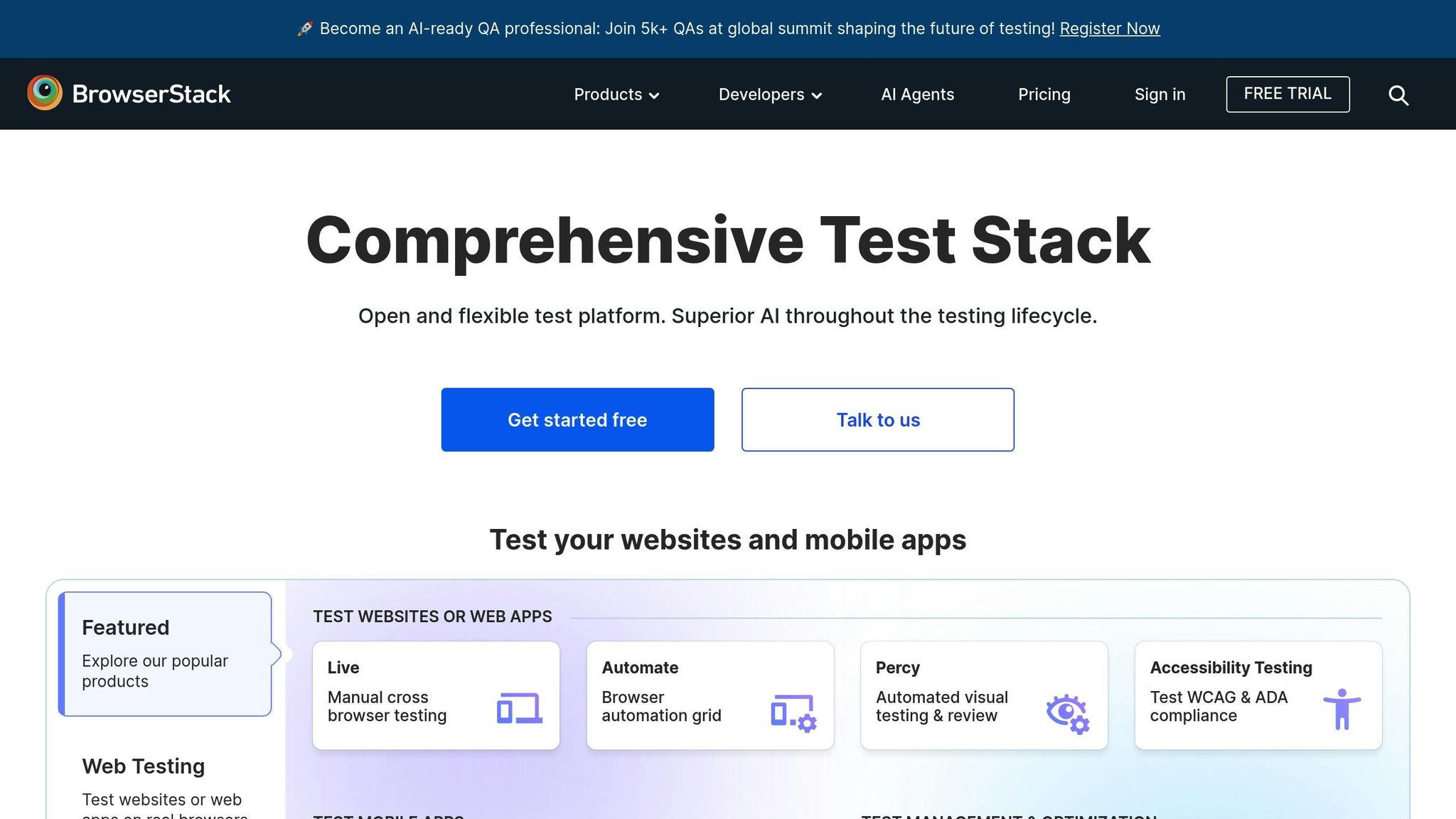
BrowserStack stands out as a go-to solution for ensuring consistent performance across platforms. This cloud-based testing tool provides access to real devices and browsers without the hassle of maintaining physical hardware. With over 3,000 real devices and browsers in its arsenal, it offers one of the most extensive testing environments available.
By running tests on actual hardware, BrowserStack delivers results that closely mirror real-world scenarios. This approach helps catch device-specific issues that emulators might miss, such as performance quirks or hardware-related bugs.
Browser and OS Compatibility
BrowserStack supports a wide range of browsers and operating systems, covering everything from legacy versions to the latest releases. On the browser front, it includes Chrome, Firefox, Safari, Edge, and Internet Explorer, catering to diverse user bases. For mobile testing, it supports an array of devices, from iPhone 6 to iPhone 15 on iOS and Android 4.4 to Android 14.
For desktop environments, the platform spans Windows (7 to 11), macOS (High Sierra to Sonoma), and popular Linux distributions. This extensive compatibility ensures that your application performs seamlessly across various user setups, making it especially useful for enterprise applications with diverse IT requirements.
Mobile and Web Testing Solutions
BrowserStack offers specialized tools for both web and mobile testing. BrowserStack Live is tailored for manual testing, while BrowserStack Automate focuses on automated web testing. For mobile applications, BrowserStack App Live and BrowserStack App Automate provide robust testing solutions.
The platform supports native, hybrid, and web apps on mobile devices. Teams can upload APK or IPA files directly and begin testing on real devices within minutes. Advanced features like GPS simulation, network throttling, and camera testing make it an excellent choice for modern mobile app testing.
Integration with CI/CD Pipelines
BrowserStack seamlessly integrates with popular CI/CD platforms like Jenkins, GitHub Actions, Azure DevOps, GitLab CI, and CircleCI via plugins and REST APIs. It also supports testing frameworks such as Selenium, Appium, Cypress, and Playwright.
With minimal configuration changes, teams can incorporate their existing test scripts. The platform enhances debugging with detailed logs, screenshots, and video recordings, making issue resolution faster and more efficient.
Parallel Testing for Speed
One of BrowserStack’s standout features is its ability to run hundreds of tests in parallel across various browsers and devices. This drastically cuts down testing time, making it perfect for large teams or organizations with frequent release cycles. For example, a test suite that would normally take hours can be completed in just 15-20 minutes using parallel execution.
The platform’s pricing model supports this flexibility, offering concurrent session limits from 1 to over 500 parallel tests, depending on the subscription plan.
| Feature | Capability | Impact |
|---|---|---|
| Device Coverage | 3,000+ real devices/browsers | Comprehensive platform testing |
| Parallel Testing | Up to 500+ concurrent tests | Drastically reduces testing time |
| CI/CD Integration | 20+ supported platforms | Streamlined workflows |
| Mobile Testing | Native, hybrid, and web apps | Full coverage for mobile applications |
2. Selenium
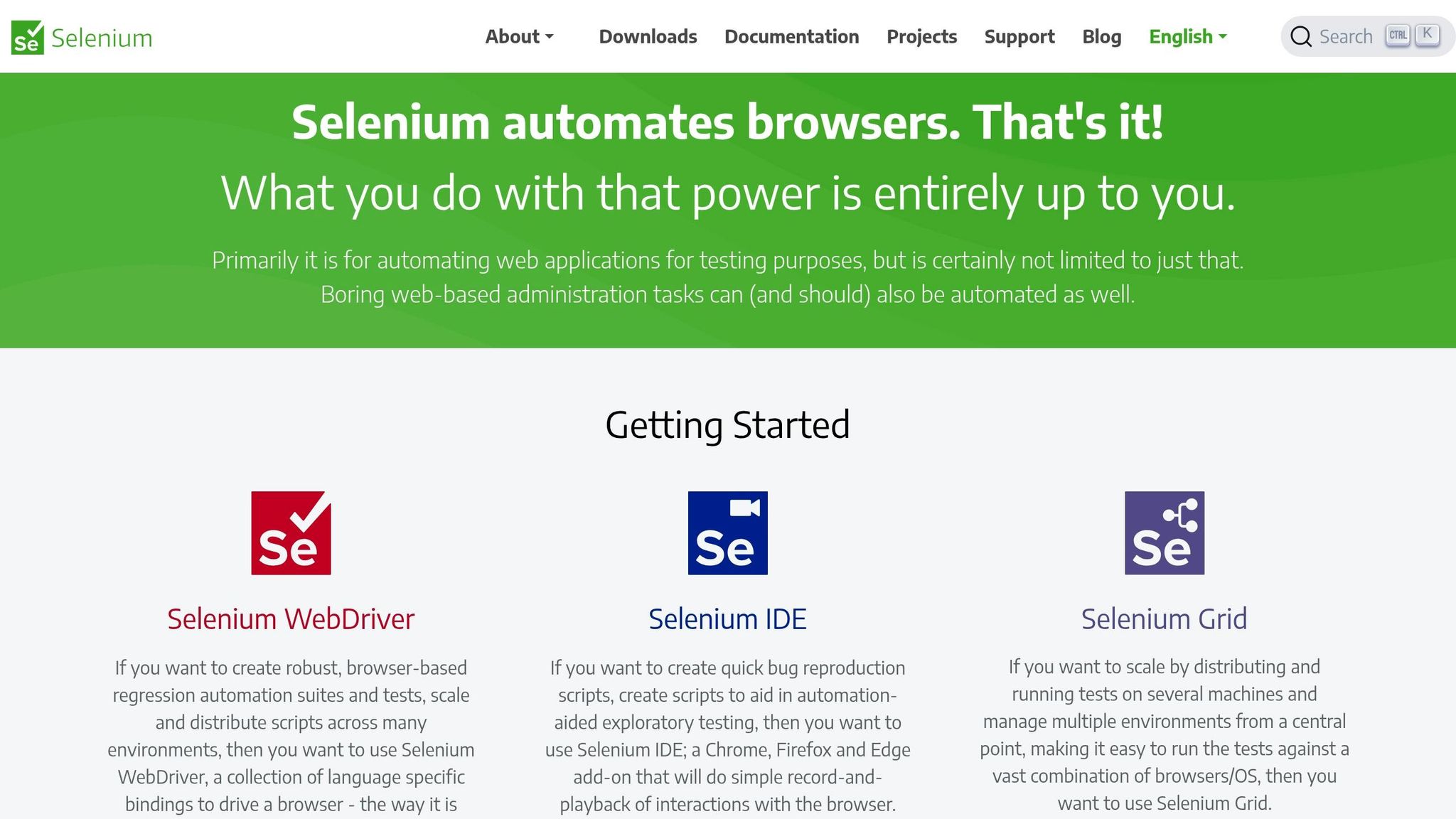
Selenium is a widely recognized open-source framework for web automation, designed to support cross-platform testing across major browsers and operating systems. Since it’s free, teams can leverage its enterprise-level testing features without worrying about licensing costs. It’s a go-to solution for ensuring smooth functionality across different browsers and environments.
At the heart of Selenium is its WebDriver protocol, which facilitates direct communication with browsers using their native support mechanisms. This ensures reliable and consistent test execution on browsers like Chrome (Windows), Safari (macOS), and Firefox (Linux).
Browser and OS Compatibility
Selenium works with all major browsers, including Chrome, Firefox, Safari, Edge, and Internet Explorer, each requiring its own driver for proper functionality. It’s also compatible with Windows, macOS, and Linux, making it a versatile choice for teams working across different platforms.
For mobile testing, Selenium supports Chrome Mobile and Safari Mobile, though additional tools like Appium are needed for testing native mobile apps. On the desktop side, it covers everything from older Internet Explorer versions to the latest Chromium-based browsers. This broad compatibility ensures that enterprise applications can cater to diverse user groups effectively.
Integration with CI/CD Pipelines
Selenium’s language-agnostic design makes it easy to integrate with a variety of CI/CD platforms. Popular tools like Jenkins, GitHub Actions, Azure DevOps, GitLab CI, and TeamCity pair seamlessly with Selenium. For Java projects, teams often use Maven or Gradle, while JavaScript implementations typically rely on npm.
The framework supports a range of programming languages, including Java, Python, C#, Ruby, and JavaScript, allowing developers to write test scripts in the same language they use for their primary application. This reduces context switching, making test maintenance smoother and more efficient.
Scalability for Parallel Testing
With Selenium Grid, teams can execute tests across multiple machines and browsers simultaneously. By setting up a hub-and-node architecture, tests can be distributed across various browser and OS combinations.
For even greater scalability, Docker containers can host isolated browser instances. Some organizations run hundreds of parallel tests in containerized environments, cutting down test execution times dramatically – from hours to just minutes. This is especially valuable for large regression test suites that need to cover a wide range of browser setups.
Selenium also integrates with TestNG and JUnit, which provide built-in parallel execution options. Teams can configure thread counts and execution strategies to optimize performance. Advanced setups even allow for dynamic scaling of infrastructure, balancing speed and cost efficiency.
| Aspect | Selenium Capability | Business Impact |
|---|---|---|
| Cost | Free and open-source | No licensing fees, regardless of team size |
| Language Support | Java, Python, C#, Ruby, JavaScript | Leverages existing developer expertise |
| Browser Coverage | All major browsers with native drivers | Thorough cross-browser testing |
| Parallel Execution | Selenium Grid + TestNG/JUnit integration | Faster testing cycles |
Selenium’s extensive features and flexibility make it a cornerstone for cross-platform testing, setting a strong foundation as we explore other leading tools.
3. Appium
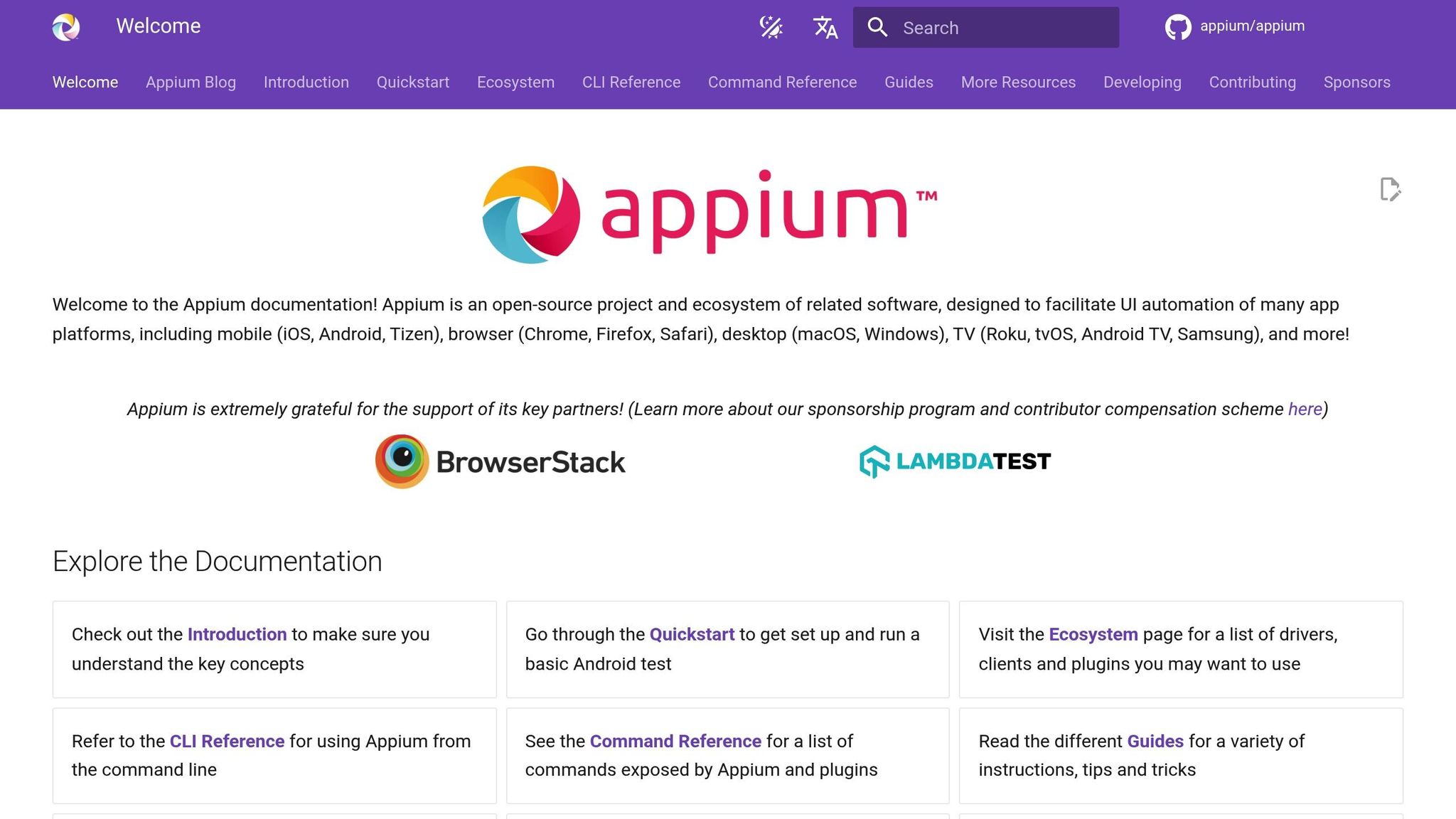
Appium is a widely-used open-source framework designed for testing native, hybrid, and mobile web apps on both iOS and Android platforms. Its standout feature is its "write once, run anywhere" approach, which allows development teams to create a single test suite that can be executed across multiple mobile platforms. This makes it an efficient choice for teams aiming to streamline their mobile app testing process.
Built on the WebDriver protocol, Appium shares similarities with Selenium, but it is specifically tailored for mobile testing scenarios. Developers familiar with Selenium will find it easy to transition to Appium. A key advantage is that it tests real apps on actual devices without requiring any modifications to the application code, setting it apart from tools focused exclusively on web testing.
Support for Mobile and Web Testing
Appium offers comprehensive support for testing a variety of app types, including native iOS and Android apps, hybrid apps, and mobile web applications. For iOS, it utilizes XCUITest for devices running iOS 9.3 and later. On Android, it leverages UiAutomator2 and Espresso for newer versions, while maintaining backward compatibility through UiAutomator. Tests can be run on both physical devices and emulators or simulators, providing flexibility for development teams.
For mobile web testing, Appium enables testing of responsive web applications directly in mobile browsers. It can launch Chrome on Android and Safari on iOS, making it possible to test web functionality across platforms. This feature bridges the gap between traditional web testing and mobile-specific testing needs.
Browser and OS Compatibility
Appium shines in its ability to support a wide range of devices and operating systems for mobile testing. It works seamlessly with iOS devices running versions from iOS 9.3 to the latest releases, including iPhones and iPads. On Android, it supports devices from API level 17 (Android 4.2) onward, covering a broad spectrum of devices from various manufacturers.
The framework is compatible with macOS, Windows, and Linux development environments. However, iOS testing requires a Mac due to Apple’s restrictions. Android tests, on the other hand, can be run from any operating system, making it accessible for teams with diverse setups.
For mobile web testing, Appium supports Safari Mobile on iOS and Chrome Mobile on Android, allowing teams to test mobile-specific interactions like touch gestures, device rotations, and browser behaviors. While not a replacement for desktop browser testing tools, Appium complements them by focusing on mobile-specific scenarios.
Integration with CI/CD Pipelines
Appium integrates seamlessly with popular CI/CD platforms such as Jenkins, GitHub Actions, Azure DevOps, and GitLab CI. It supports multiple programming languages, including Java, Python, C#, Ruby, JavaScript, and PHP, ensuring smooth integration into existing pipelines.
Many cloud-based device testing services provide pre-configured Appium environments, saving teams from the hassle of maintaining their own device labs. This enables automated tests to run on hundreds of real devices across various operating systems and manufacturers.
In mobile app deployment workflows, Appium plays a crucial role by validating new builds before they are released to app stores. CI systems can be configured to trigger Appium test suites automatically whenever new code is committed, ensuring consistent quality throughout the development lifecycle.
Scalability for Parallel Testing
Appium’s scalability is enhanced by its parallel testing capabilities. With Appium Grid, teams can set up a hub-and-node architecture that allows multiple devices to connect to a central hub, distributing tests efficiently across available resources.
Cloud testing platforms take this a step further by offering access to hundreds of real devices without the need for maintaining physical device labs. This setup allows teams to run extensive test suites across various device types, screen sizes, and operating system versions simultaneously.
For Android, Docker can be used to scale emulator testing, while iOS tests require physical Mac hardware. Advanced configurations often combine cloud-based devices for comprehensive coverage with local emulators for faster feedback during development.
| Testing Type | Appium Capability | Key Benefit |
|---|---|---|
| Native Apps | Tests apps without altering code | Ensures real-world user experience |
| Hybrid Apps | Covers both WebView and native components | Verifies full app functionality |
| Mobile Web | Automates browser testing on mobile devices | Validates cross-platform web performance |
| Device Coverage | Supports real devices and emulators/simulators | Provides flexible testing options |
Appium’s focus on mobile testing makes it an indispensable tool for teams working on cross-platform mobile applications. Its capabilities fill the gaps left by traditional web testing tools, offering solutions tailored to the unique demands of mobile environments.
4. LambdaTest
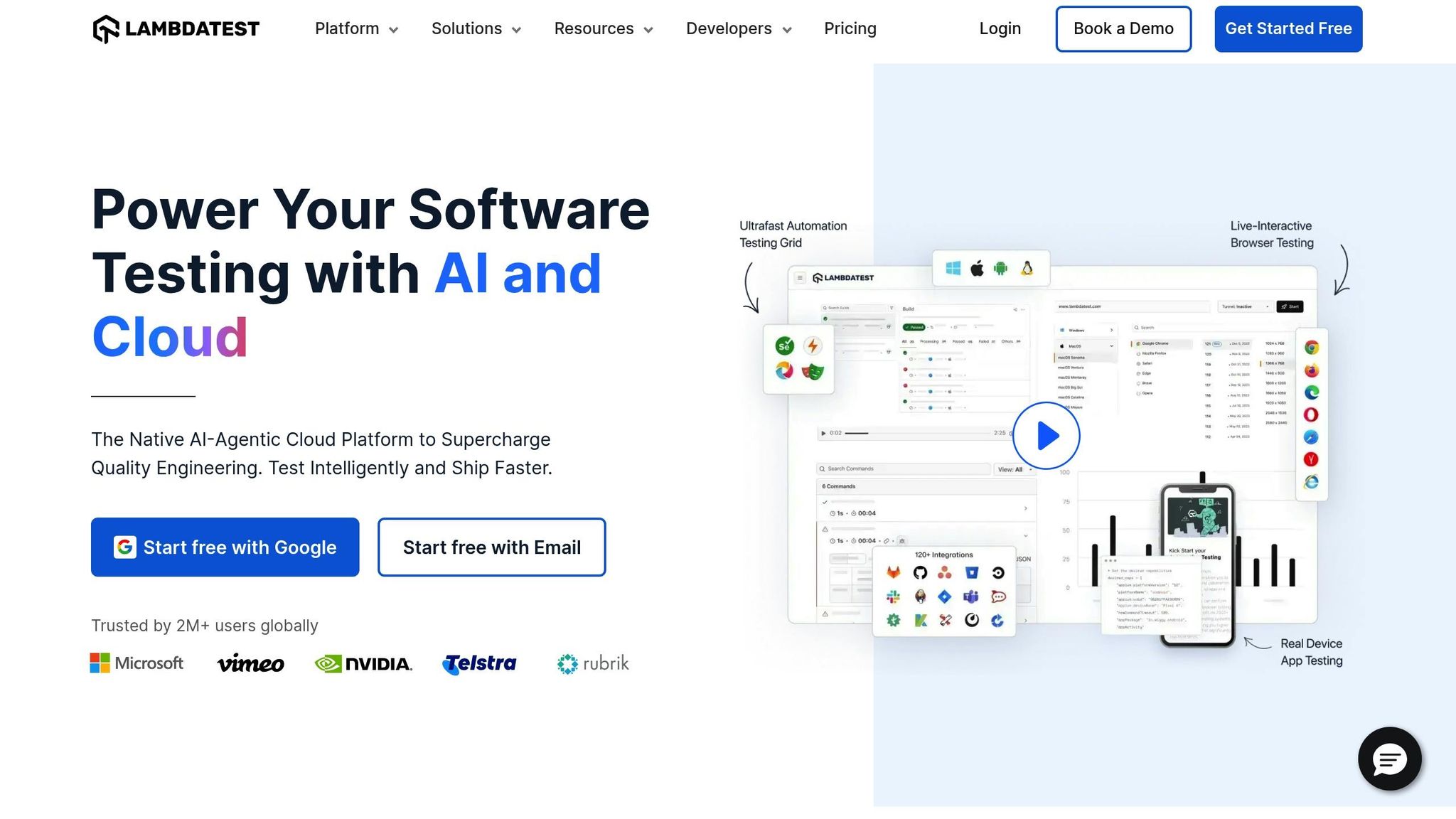
LambdaTest provides access to over 3,000 browser-OS combinations and 10,000+ real devices, making it a powerful tool for cross-platform testing. It supports unique scenarios like testing iOS on Brave, Galaxy S21 on Firefox, and Chromebooks running Chrome OS. This broad coverage allows teams to test in environments that are often overlooked, without the hassle of maintaining their own device labs.
Browser and OS Compatibility
LambdaTest ensures compatibility across a wide range of desktop and mobile operating systems. For desktop testing, it supports Windows versions from XP to Windows 11, and macOS versions from Mountain Lion to the latest updates.
In terms of desktop browser support, LambdaTest works with:
- Chrome (versions 66 and above, excluding version 82)
- Firefox (versions 60 and above)
- Edge (versions 80 and above, excluding version 82)
Additionally, it supports Electron on all operating systems and WebKit on macOS Big Sur and Monterey for Cypress testing.
The platform also excels in mobile browser support, with a significant expansion introduced in mid-2025. On Android, you can test with browsers like Chrome, Firefox, Microsoft Edge, Opera, Brave, DuckDuckGo, and Samsung Internet. For iOS, supported browsers include Safari, Chromium, Firefox, Brave, and DuckDuckGo.
"Our customers want to ensure their web apps work flawlessly for every user, no matter which browser or device they use, at any scale. With expanded browser support for mobile manual and automation on virtual devices, we’re empowering teams to achieve deeper test coverage without investing in complex in-house infrastructure. It’s another step forward in helping businesses ship faster with confidence." – Vipul Verma, SVP Engineering, LambdaTest
This extensive browser and OS compatibility makes LambdaTest a go-to platform for thorough mobile and web testing.
Support for Mobile and Web Testing
LambdaTest offers dual testing capabilities for both mobile apps and web projects, leveraging official emulators, simulators, and real devices to ensure accurate results.
For mobile testing, the platform supports Android and iOS, providing access to real devices. Testing on actual hardware delivers more reliable results by replicating real-world user experiences. LambdaTest’s device lab includes a variety of manufacturers and screen sizes, helping teams tackle the fragmented mobile ecosystem.
When it comes to web testing, LambdaTest goes beyond basic browser compatibility. It enables:
- Responsive design validation
- Cross-browser functionality testing
- Performance monitoring
These features let teams evaluate how web applications perform across different viewport sizes, browser engines, and operating systems.
Integration with CI/CD Pipelines
LambdaTest seamlessly integrates with popular CI/CD platforms using APIs and webhooks, enabling automated regression testing. Teams can set up their pipelines to trigger LambdaTest sessions as soon as new builds are created, catching compatibility issues early in the development process.
With parallel test execution, teams can run multiple test scenarios at the same time, rather than one after another. This approach drastically reduces testing time, making it easier to include comprehensive compatibility checks in fast-paced deployment cycles.
Scalability for Parallel Testing
LambdaTest’s cloud-based infrastructure allows teams to scale their testing efforts without the need for physical device labs or complex setups. The platform automatically manages resource allocation, enabling multiple team members to test simultaneously across various browser and device combinations.
Both manual and automated tests benefit from parallel testing capabilities, where multiple scripts can run concurrently. This scalability is especially useful for large-scale projects requiring extensive cross-platform validation.
| Platform Type | LambdaTest Coverage | Key Advantage |
|---|---|---|
| Desktop | 3,000+ browser-OS combinations | Extensive Windows and macOS support |
| Mobile | 10,000+ real devices | Expanded browser support for mobile testing |
| Unique Combinations | iOS on Brave, Galaxy S21 on Firefox, Chromebooks running Chrome OS | Rare testing scenarios covered |
| Cloud Infrastructure | Unlimited parallel testing | Eliminates the need for device labs |
LambdaTest’s combination of broad device and browser coverage with cloud scalability makes it a standout option for cross-platform testing. By removing the need for in-house testing infrastructure, it allows teams to focus on delivering high-quality applications with confidence.
5. TestCafe
TestCafe stands out among testing tools for its focus on simplicity and compatibility, making it a go-to option for efficient testing. This Node.js-based framework eliminates the need for additional plugins, allowing you to run tests directly across browsers. Unlike other tools that demand intricate setups, TestCafe simplifies the process by injecting its scripts directly into web pages.
What makes TestCafe unique is its architecture. It uses a proxy server to serve test pages, enabling it to intercept and modify web traffic on the fly. This method ensures smooth testing without the headaches of browser-specific drivers. It’s another example of how modern tools are streamlining cross-platform testing.
Browser and OS Compatibility
TestCafe supports a wide range of browsers, both modern and older versions. If a browser supports HTML5, TestCafe can handle it. This flexibility extends to operating systems too, as it works seamlessly on Windows, macOS, and Linux, without requiring individual configurations for each platform.
For those working in CI/CD environments, TestCafe offers headless browser support for Chrome and Firefox, speeding up test execution. It also supports mobile browsers through remote testing. By simply opening a provided URL, teams can test on mobile devices without extra setup.
Even for legacy browsers, such as older versions of Internet Explorer, TestCafe has you covered. It automatically manages browser-specific quirks, saving time and effort in maintaining cross-browser compatibility.
Mobile and Web Testing Made Easy
TestCafe simplifies testing for mobile and responsive designs with built-in viewport resizing. This lets teams evaluate how applications perform across different screen sizes without needing a separate mobile testing framework. It also captures touch events and gestures to ensure thorough mobile web testing.
Its remote testing feature is especially handy. By generating a QR code or URL, developers can test on any mobile device with internet access – no complex setups required. This provides a practical way to simulate real-world mobile usage.
Another standout feature is its screenshot and video recording capabilities, which work across all platforms. This is particularly useful for troubleshooting rendering issues across different browsers and devices.
Integration with CI/CD Pipelines
Like BrowserStack and Selenium, TestCafe integrates smoothly with CI/CD pipelines, including Jenkins, GitHub Actions, Azure DevOps, and TeamCity. Its command-line interface makes it easy to incorporate into your existing workflows without needing additional plugins.
The framework supports various reporting formats, like JUnit-compatible reports, ensuring compatibility with most CI platforms. Plus, its environment variable support allows teams to adapt test configurations based on deployment stages, whether you’re working in development, staging, or production.
Built for Parallel Testing
TestCafe includes parallel execution capabilities, letting you run tests across multiple browsers at the same time. You can distribute tests across browser instances on the same machine or even across multiple machines in a testing grid.
With concurrency control, you can decide how many browser instances to run in parallel, optimizing resources while keeping testing fast. This is especially helpful for large test suites that need to cover a variety of browser and OS combinations.
Its smart test distribution ensures efficient resource use, even when handling thousands of tests in parallel. This means you can maintain performance during demanding test cycles.
| Testing Aspect | TestCafe Capability | Key Benefit |
|---|---|---|
| Browser Support | All HTML5-compatible browsers | No WebDriver dependencies |
| Mobile Testing | Remote testing via URL/QR code | Real device testing without setup |
| Parallel Execution | Built-in concurrency control | Optimized resource utilization |
| CI/CD Integration | Multiple reporting formats | Seamless pipeline integration |
TestCafe’s zero-configuration setup and cross-platform flexibility make it a standout choice for teams aiming to streamline their testing workflows. Its ability to run tests on any device with a modern browser ensures it’s ready for a variety of testing needs, all while keeping the process straightforward and efficient.
6. Ranorex Studio

Ranorex Studio delivers a flexible testing solution that caters to both technical and non-technical users. With its dual-mode approach, teams can create and manage tests using an intuitive drag-and-drop interface or by writing scripts in C# and VB.NET. This versatility sets Ranorex apart from tools that demand either coding expertise or separate scripting.
Its advanced object recognition technology adjusts effortlessly to UI changes, helping to cut down on test maintenance efforts.
Browser and OS Compatibility
Ranorex Studio supports a wide range of browsers and operating systems, ensuring smooth cross-platform testing. It works seamlessly with all major browsers, including Chrome, Firefox, Safari, Edge, and Internet Explorer.
On the operating system front, Ranorex Studio runs natively on Windows and offers remote testing for macOS and Linux. This setup provides comprehensive platform coverage while maintaining the familiar Windows environment many enterprise teams rely on.
Additionally, Ranorex Studio stands out by supporting legacy browser testing, including older versions of Internet Explorer. This feature is particularly useful for businesses still running older web applications that depend on these browsers.
Support for Mobile and Web Testing
Ranorex Studio also excels in mobile testing, covering both native mobile apps and responsive web applications. It connects directly to iOS and Android devices, allowing teams to test touch gestures, device rotation, and hardware interactions.
For web testing, Ranorex Studio streamlines the process by automatically validating responsive designs across different screen sizes and orientations.
The platform’s cloud device integration further enhances its capabilities, providing access to hundreds of real devices without the need for physical hardware. This is especially helpful for teams that need to test on specific device models or operating system versions that aren’t readily available in-house.
Integration with CI/CD Pipelines
Ranorex Studio integrates smoothly with popular CI/CD tools like Jenkins, Azure DevOps, TeamCity, and Bamboo. It generates detailed test reports, making it compatible with most continuous integration systems.
The platform is designed to support testing across development, staging, and production environments, which is critical for organizations with complex deployment pipelines. Its automated scheduling feature allows tests to run at designated times or to be triggered by code commits, ensuring consistent, hands-free testing.
The built-in reporting dashboard provides real-time insights into test results, keeping teams informed every step of the way.
Scalability for Parallel Testing
Ranorex Studio’s distributed architecture enables parallel testing, allowing tests to run simultaneously across multiple machines. This approach significantly reduces execution time by covering various OS and browser combinations at once.
The platform also features load balancing, which automatically allocates test cases across available resources. This ensures efficient use of resources, even when working with large test suites.
For larger enterprises, Ranorex Studio supports grid-based testing setups, enabling multiple test agents to operate across different network locations. This distributed model is ideal for teams spread across various regions or for testing under diverse network conditions.
| Testing Capability | Ranorex Studio Feature | Business Benefit |
|---|---|---|
| Test Creation | Drag-and-drop interface | Empowers non-technical team members |
| Object Recognition | Smart UI adaptation | Minimizes maintenance efforts |
| Mobile Testing | Native app and responsive web testing | Ensures thorough mobile coverage |
| Enterprise Integration | CI/CD tool compatibility | Streamlines workflows across platforms |
Ranorex Studio is designed with enterprise needs in mind, offering a balanced mix of user-friendly tools and robust automation capabilities. By combining visual test creation with advanced features, it provides a scalable solution for cross-platform testing that adapts to the demands of modern organizations.
sbb-itb-058cafb
7. Cypress

Cypress offers a fresh, developer-focused approach to end-to-end testing, emphasizing ease of use and real-time interaction with the browser. Unlike traditional frameworks that operate externally, Cypress runs directly within the browser, providing instant feedback and allowing developers to see exactly what’s happening during test execution.
One standout feature is its time-travel debugging, which lets developers step through commands and view snapshots of the application at each stage. This visual debugging method saves valuable time when troubleshooting, as it eliminates the need to rely solely on logs or static screenshots.
Browser and OS Compatibility
Cypress supports all Chromium-based browsers, including Chrome, Edge, and Electron, along with Firefox. It also offers experimental support for WebKit-based browsers like Safari. While its browser compatibility leans more toward modern options, it prioritizes depth and adherence to current standards over legacy support.
The framework is designed to run natively on Windows, macOS, and Linux, making it accessible across various development environments. It even detects installed browsers automatically, which is particularly handy for aligning with enterprise browser policies. However, Cypress does not support Internet Explorer or older browser versions, reflecting its focus on modern web standards.
Support for Mobile and Web Testing
Cypress shines in web application testing but takes a different approach to mobile testing. Instead of running tests on physical mobile devices, it simulates mobile viewports and touch interactions within desktop browsers. This approach works well for responsive web applications and progressive web apps (PWAs).
With built-in commands for adjusting viewports and simulating device configurations, teams can test their applications across various screen sizes without needing physical devices or emulators. However, for native mobile app testing, Cypress isn’t the best fit. Teams often pair Cypress with other tools that specialize in testing native mobile applications, leveraging Cypress for web tests and its seamless integration with automated pipelines.
Integration with CI/CD Pipelines
Cypress integrates smoothly with CI/CD platforms like GitHub Actions, Jenkins, CircleCI, and GitLab CI, using official Docker images for easy setup.
The Cypress Dashboard service enhances CI/CD workflows with features like test parallelization, flaky test detection, and detailed analytics. This service helps teams monitor test performance over time, identify recurring issues, and maintain a stable test suite.
Additionally, Cypress generates test reports in formats like JUnit XML and Mochawesome HTML, making it easy to integrate with most CI/CD systems. These reports provide clear insights into test results and help pinpoint the causes of failures.
Scalability for Parallel Testing
Cypress supports parallel testing through its Dashboard service, which distributes tests across multiple CI machines to save time on large test suites. Its smart load-balancing feature ensures tests are distributed based on historical run times, preventing uneven completion times across machines.
For teams preferring self-hosted solutions, Cypress can also be configured for parallel execution using CI/CD platform features like GitHub Actions matrix builds or Jenkins parallel stages. While this setup requires additional configuration compared to the Dashboard service, it gives teams full control over their testing infrastructure.
| Testing Aspect | Cypress Strength | Key Advantage |
|---|---|---|
| Debugging | Time-travel and real-time browser interaction | Quick identification of issues |
| Developer Experience | Native browser execution | Faster feedback during development |
| Web Testing | DOM manipulation | Reliable and accurate interactions |
| CI/CD Integration | Docker images and dashboard service | Simplified and efficient workflows |
Cypress stands out as a top choice for modern web application testing, offering fast, reliable performance and tools that streamline debugging. Its developer-friendly design and focus on contemporary web technologies make it an excellent fit for teams aiming to optimize their testing processes.
8. TestGrid

TestGrid is a cloud-based platform designed for testing on real devices. Its standout feature is access to over 1,000 physical browsers, operating systems, and devices, making it easier for teams to catch device-specific issues that only show up on actual hardware.
What makes TestGrid unique is its integration with native developer tools for on-demand debugging. This functionality emphasizes the importance of reliable and physical testing environments, ensuring comprehensive and accurate results.
Browser and OS Compatibility
TestGrid offers a vast library of over 1,000 combinations of physical browsers, operating systems, and devices. It supports major desktop browsers like Chrome and Safari, alongside mobile browsers, including Samsung Internet for Android. For mobile testing, TestGrid provides real devices running various versions of iOS and Android, ensuring thorough coverage.
Support for Mobile and Web Testing
With TestGrid, teams can test both mobile and web applications simultaneously. Its mobile testing capabilities extend to native mobile apps and mobile web applications, offering a complete solution for validating mobile functionality.
Scalability for Parallel Testing
TestGrid also excels in scalability, enabling parallel cross-browser testing to save time. By running tests concurrently across multiple browser and OS combinations, it ensures efficient and broad cross-platform validation.
| Testing Focus | TestGrid Advantage | Key Benefit |
|---|---|---|
| Real Device Access | Access to over 1,000 physical devices | Authentic testing conditions |
| Developer Tools | Integration with native dev tools | Simplified debugging process |
| Mobile Testing | Testing on real physical devices | Accurate mobile validation |
| Parallel Execution | Multi-platform testing simultaneously | Faster testing cycles |
9. Playwright

Playwright is a modern end-to-end testing framework developed by Microsoft, designed to deliver reliable automation across multiple browsers. Unlike older tools that struggle with dynamic web apps, Playwright excels at handling single-page apps, PWAs, and complex JavaScript frameworks with ease.
Its architecture is built to interact directly with browsers using their native automation protocols, which results in faster and more dependable test execution compared to traditional Selenium-based approaches. Another standout feature is its automatic waiting mechanism – Playwright waits for elements to be ready before performing actions, significantly reducing flaky tests. This combination of speed and reliability makes it a powerful choice for cross-platform testing.
Browser and OS Compatibility
Playwright sets itself apart with its extensive browser and operating system support. It works seamlessly with Chromium, Firefox, and WebKit, covering major browsers like Chrome, Edge, Safari, and Firefox, complete with their latest updates and features.
The framework is compatible with Windows, macOS, and Linux, making it accessible regardless of your team’s preferred platform. It also supports both headless and headed modes, so developers can choose to watch the tests run in real browsers when debugging issues.
Additionally, Playwright can emulate mobile browsers with remarkable accuracy, simulating screen sizes, touch events, and mobile behaviors. This includes support for popular devices like iPhones and Android phones, ensuring precise testing across various viewports and device characteristics.
Support for Mobile and Web Testing
Playwright simplifies responsive design testing by allowing you to set specific viewports and emulate mobile browsers with accurate touch gestures and orientation changes. This ensures that your web applications deliver a consistent experience across both desktop and mobile platforms – all without requiring separate tools for mobile testing.
For teams developing Progressive Web Apps (PWAs), Playwright offers robust support, including testing service worker functionality, offline capabilities, and app manifest validation. This makes it an excellent choice for modern web applications that blur the boundaries between web and mobile experiences.
Integration with CI/CD Pipelines
Playwright was built with continuous integration (CI) in mind, making it easy to integrate with platforms like GitHub Actions, Jenkins, and Azure DevOps. Official Docker images are available, complete with all required browser dependencies, streamlining the CI setup process.
To set up, install dependencies with npm ci, install browsers using npx playwright install --with-deps, and run tests with npx playwright test. The framework also generates detailed HTML reports for CI artifacts, providing insights like test results, screenshots, and videos of failed tests. For debugging CI-related issues, Playwright supports the DEBUG=pw:browser environment variable, which outputs detailed logs to help troubleshoot browser launch problems.
Scalability for Parallel Testing
Playwright is designed to handle parallel test execution efficiently, enabling teams to distribute tests across multiple workers and reduce overall test suite runtime. You can configure worker counts based on your environment, such as workers: process.env.CI ? 4 : 1, allowing more workers in CI environments while keeping local development straightforward.
For large-scale test suites, Playwright supports test sharding, allowing you to split tests into smaller chunks and run them across multiple CI jobs simultaneously. This reduces feedback time for applications with extensive test coverage.
The framework also ensures automatic test isolation, so tests don’t interfere with each other, even when running in parallel. Each test operates in its own browser context, preventing data overlap and ensuring consistent results regardless of execution order.
| Playwright Strength | Key Capability | Testing Benefit |
|---|---|---|
| Auto-waiting | Waits for elements automatically | Reduces flaky tests |
| Multi-browser | Native Chromium, Firefox, WebKit support | Comprehensive browser coverage |
| CI Integration | Official Docker images and configs | Simplified pipeline setup |
| Parallel Execution | Built-in sharding and worker management | Faster test suite completion |
10. CrossBrowserTesting by SmartBear
Important Note: CrossBrowserTesting was discontinued on July 31, 2023, with users transitioned to BitBar. Despite its discontinuation, this tool played a key role in shaping modern real-device testing standards.
CrossBrowserTesting was built to handle functional and unit tests across real mobile and desktop browsers. It offered automated, manual, and visual testing on actual devices and operating systems, making it a go-to choice for many development teams.
Browser and OS Compatibility
This tool supported a staggering range of over 2,050 browsers and devices, covering numerous modern web browser versions across Windows, Mac, and Ubuntu. Its compatibility with these desktop platforms ensured that applications performed consistently on the most widely used systems. This extensive desktop support also extended into mobile environments, providing a seamless testing experience.
Support for Mobile Testing
Beyond desktops, CrossBrowserTesting excelled in mobile testing, offering access to real Android and iOS devices. This feature allowed teams to test web applications on actual hardware, ensuring reliable performance on real-world devices. Additionally, its visual testing capabilities enabled teams to evaluate the design and functionality of their applications with precision. Here’s a quick breakdown of its features:
| CrossBrowserTesting Feature | Capability | Testing Benefit |
|---|---|---|
| Device Coverage | Over 2,050 browsers and devices | Broad compatibility testing |
| Real Devices | Testing on actual mobile and desktop browsers | Reliable and accurate results |
| Visual Testing | Tools for automated, manual, and visual testing | Detailed UI and layout evaluation |
Feature Comparison Table
Here’s a quick overview of each tool’s standout features, organized for easy reference:
| Tool | Key Features |
|---|---|
| BrowserStack | Cloud-based platform offering tests on over 3,000 real devices and browsers. |
| Selenium | Open-source automation framework for cross-browser testing with 30,000 GitHub stars. |
| Appium | Open-source mobile automation framework supporting both iOS and Android testing. |
| LambdaTest | Cloud-based platform providing testing on more than 3,000 real devices and browsers. |
| TestCafe | JavaScript-based testing tool with 10,000 GitHub stars. |
| Cypress | JavaScript testing framework known for fast, reliable tests, boasting 50,000 GitHub stars. |
| Playwright | Cross-browser automation tool supporting Chromium, Firefox, and Safari, with 70,000 GitHub stars. |
This table neatly complements the detailed reviews in the article by showcasing each tool’s core strengths at a glance.
It highlights a mix of open-source tools like Selenium, Cypress, and Playwright, which boast strong GitHub communities, alongside cloud-based platforms like BrowserStack and LambdaTest, known for their extensive real-device testing capabilities. Together, they reflect the growing industry trend toward scalable, automated testing solutions that maintain consistent performance across platforms.
Conclusion
Selecting the right cross-platform testing tool can make or break your application’s success. Among the 10 tools we’ve discussed, each brings its own strengths to the table – whether it’s Selenium’s robust open-source community or BrowserStack’s wide array of real devices and browsers.
The key is to align the tool with your specific needs. For teams with strong technical skills, open-source frameworks like Cypress and Playwright can deliver great results without the need for licensing fees. On the other hand, cloud-based platforms such as LambdaTest and TestGrid provide quick scalability without the hassle of managing infrastructure. If your team works heavily with JavaScript, TestCafe’s straightforward approach might be appealing. Meanwhile, mobile-first businesses often find Appium invaluable for testing native apps.
Budget considerations also play a big role. Open-source tools save on licensing costs but may require more setup and maintenance time. Cloud platforms, while offering quick deployment, typically involve subscription fees that scale with usage.
For businesses leveraging tools like Zoho CRM or focusing on mobile applications, working with specialized partners like AorBorC Technologies can simplify cross-platform testing and integration, ensuring smoother operations for critical applications.
As testing technology continues to evolve, keep an eye on tools that embrace advancements like AI-driven testing and visual regression detection. Your users expect seamless, error-free experiences across all devices and platforms – choosing the right testing tool is your first step in delivering on that promise.
FAQs
What should I look for in a cross-platform testing tool for my project?
When choosing a cross-platform testing tool, focus on tools that offer wide browser and device compatibility, integrate smoothly with your current workflows, and include automation and reporting features. It’s crucial to select a tool that fits your technology stack and can manage the demands of your project’s scale.
Other important aspects to evaluate are security measures, scalability, and how intuitive the tool is to use. Tools with strong reporting features and dependable customer support can greatly simplify your testing process, helping you meet your project objectives more efficiently.
What are the cost and scalability differences between open-source tools like Selenium and Appium versus cloud-based platforms such as BrowserStack and LambdaTest?
Open-source tools such as Selenium and Appium are free to use, making them a budget-friendly choice initially. But keep in mind, there are hidden costs. You’ll need to invest in hardware, configure the tools, and handle ongoing maintenance. As your testing demands increase, these requirements can add up quickly, both in terms of time and money. Scaling these tools often requires substantial effort and resources.
In contrast, cloud-based platforms like BrowserStack and LambdaTest operate on subscription models, offering predictable pricing without the hassle of managing infrastructure. These platforms make scalability straightforward and provide access to a diverse range of testing environments. This makes them an excellent choice for larger teams or projects experiencing rapid growth.
What are the advantages of using Playwright for testing dynamic web applications over traditional tools?
Playwright offers quick, dependable, cross-browser testing, making it a strong option for dynamic web applications. One standout feature is its built-in auto-waiting, which handles dynamic content seamlessly. This reduces flaky tests and boosts the stability of your testing process.
Thanks to its modern architecture, Playwright is well-suited for testing complex, asynchronous websites. It delivers improved performance and precision compared to older tools, making it a top pick for developers building highly interactive web experiences.