
Zoho offers a HIPAA-compliant cloud storage solution for healthcare organizations, but proper configuration and a signed Business Associate Agreement (BAA) are required. This makes it a viable option for small to mid-sized practices looking for a unified platform to manage patient data securely. While Zoho integrates well with its ecosystem of tools, it may not meet the advanced needs of larger healthcare systems.
Here’s how Zoho compares to other providers:
- Google Workspace: Offers strong collaboration tools but requires careful setup for compliance. The BAA process is quick and online, but not all features are covered.
- Microsoft OneDrive/SharePoint: Provides robust security, advanced features, and seamless integration with Microsoft 365 but can be complex and costly for smaller practices.
- Dropbox Business: Simple to use with strong security, but limited healthcare-specific integrations and higher costs for large storage needs.
- Box: Focuses on enterprise-level content management with extensive integrations but has a steeper learning curve and higher price point.
Quick Comparison:
| Provider | Key Features | BAA Process | Best For |
|---|---|---|---|
| Zoho | Encryption, audit logs | Email-based request | Small to mid-sized practices |
| Google Workspace | Collaboration tools, DLP | Online acceptance | Teams needing collaboration |
| Microsoft OneDrive | Advanced security, DLP | Online agreement | Enterprise-level systems |
| Dropbox Business | Simple interface, encryption | Enterprise-tier plans | Easy adoption for small teams |
| Box | Workflow automation, encryption | Dedicated compliance team | Large-scale content management |
For smaller practices, Zoho’s affordability and integration make it a practical choice, while larger organizations might prefer Microsoft or Google for their advanced features. Regardless of the provider, proper setup and ongoing monitoring are essential to maintaining HIPAA compliance.
1. Zoho
Zoho offers cloud storage solutions that can align with HIPAA standards, but this requires careful setup. Healthcare organizations need to choose and configure specific Zoho applications to handle protected health information (PHI) securely, reflecting Zoho’s structured approach to meeting HIPAA regulations.
HIPAA Compliance Considerations
Not all Zoho apps are built to manage PHI, so it’s crucial to thoroughly review and select only those that can be secured for HIPAA compliance. This step is vital for ensuring that sensitive healthcare data is handled properly within the Zoho ecosystem.
To simplify the process, specialized providers like AorBorC Technologies offer services such as Zoho CRM customization and Zoho One implementation, helping organizations configure their systems to meet HIPAA requirements.
Business Associate Agreement (BAA) Process
A Business Associate Agreement (BAA) is a critical part of ensuring HIPAA compliance with Zoho. This agreement outlines Zoho’s obligations to protect PHI. To initiate this process, healthcare organizations can contact Zoho at [email protected] to request and sign the BAA. Once the agreement is in place, additional configurations are required to fully comply with HIPAA standards.
2. Google Workspace
Like Zoho, Google Workspace needs to be carefully configured to comply with HIPAA regulations. It operates under a shared responsibility model, meaning both Google and the healthcare organization have distinct obligations to meet compliance requirements.
HIPAA Compliance Features
Out of the box, Google Workspace is not HIPAA compliant. To meet compliance standards, organizations must actively configure the platform using its robust technical infrastructure. This means healthcare providers must take steps to secure their environments and ensure proper safeguards are in place to handle protected health information (PHI).
Business Associate Agreement (BAA) Process
Google Workspace simplifies the process of obtaining a HIPAA Business Associate Agreement (BAA). Using an admin account, organizations can navigate to the Admin console and find the "Security and Privacy Additional Terms" section. Under this, they’ll see the "HIPAA Business Associate Amendment." By reviewing and electronically accepting the amendment, the BAA becomes effective. This electronic process is faster and more convenient compared to Zoho’s email-based BAA request system.
Security Architecture
The Google Workspace BAA applies to specific platform features, but there are limitations. It does not cover third-party apps, Google Analytics (in its standard configuration), consumer services like YouTube or Blogger, or experimental features still in testing. This means organizations must carefully choose which tools to use for managing PHI and implement extra security measures if needed. This clear structure helps organizations evaluate how Google Workspace compares to other providers.
3. Microsoft OneDrive/SharePoint
Microsoft’s cloud storage solutions within Microsoft 365 can meet HIPAA compliance standards when configured correctly. However, it’s essential to understand the platform’s specific limitations to ensure proper use.
HIPAA Compliance Features
OneDrive for Business and SharePoint Online offer tools to support HIPAA compliance when used as part of Microsoft 365. It’s important to note that the personal version of OneDrive is not HIPAA-compliant and must never be used for handling protected health information (PHI).
These platforms include several built-in features designed to align with HIPAA requirements. Data Loss Prevention (DLP) policies can identify and safeguard sensitive health information across SharePoint sites and OneDrive accounts. Advanced Threat Protection scans files and links for malicious content, while sensitivity labels help classify and secure documents containing PHI.
A standout feature of Microsoft’s approach is its audit logging system, which tracks user activities such as file access, modifications, sharing, and deletions. This detailed logging creates the audit trail required to meet HIPAA regulations.
Security Architecture
Microsoft employs a robust security framework to protect data. Information is encrypted both during transfer and while stored using AES 256-bit encryption. For added control, organizations can opt for customer-managed encryption keys.
Access controls offer granular permissions, allowing organizations to restrict access at the site, library, folder, or even individual file level. Role-based access controls ensure that only authorized personnel can view or handle PHI. Additionally, multi-factor authentication adds an extra layer of security by requiring users to verify their identity through multiple methods.
The platform also supports geographic data residency, enabling organizations to specify where their data is stored and processed. This feature helps healthcare providers comply with location-based regulatory requirements. These safeguards align with Microsoft’s commitments under its Business Associate Agreement (BAA).
Business Associate Agreement (BAA) Process
Microsoft simplifies the BAA process by offering an electronic agreement through its Service Trust Portal for eligible Microsoft 365 subscribers.
The BAA covers OneDrive for Business, SharePoint Online, and other core Microsoft 365 services when used in enterprise configurations. However, it excludes consumer services, preview features, and some third-party integrations. Healthcare organizations must carefully review which services are included under the BAA before finalizing their cloud storage strategy.
Unlike some competitors, Microsoft’s BAA documentation provides detailed technical specifications outlining how the platform meets specific HIPAA safeguards. This transparency helps healthcare IT teams understand which security measures Microsoft manages and which ones require configuration by the organization.
Integration Capabilities
Microsoft’s cloud storage solutions integrate seamlessly with the broader Microsoft 365 ecosystem, offering both benefits and challenges for HIPAA compliance. SharePoint and OneDrive work smoothly with tools like Microsoft Teams and Outlook, but each integration point requires careful security evaluation.
The platform also supports connections with electronic health record (EHR) systems through Microsoft Graph APIs and Power Platform connectors. These integrations can simplify workflows for healthcare providers, but organizations must ensure that all connected systems adhere to HIPAA standards.
When using third-party integrations, it’s crucial to review them separately, as Microsoft’s BAA may not cover external services. Additional agreements with third-party vendors may be required to maintain compliance.
4. Dropbox Business
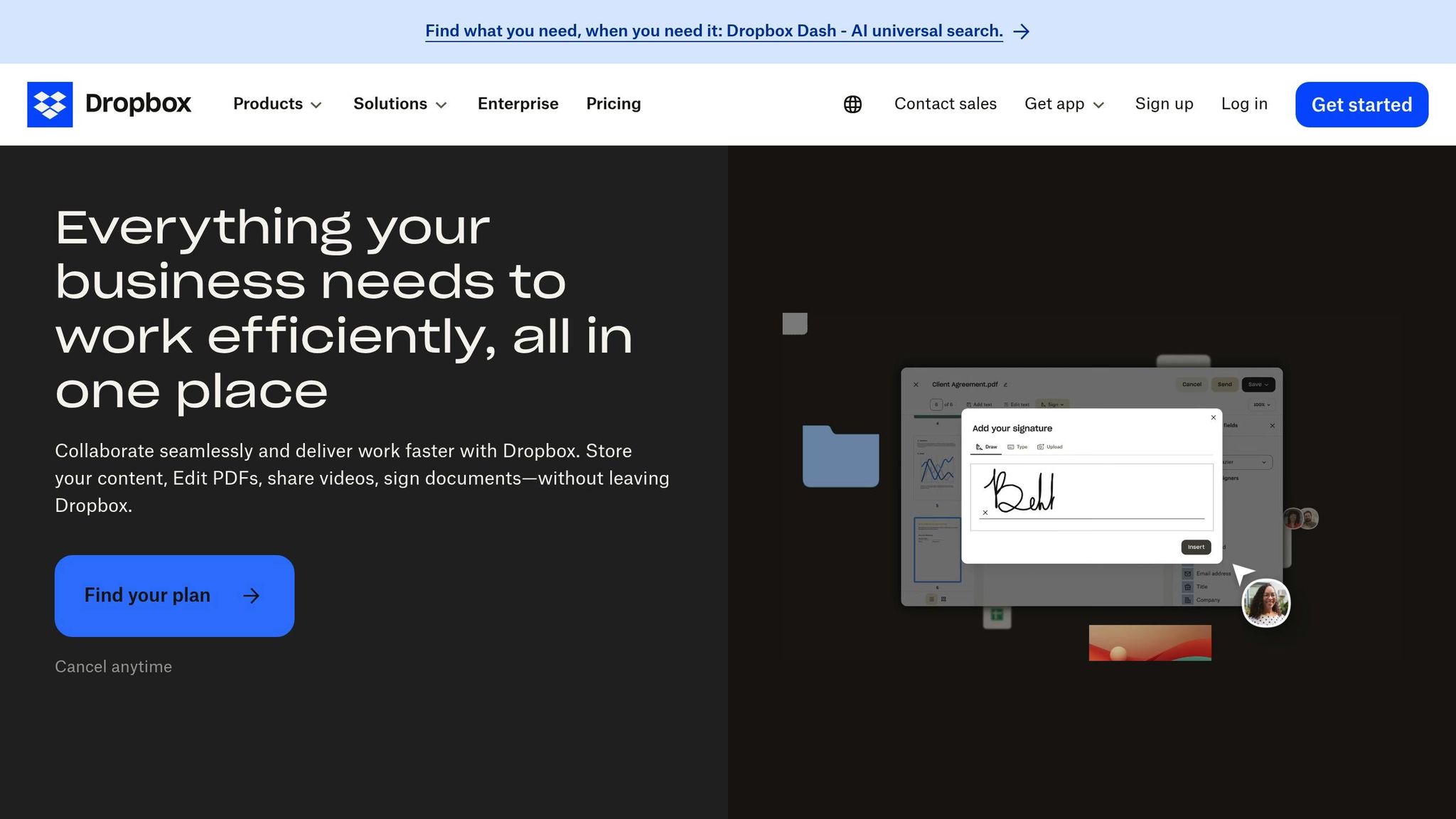
When it comes to healthcare, Dropbox Business provides specific tools to support HIPAA compliance. With the right setup, it offers strong administrative controls and audit logs to help safeguard protected health information (PHI).
Key HIPAA Compliance Features
Dropbox Business employs AES 256-bit encryption to secure data at rest and TLS encryption for data in transit. To further enhance security, it includes two-factor authentication and supports single sign-on (SSO) integration, ensuring multiple layers of protection for PHI.
Business Associate Agreement (BAA) and Configuration
Achieving HIPAA compliance with Dropbox Business hinges on securing a Business Associate Agreement (BAA). This agreement is typically accessible through enterprise-tier plans like Advanced and Enterprise. Organizations need to specifically request the BAA and carefully review its terms to understand the services it covers. It’s crucial to note that not all features or third-party integrations fall under the BAA, so users must configure their settings with care to ensure compliance. Proper setup of integrations is key to maintaining the platform’s compliance standards.
Integration Considerations
Dropbox Business allows for third-party integrations, but each one needs to be assessed individually to ensure it meets HIPAA compliance requirements.
5. Box
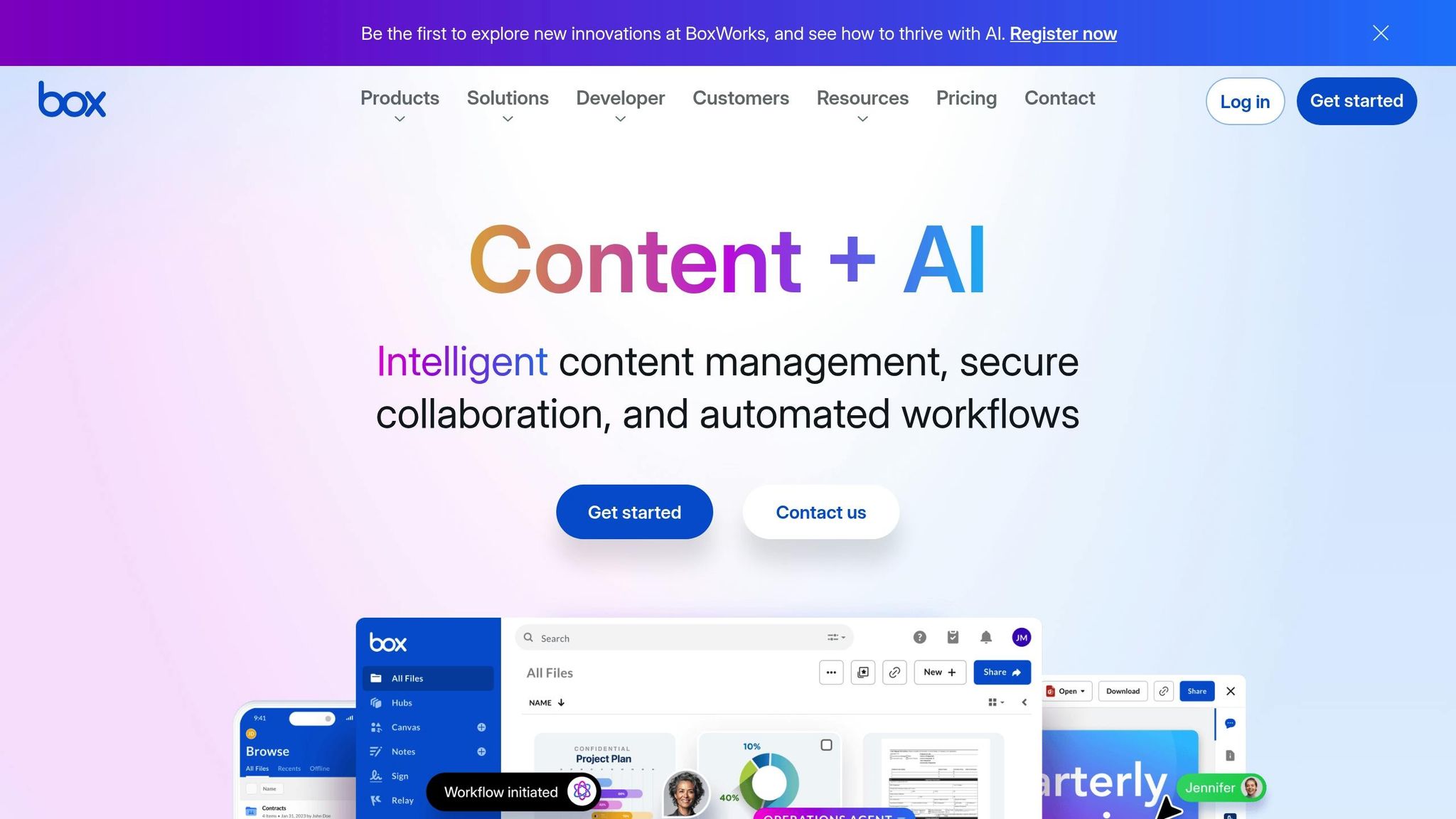
Box meets HIPAA compliance standards, making it a viable option for handling sensitive healthcare data. While the platform provides essential compliance features like encryption and administrative controls for managing protected health information (PHI), detailed information about its security measures, compliance processes, and integration options isn’t widely available.
For a deeper understanding of how Box addresses HIPAA requirements, it’s best to refer to the official compliance documentation provided by Box. This summary sets the stage for a broader discussion about the pros and cons of these solutions in the healthcare space.
sbb-itb-058cafb
Advantages and Disadvantages
Choosing the right cloud storage provider for HIPAA compliance involves weighing specific trade-offs. For healthcare professionals, understanding these differences is key to selecting a platform that aligns with their operational needs and budget.
Zoho stands out with its integrated business tools, making it a good fit for practices looking for an all-in-one solution. It offers competitive pricing and smooth integration within its ecosystem. However, it may fall short for larger healthcare systems due to limited documentation on HIPAA-specific processes and the absence of advanced enterprise-grade security features.
Google Workspace shines in collaboration, offering real-time tools and a robust infrastructure supported by Google’s security resources. It integrates well with third-party healthcare applications, but concerns around data sovereignty and advertising practices could be drawbacks for some organizations.
Microsoft OneDrive and SharePoint provide enterprise-level security and seamless integration with Microsoft’s suite of tools, which many healthcare organizations already use. They offer comprehensive compliance tools and advanced access controls. However, smaller practices might find the platform complex and licensing costs increasingly burdensome.
Dropbox Business offers an intuitive interface, making it easy for staff to adopt with minimal training. It includes strong security features and simple file-sharing capabilities. On the downside, it lacks extensive integrations with healthcare-specific applications and can become costly for larger storage needs.
Box is tailored for enterprise content management, with robust security controls and detailed audit trails. It excels in workflow automation and integrates well with healthcare-focused applications. That said, its steeper learning curve and higher costs may deter smaller practices.
| Provider | HIPAA Compliance Features | Security Architecture | Integration Capabilities | BAA Process |
|---|---|---|---|---|
| Zoho | Encryption, access controls, audit logs | Standard enterprise security | Extensive within Zoho ecosystem | Available upon request |
| Google Workspace | Advanced encryption, DLP, admin controls | Google Cloud infrastructure | Third-party apps, APIs | Streamlined online process |
| Microsoft OneDrive/SharePoint | Advanced Threat Protection, compliance center | Microsoft Cloud security | Deep Microsoft integration | Enterprise agreement required |
| Dropbox Business | File encryption, admin controls, device management | Multi-layer security model | Limited healthcare-specific integrations | Standard business process |
| Box | Enterprise-grade encryption, governance tools | Zero-knowledge architecture | Extensive third-party integrations | Dedicated compliance team |
Ultimately, the decision often hinges on balancing cost, functionality, and compliance needs. Smaller practices might lean toward Zoho or Dropbox Business for their simplicity and affordability. Larger healthcare systems, on the other hand, may prefer Microsoft or Google for their enterprise-grade capabilities and robust access controls. Box is best suited for organizations prioritizing content management and workflow automation.
Another key factor is the existing technology infrastructure. Practices already using Microsoft Office will find OneDrive’s integration seamless, while those embedded in Google’s ecosystem will benefit from Workspace’s collaboration tools. For those seeking an all-in-one solution, Zoho’s platform can reduce the need for multiple software subscriptions while maintaining HIPAA compliance.
These considerations lay the groundwork for a detailed evaluation in the conclusion.
Conclusion
Zoho stands out as a practical choice for HIPAA-compliant cloud storage, striking a balance between functionality and affordability. Its integrated ecosystem makes it especially appealing for healthcare practices, offering the ability to manage patient data, communications, and business operations all in one place while adhering to compliance standards.
For small to medium-sized practices, Zoho’s combination of a low price point and ease of setup is a major advantage. The platform simplifies the process of signing a Business Associate Agreement (BAA) and incorporates encryption that aligns with HIPAA requirements, all without the complexity often associated with enterprise-level solutions. By integrating tools like CRM, document management, and communication systems, Zoho streamlines healthcare workflows, cutting down on administrative tasks and reducing the need for multiple vendors.
That said, larger healthcare institutions might find Zoho’s scalability and documentation less suited to their needs. While its security features are strong, they may not match the advanced threat protection offered by more specialized cloud providers catering to enterprise-level demands.
For organizations already using Zoho’s suite of business applications, the cloud storage component fits naturally into their existing setup. This unified approach not only ensures compliance but also minimizes costs and administrative efforts – an appealing factor for practices with limited IT resources.
Ultimately, the right choice depends on the size of the organization, its current infrastructure, and specific compliance requirements. Smaller and mid-sized practices are likely to appreciate Zoho’s straightforward balance of features and affordability, while larger systems may require more advanced options.
Given the complexities of HIPAA compliance, expert guidance is essential when implementing Zoho. Professional services, like those offered by AorBorC Technologies, can assist with proper configuration, staff training, and ongoing compliance monitoring. These steps are crucial for ensuring the platform is optimized for healthcare needs.
As healthcare cloud storage continues to evolve, Zoho remains a solid option for those seeking an integrated and compliant solution. However, success with any platform hinges on thoughtful implementation, thorough training, and consistent monitoring to maintain compliance over time.
FAQs
How can healthcare organizations configure Zoho’s cloud storage to meet HIPAA compliance standards?
How to Configure Zoho’s Cloud Storage for HIPAA Compliance
To keep Zoho’s cloud storage in line with HIPAA regulations, healthcare organizations need to prioritize a few critical steps:
- Encrypt all data – whether it’s stored or being transmitted – to safeguard sensitive patient information.
- Implement strict access controls, including multi-factor authentication, to ensure only authorized personnel can access Protected Health Information (PHI).
- Perform routine audits and monitoring to detect and address any potential security vulnerabilities.
These measures are essential for protecting PHI and ensuring a secure environment that complies with HIPAA standards.
What is Zoho’s Business Associate Agreement (BAA), and why is it essential for HIPAA compliance?
Zoho’s Business Associate Agreement (BAA)
Zoho’s Business Associate Agreement (BAA) is a formal contract designed to ensure the company complies with HIPAA regulations when managing protected health information (PHI) for covered entities. To start the BAA process, users typically need to contact Zoho’s support team to request their BAA template, as detailed in the company’s HIPAA compliance resources.
This agreement is essential because it clearly outlines Zoho’s responsibilities in protecting PHI. It establishes a legal framework that ensures compliance, minimizes risks of data breaches or mishandling, and safeguards sensitive health information.
What challenges might larger healthcare systems face when using Zoho compared to smaller practices?
Larger healthcare systems often face hurdles with scalability, integration, and compliance when working with Zoho. These organizations typically manage vast amounts of data and must adhere to stricter HIPAA compliance standards, which can stretch Zoho’s capabilities unless extensive customizations are implemented.
Another challenge lies in integrating Zoho with older legacy systems or specialized tools. As these organizations expand, the complexity of such integrations can increase significantly. Moreover, larger systems often demand advanced security measures and smooth interoperability – areas where Zoho might encounter limitations based on the specific requirements of the healthcare provider.