
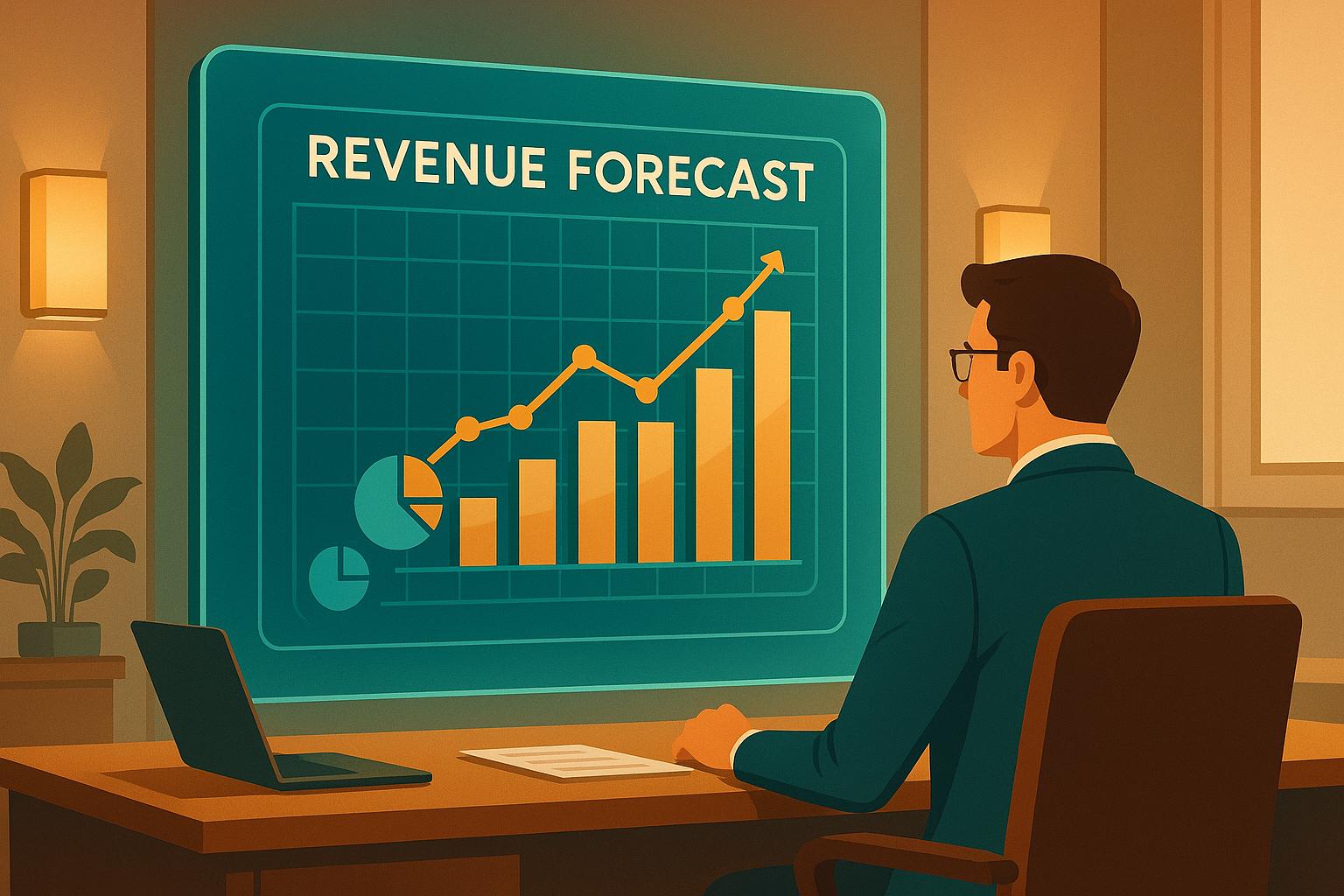
Revenue forecasts can make or break your business decisions. If you’re relying on guesswork or generic templates, you’re missing out on opportunities to plan ahead and grow. A custom revenue forecast model, tailored to your business, helps you predict cash flow, identify top-performing revenue streams, and make informed choices about hiring, inventory, and investments.
Here’s a quick breakdown of the five steps to create a revenue forecast model that works for your business:
- Define Your Goals and Data Needs: Set clear revenue targets, identify key performance indicators (KPIs), and gather reliable data from sources like your CRM, accounting tools, and market trends.
- Choose the Right Tools: Use tools like Zoho CRM and Zoho Analytics to manage data and automate forecasts. Connect systems for real-time updates.
- Clean and Prepare Historical Data: Organize and standardize your data to ensure accuracy. Remove duplicates, handle missing values, and format data for analysis.
- Build and Customize Models: Select forecasting techniques (e.g., trend analysis, regression, or machine learning) and adjust them to reflect your sales cycle, product lines, and market factors.
- Test, Monitor, and Refine: Validate your model with historical data, track accuracy, and adjust for changing conditions to keep forecasts reliable.
Step 1: Set Business Goals and Data Needs
Before diving into spreadsheets or forecasting software, it’s crucial to define your revenue goals. This step lays the groundwork for your entire forecasting model, influencing everything from the data you gather to the methods you’ll use to analyze it.
Set Revenue Targets and Forecast Timeframes
Your revenue targets should be clear and specific, not vague aspirations. For instance, aim for something like "$500,000 in quarterly revenue" or "a 15% increase in monthly recurring revenue over the next six months." These precise goals tie directly to your broader business strategy.
The frequency of your forecasts should align with your sales cycle. If your sales cycle is short, a monthly forecast works best. For moderate cycles, go with quarterly forecasts, and for longer cycles, stick to annual forecasts.
Don’t forget to factor in cash flow needs. If you’re making quarterly hiring decisions, your forecasts should provide dependable quarterly insights. Similarly, if you’re managing inventory on a monthly basis, your revenue projections should reflect that level of detail.
Choose Key Performance Indicators (KPIs)
Pick KPIs that directly support your revenue targets. Studies show that businesses leveraging data-driven KPIs grow revenue 23% faster than those relying on guesswork.
- Leading indicators help predict future revenue and allow you to address potential issues early. Examples include metrics like the number of new leads generated each month, demo-to-close conversion rates, or trends in average deal size.
- Lagging indicators reflect past performance and help you validate the accuracy of your forecasts. These might include total revenue, customer acquisition cost (CAC), or customer lifetime value (CLV).
Tracking the right KPIs can lead to a 15-25% improvement in forecast accuracy and a 10-20% boost in win rates. To avoid drowning in data, focus on four to 10 financial KPIs that have the biggest impact on your revenue goals.
For example:
- A growing SaaS company might monitor metrics like monthly recurring revenue (MRR), customer churn rate, average revenue per user (ARPU), and sales cycle length.
- A retail business might prioritize average transaction value, conversion rates, inventory turnover, and seasonal sales trends.
The key is striking a balance between activity-based metrics (like outbound calls made or proposals sent) and outcome-based metrics (like deals closed or revenue generated). This mix provides both early warning signs and a way to measure results.
List Required Data Sources
Your forecasting model is only as strong as the data it’s built on. Start by identifying where your most reliable revenue data resides – this is often in your CRM system, accounting software, or sales databases.
Here’s what to focus on:
- Historical sales data: This is the backbone of any revenue forecast. Aim for at least 12-24 months of data to identify trends and seasonal patterns. Include transaction dates, deal values, customer details, and sales rep information.
- CRM data: Your CRM system offers a clear view of your pipeline and helps predict future revenue. Look for information on lead sources, deal stages, probability percentages, and expected close dates. If you use tools like Zoho CRM, ensure your exports include any custom fields tied to your KPIs.
- Market and external data: Context matters. Supplement your internal numbers with industry growth rates, competitor pricing, economic indicators, or seasonal trends. For instance, a retail business might track holiday shopping data, while a B2B software company might monitor business investment cycles.
- Customer behavior data: Sales numbers don’t tell the whole story. Website analytics, product usage stats, support ticket volumes, and customer satisfaction scores can reveal important trends. For example, a surge in support tickets might signal potential churn, while increased product engagement could point to upsell opportunities.
- Operational data: Don’t overlook factors like marketing spend, team size, or inventory levels. These directly affect your ability to generate revenue and should be part of your forecasting model.
Once you’ve set clear goals, identified the right KPIs, and gathered reliable data, you’ll be ready to choose the tools that will bring your forecasting model to life.
Step 2: Choose and Connect the Right Tools
Once you’ve outlined your goals and identified your data sources, the next step is selecting tools that will drive your revenue forecasting. The right technology can mean the difference between wrestling with spreadsheets and enjoying automated insights at your fingertips.
Pick Tools That Fit Your Business
Your forecasting tools need to align with your business’s unique needs. Generic solutions often fall short when it comes to handling specific KPIs or custom data structures.
Take Zoho CRM, for example. It’s a solid choice for revenue forecasting because of its ability to adapt to your requirements. You can create custom fields to track your KPIs, automate workflows to keep forecast data up-to-date, and generate reports tailored to your revenue targets. Zoho CRM also lets you configure deal stages that reflect your specific sales process.
Pairing Zoho CRM with Zoho Analytics gives you even more power. Zoho Analytics offers advanced forecasting algorithms and visualization tools. It can handle complex calculations, like trend analysis and seasonal adjustments, while supporting methods such as linear regression and time series analysis. This makes it a versatile option as your business evolves.
When choosing tools, look for ones that offer API connectivity and data export options. APIs ensure seamless integration between systems, making it easier to scale your forecasting setup without needing a complete overhaul later.
Once you’ve selected your tools, the next step is integration. A well-connected system ensures your data flows smoothly and stays accurate.
Connect CRM and Analytics for Real-Time Insights
Disconnected systems can create major headaches for forecasting. If your CRM, accounting software, and analytics tools don’t communicate, you’re left manually updating numbers and resolving discrepancies. Not only is this time-consuming, but it also increases the risk of errors.
Real-time data synchronization is essential. For example, when a deal closes in your CRM, that information should instantly update in your analytics platform. This eliminates delays and ensures your revenue projections are always based on the latest data.
Here’s how integration works: your CRM captures lead and opportunity data, your accounting software logs actual revenue, and your analytics platform combines both to generate accurate forecasts. Whether you use pre-built connectors or APIs, seamless integration creates a single source of truth for your revenue data. This makes your forecasts more reliable and your decisions more informed.
With your systems connected, you may want to bring in experts to optimize the setup and get the most out of your tools.
Collaborate with AorBorC Technologies
Partnering with experts can help you integrate systems faster and get the most out of your technology investment.
AorBorC Technologies, a Zoho Certified Solution Provider, specializes in creating tailored solutions for businesses. Their approach ensures that your tools are customized to meet your unique goals, rather than relying on generic implementations.
"Every solution is designed with your unique needs and goals in mind." – AorBorC Technologies
For revenue forecasting, AorBorC’s Zoho CRM customization services are invaluable. They can configure custom fields to track your KPIs, set up automated workflows to keep your pipeline data current, and build reports tailored to your forecasting methods. Essentially, they transform your CRM into a robust forecasting tool.
AorBorC also excels at integrating multiple data sources – like sales, finance, and marketing – into a unified system. By implementing ERP solutions, they provide the data visibility you need for accurate forecasting.
Automation is another area where AorBorC shines. Manual data entry can lead to errors and delays, which can throw off your forecasts. Automating data flows ensures your forecasting model always uses the most accurate and up-to-date information.
Whether you need support for multi-currency transactions, territory-specific reporting, or complex commission calculations, AorBorC ensures your systems are configured to handle it all. Plus, their ongoing support helps you refine your models as your business grows.
"We craft strategies that lead your business to new heights." – AorBorC Technologies
By working with experienced partners like AorBorC, you can reduce the time it takes to get your forecasting system up and running. Instead of spending months troubleshooting, you can dive straight into analyzing your forecasts and making strategic decisions.
With the right tools in place and properly integrated, the next step is preparing your historical data to train your forecasting models.
Step 3: Prepare and Clean Historical Data
The accuracy of your forecasting model depends heavily on the quality of the data you provide. Raw historical data often contains inconsistencies, gaps, or formatting issues that can lead to unreliable predictions. To achieve precise forecasts, your data needs to be well-organized, cleaned, and properly prepared.
Gather Historical Revenue Data
Begin by collecting relevant data from all key sources within your organization. For instance:
- CRM systems: Include deal details, pipeline stages, and close dates.
- Accounting tools: Extract actual revenue figures, payment dates, and customer billing data.
- Marketing platforms: Collect lead generation costs and conversion rates, as they directly impact revenue.
Aim to gather two to three years of historical data to identify trends and patterns. If your business experiences seasonal fluctuations, like a spike in revenue during the fourth quarter, you’ll need several years of data to accurately capture these cycles.
Don’t stop at internal sources – external data can provide valuable context. For example, consumer spending trends can explain revenue changes in retail, while B2B companies might benefit from tracking industry growth rates or regulatory updates that influence customer budgets.
Export your data in CSV format for easy manipulation. When exporting, ensure you include key details such as deal amounts, close dates, sales rep information, product categories, monthly revenue, customer segments, and geographic regions. Be thorough in documenting your data sources, date ranges, and applied filters. This documentation will save time when updating your model or resolving discrepancies.
Once your data is gathered, the next step is to clean and standardize it.
Clean and Standardize Data
Raw data is rarely ready for immediate use. Issues like duplicate entries, inconsistent formats, and missing values can distort your forecasts. Here’s how to address these problems:
- Remove duplicates: Eliminate repeated records from your data sources.
- Standardize currency: Convert all financial figures to U.S. dollars using historical exchange rates.
- Format dates: Use a consistent format, such as MM/DD/YYYY, to avoid confusion.
- Handle missing values: Fill gaps with reasonable estimates based on similar data. If more than 20% of critical data is missing, reconsider the dataset’s reliability.
- Consolidate categories: Standardize terms like product names or customer segments. For instance, combine variations such as "Enterprise Software", "Ent Software", and "Enterprise SW" into a single, consistent category.
- Remove outliers: Exclude data points that don’t align with normal business patterns, but document these exclusions for transparency.
Once cleaned, your data is ready to be formatted for forecasting.
Format Data for Forecasting Models
With clean and standardized data in hand, you can now prepare it for your forecasting model. Most models work best with time-series data organized by consistent time intervals, such as monthly or weekly periods. For example:
- If your business has multiple revenue streams, create separate columns for each category (e.g., subscription revenue vs. one-time project revenue). This allows the model to analyze and forecast them individually before combining them for overall projections.
- Aggregate data appropriately. For example, if you’re forecasting total revenue, sum all deals by month. If regional forecasts are required, maintain separate data series for each geographic area.
Incorporate additional variables that influence revenue, such as seasonal indicators, marketing spend, or changes in sales team size. These variables help the model account for external factors that drive revenue changes.
Finally, structure your data with consistent column headers and formats. For instance:
- Revenue figures should be numeric, without currency symbols or commas.
- Dates should follow the same format throughout.
- Text fields should maintain consistent spelling and capitalization.
Before proceeding, back up your data and test it with a sample import to ensure compatibility with your forecasting tool.
sbb-itb-058cafb
Step 4: Build and Customize Forecasting Models
Now that your data is clean and properly formatted, it’s time to dive into forecasting. The key is selecting a forecasting method that aligns with your business model and the characteristics of your data.
Pick the Right Forecasting Method
Here are some popular forecasting techniques to consider:
- Historical Trend Analysis: Relies on past revenue patterns to estimate future performance.
- ARIMA Models: A statistical method that identifies trends and seasonal patterns in time-series data.
- Regression Analysis: Analyzes how revenue is influenced by various business factors.
- Opportunity Stage Forecasting: Focuses on predicting revenue based on the progress of deals within your sales pipeline.
- Machine Learning Models: Leverages large datasets to uncover complex factors driving revenue.
Each method has its strengths and is suited to different scenarios, so it’s important to choose one that aligns with your business objectives and data structure.
Customize Models for Your Business
To get the most out of your forecasting models, tailor them to reflect your business’s unique characteristics:
- Align with your sales cycle and product variations: Adjust models to account for the length of your sales process and treat product lines separately if they show distinct trends.
- Include external factors: Add relevant data, such as economic indicators or industry trends, that may impact revenue.
- Account for seasonality: Factor in predictable patterns like holiday surges or slow periods.
- Consider regional and team differences: Recognize variations in sales performance across different regions or teams.
Your models should also reflect the key metrics and revenue goals you’ve already established. Combining multiple methods into a hybrid approach can often improve accuracy, as it allows you to balance the strengths of various techniques.
Compare Forecasting Methods
Every forecasting method comes with its own set of trade-offs. Simpler approaches like historical trend analysis are easy to use but may lack depth. Advanced techniques such as ARIMA, regression analysis, and machine learning can uncover detailed insights but require more robust data and expertise. Opportunity stage forecasting, on the other hand, provides real-time insights tied closely to your sales pipeline.
Assess these methods carefully to determine whether a single approach or a hybrid model is the best fit for your business. Once you’ve made your choice, move on to testing and refining your models to ensure they deliver the most accurate forecasts possible.
Step 5: Test, Monitor, and Improve Forecasts
To make informed decisions, it’s important to constantly test, monitor, and refine your revenue forecasts.
Test Forecast Accuracy
Once your model is set up and tailored to your needs, the next step is validation. Start by comparing your forecasted numbers to actual revenue results. This process, called backtesting, helps you evaluate how well your model performs when applied to real-world conditions. Use historical data that wasn’t part of the initial training to see how accurately your model predicts known outcomes.
To measure accuracy, rely on metrics like MAPE (Mean Absolute Percentage Error) and RMSE (Root Mean Square Error). If you notice discrepancies – like unexpected deals or seasonal trends – investigate them right away. Document these patterns so future forecasts can account for them.
Establish forecast accuracy thresholds that suit your business goals. For example, quarterly revenue forecasts might aim for 5-8% accuracy, while longer-term annual forecasts may allow for a broader margin, such as 10-15%, due to increased uncertainty. These benchmarks guide ongoing model adjustments.
Monitor Forecast Performance
Use dashboards with automated alerts to flag variances exceeding 15-20%. Keep an eye on leading indicators – like shifts in pipeline velocity, conversion rates, or average deal sizes – that could signal a need to adjust your forecasts. For example, if your sales cycle is typically 90 days, a sudden drop in qualified leads today will likely impact revenue three months down the line.
Forecasting models need to evolve with changing market conditions. Economic downturns, new competitors, regulatory changes, or shifts in customer behavior can all affect the accuracy of models based solely on historical data. When you notice sustained changes in business patterns, it’s time to recalibrate your models.
Track multiple versions of your forecasts to see which methods work best under different circumstances. For instance, machine learning models might perform well during stable periods, while simpler trend analysis could be more effective in times of uncertainty. These insights can guide immediate adjustments.
Improve Models Based on Results
Refining your models based on what you’ve learned ensures your forecasts stay aligned with your business goals. Regular updates are key to maintaining accuracy. Plan to review and tweak your models quarterly – or even more frequently if your business is experiencing rapid changes. This doesn’t mean starting from scratch; it’s more about fine-tuning parameters and integrating fresh data.
Keep a record of every update with clear versioning, such as "Revenue_Forecast_Model_v2.3_Q4_2025." This practice creates an audit trail, making it easier to track which updates improve accuracy and which don’t.
Input from your sales and finance teams is invaluable. These teams often notice patterns or shifts in the market that aren’t immediately obvious in the data. For example, sales managers might observe that certain deals are taking longer to close, or finance teams might identify recurring seasonal trends that your model missed.
As your forecasting process matures, consider incorporating external data to improve accuracy. For instance, if you’re in the B2B software space, factors like technology spending trends or employment rates in your target industries could enhance your predictions.
Experiment with new forecasting techniques alongside your current methods. Running parallel forecasts allows you to compare accuracy over time and identify when newer approaches outperform your existing ones. This also ensures you have backup strategies if your primary models fall short.
For businesses looking to simplify this process, AorBorC Technologies offers custom Zoho CRM solutions. These systems automatically track forecast accuracy, flag variances, and integrate seamlessly into dashboards, making monitoring and adjustments effortless.
While no forecast will ever be perfect, even small improvements in accuracy can make a big difference. Better forecasts can lead to smarter inventory management, more precise hiring plans, and improved cash flow – all of which add significant value to your business.
Conclusion
Creating accurate revenue forecasts starts with setting clear goals, using high-quality data, selecting the right tools, and consistently improving your models. This approach builds a solid foundation for reliable predictions that can shape key business decisions.
Custom forecasting models stand out because they reflect your specific business cycles, customer patterns, and market trends. When forecasts are precise, they enhance everything from inventory planning and hiring strategies to cash flow management and presentations to investors. The result? Smarter resource allocation, more accurate budgets, and stronger strategic planning.
That said, building these models requires technical know-how, especially in areas like data integration and CRM customization. AorBorC Technologies offers expertise in Zoho CRM customization and implementation, ensuring your systems are connected and your data is clean and accurate.
Whether you’re just beginning or fine-tuning existing models, expert support can help you avoid common mistakes and adopt best practices. A strong forecasting framework not only reduces uncertainty but also empowers you to make well-informed decisions that support long-term growth.
Use these strategies to turn your revenue forecasts into a powerful tool for driving your business forward. Let them guide your financial planning and become a key asset in achieving sustainable success.
FAQs
What advantages do custom revenue forecast models offer compared to generic templates?
Custom revenue forecast models offer tailored insights that match your business’s distinct revenue patterns, customer habits, and market dynamics. This approach delivers more precise and useful forecasts than generic, one-size-fits-all templates.
What sets custom models apart is their ability to incorporate specific factors like churn rates, seasonal fluctuations, and revenue from expansions. By addressing these unique variables, your projections become more accurate and aligned with reality. This detailed approach empowers businesses to make smarter strategic decisions, allocate resources efficiently, and enhance financial planning overall.
How can I keep my revenue forecast models accurate when market conditions are constantly changing?
To keep your revenue forecast models on point during constant market shifts, you need to consistently refresh your forecasts with up-to-date sales data and the latest market trends. This approach ensures your model stays aligned with real-world conditions and adjusts smoothly to any changes.
Incorporating tools like time series analysis can uncover patterns, such as seasonal variations or new trends, making your forecasts more attuned to market dynamics. On top of that, encouraging collaboration between your sales and finance teams can blend qualitative insights with hard data, boosting the accuracy and dependability of your predictions.
How do I choose the right forecasting tools for my business?
When choosing forecasting tools, prioritize factors like data accuracy, ease of use, and real-time data integration. It’s essential to select tools that not only evaluate market trends but also analyze your internal business metrics to provide dependable forecasts.
You should also pay attention to features like customization, intuitive design, and compatibility with different forecasting methods. The right tool should match your business’s unique requirements, enhance decision-making, minimize risks, and contribute to your overall growth.